I have a situation where we sell a purchased part from our inventory under a different sales catalog number to our customers I feel that this application setup in Epicor Kinect would allow us to do it, but then trying to follow some of the demos and Epicor Instructions I did not even see things in the screens to select.
What am I missing and do you feel this is not where I can accomplish my goal of having our customers Oder the catalog part number and have it show internal all transactions movement as the purchased part we stock, but the all the shipping and customer documents and invoicing show as the Sales catalog number.
Any advice you can give me would be greatly appreciated
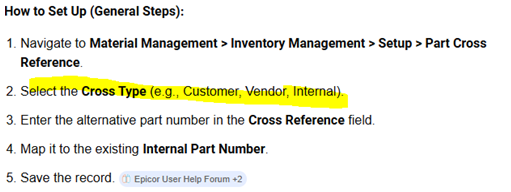
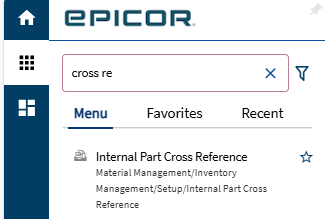
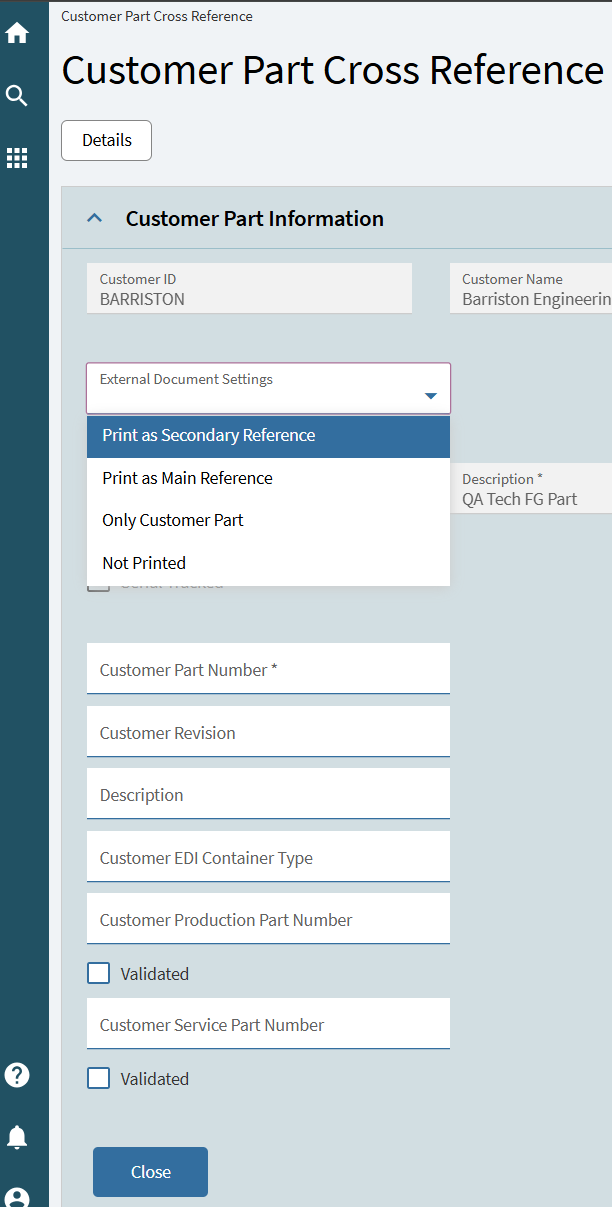
These instructions are odd to me. Customer cross reference is it’s own screen, search for “Customer Part Cross Reference”.
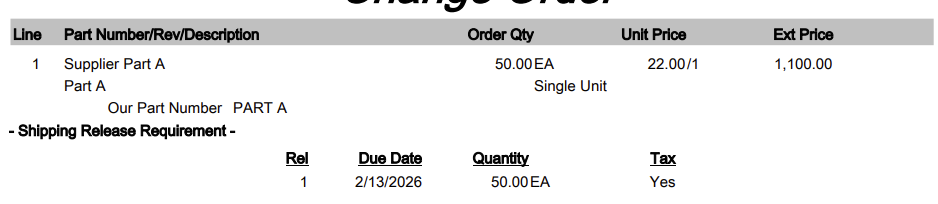
In addition, suppliers have their own cross reference, but it’s hidden in Supplier Price Lists. Go to that screen and you’ll see a Supplier Parts card that you can cross reference.
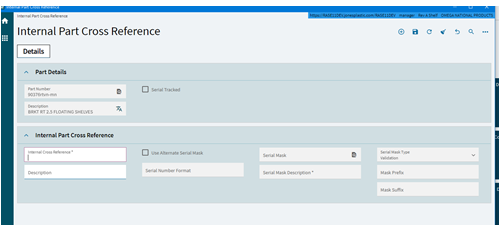
Internal Part Cross Reference is just for internal crosses in my experience. We’ll be using it to convert people to the new part numbering scheme as we implement. So if someone types in an old part it auto-converts to the new part.
If you sell the purchased part to all of your customers by the same internal part number and need to “mask” what you purchase the part as, use supplier price list. It allows you to include the supplier part number which you may choose to print on the PO.