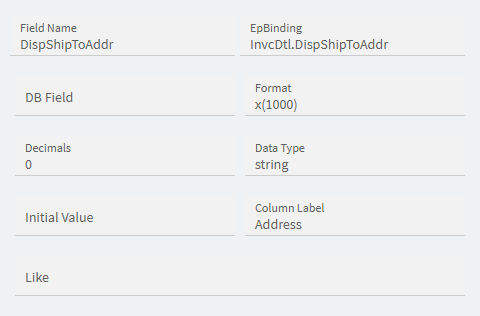
Does anyone know where this field is being pulled from in AR Invoice Tracker?
I have tried OrderHed.OTSAddress1, InvcDtl.OTSAddress1, ShipTo.Address1, and Customer.Address1. I still have some lines in my query results that are showing blank for the address, but when I look up the invoice and look at the Name Address field I am seeing the address there. This InvcDtl view is pulling the addresses from somewhere, I just have not been able to figure out how it’s working.
I believe that is a result of the “Print Sold To Address” on the Invoice header. I do not think that is a field that exists other than it being true if the other field is false.
It gets the address from the ShipTo table. It stores the customer number and ShipToNum in the invoice/SO and then, based on that, it gets the address. That’s why, if you change a customer address, it will update the addresses for all invoices, not just the new ones.
The exception to this is OTS addresses where it stores the addresses in the OrderHed table (OTSAddress1, OTSCity, etc.)
Okay, so the formula I was using included is not null in the conditional statement. I changed this to <> ‘’ and it is now working as expected. Thank you for the information. And thank you @aosemwengie1 and @jkane as well.
Here is the formula just to show what I was doing:
(case when OrderHed.OTSAddress1 <> ‘’ then OrderHed.OTSAddress1 else (case when ShipTo.Address1 <> ‘’ then ShipTo.Address1 else Customer.Address1 end) end)
There is one more level to Kinetic addresses. While the components of an address are stored as mentioned above, Kinetic creates a field to display addresses using the Address Format field. If no format is on an individual record, it defaults to the Country’s address format.