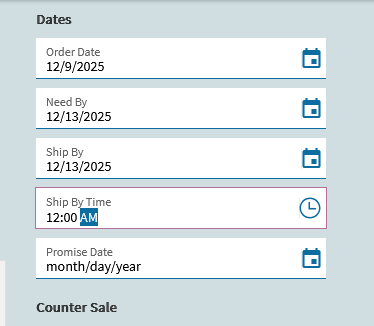
Is there anyone who have come accross a BPM that blocks putting a date that falls under a specific date? For example, if Orderhead.Needbydate value falls on a Sunday, it will prompt a message that will say “this is not allowed or accepted”
Hoping to get something, Thank you all in advance.
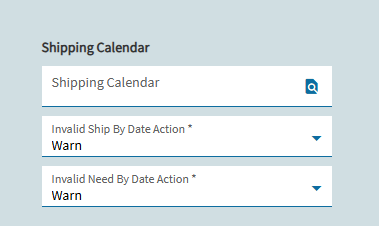
If the version you are showing is the one that you are on, then you should have the newer “Shipping Calendar” setup option in your Site Configuration > Shipping Receiving. Create a separate production calendar (called Ship, or whatever), then set that as your Shipping Calendar.
Then you have the option for None, Warn, or Stop for invalid Ship By and Need By dates on your sales orders. We don’t use this feature, but IIRC user will get a warning/error message if you’ve got this set to Warn/Stop.
I’d go with the stock method that @d_inman suggested. We do have a BPM that’s custom coded since the feature wasn’t available when we went live with Epicor many moons ago. I can confirm a BPM is possible but not really needed now.
We have a BPM that does this too. But it was implemented back in 10.2 when the newer shipping calendar wasn’t a thing. When we have time, I see us moving away from the BPM and just using the built-in calendar.
I would hold off on that. I found (what I consider) a major bug in this functionality. I’ve had a PRB open since October for it, and had multiple Teams meetings with support demonstrating the issue…but here it sits: PRB0303040
To confirm the issue, I’m assuming you have a shipping calendar, and it is setup in Site Configuration > Shipping & Receiving > Shipping Calendar.
Open the shipping calendar.
Add a non-work day that is not a weekend & save it.
Open an order and set the RequestDate (Ship by date) to the non-work day from step 2.
Note that you did not get a warning.
I contend that the issue is with the Erp.BO.ProdCalSvc.IsWorkDay method. If you open this method in Swagger and send in the non-work day you created in Step #2 above, you’ll see that IsWorkDay comes back as true, even though it’s marked as an exception on the calendar.
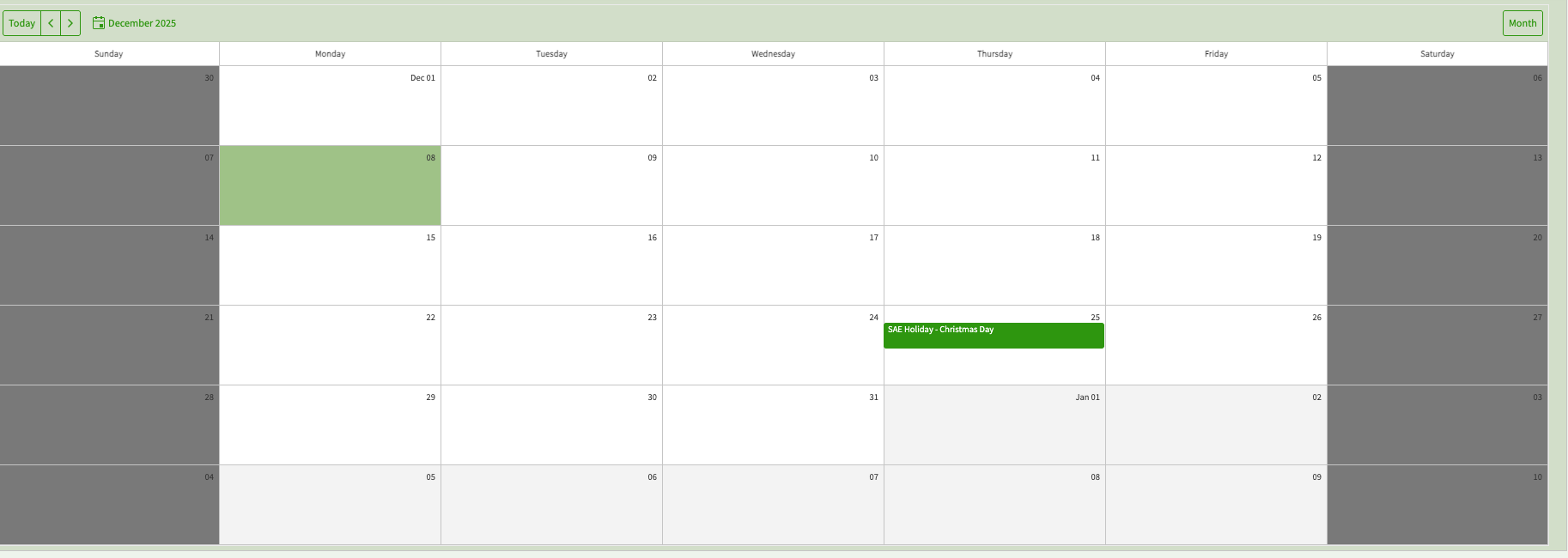
Shipping Calendar with 12/25 marked as a non-work day
Thank you for the heads up! We’ve got a big integration project with our new acquisition in 2026 so were going to try this with them instead of using the BPMs in the new company. We’ll keep an eye out.
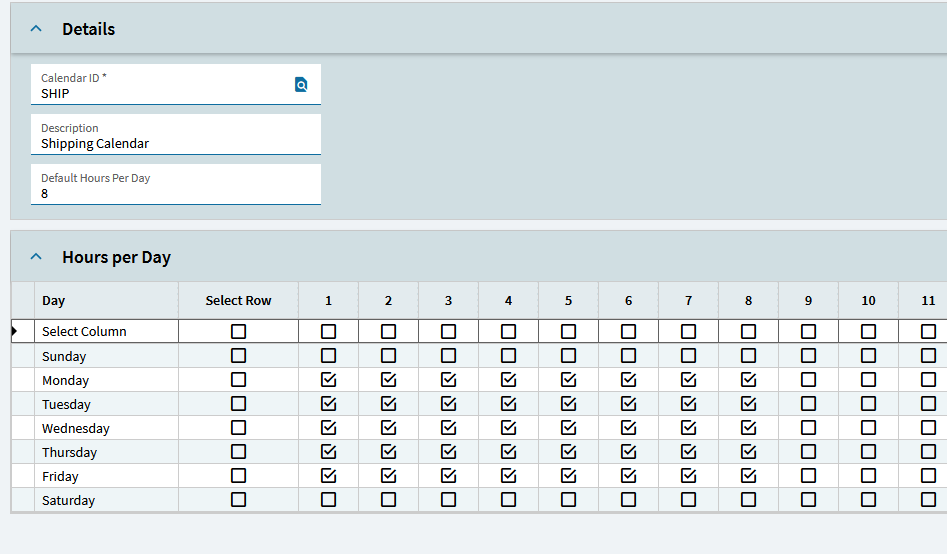
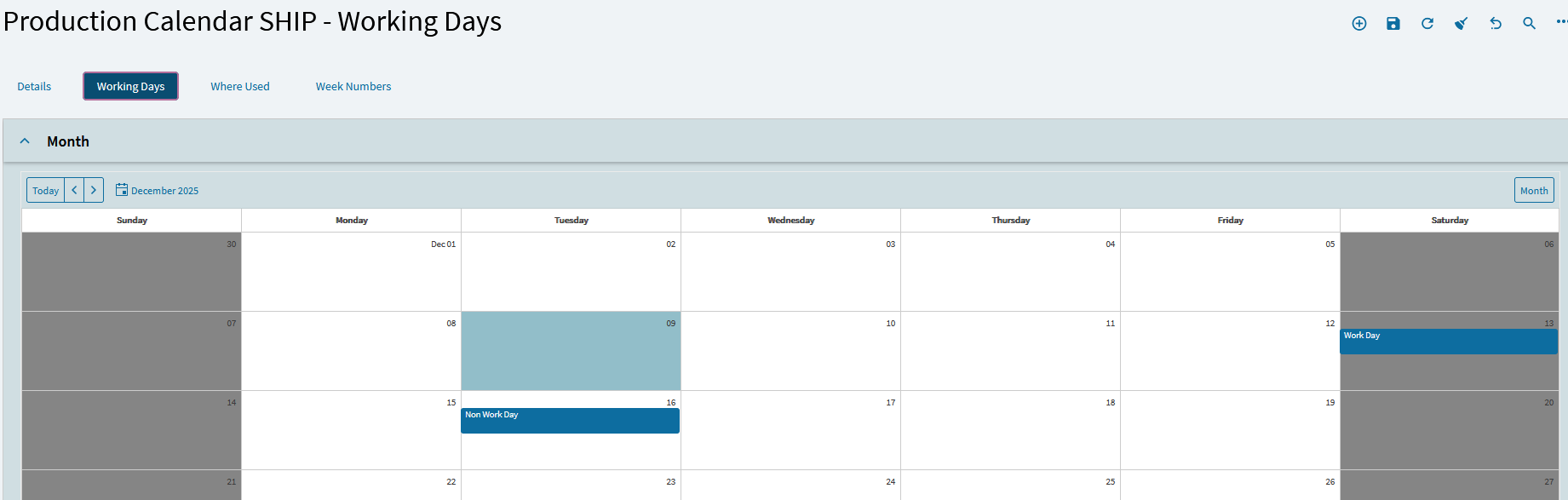
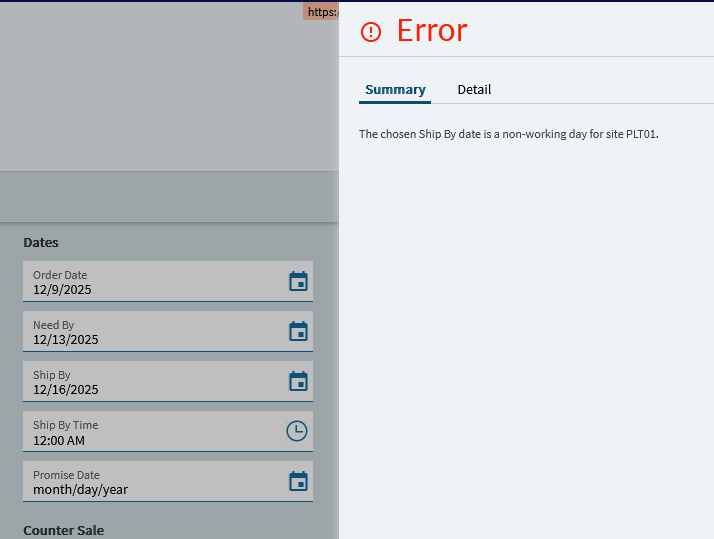
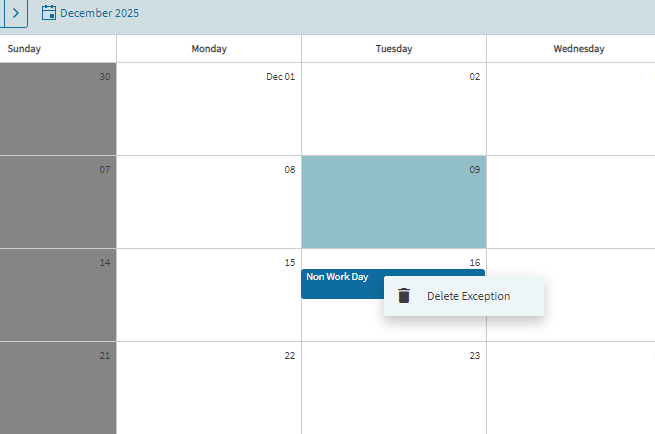
It looks like this may be fixed as of 2025.2.6? Currently testing for an upgrade and I’m seeing the error/warning is taking exceptions into account. For example, given this 8x5 calendar:
Trying to enter an order with a Ship Date of 12/13 (Saturday) works and is allowed. Entering an order with a Ship Date of 12/16 (Tuesday when closed) does not work, which is what we want.
I’m seeing that as well. I should’ve noted that the reason I started investigating this was because my production planner was complaining about MRP jobs being scheduled on weekends and non-work days. That’s when I figured out that ProdCalSvc.IsWorkDay was ignoring non-work days and assumed Sales Orders were using the same validation method. Turns out it uses SalesOrderSvc.ValidateShippingDate.
I’d be interested to know if you test that date you showed on your sales order using the ProdCalSvc.IsWorkDay endpoint in Swagger if it returns false for you?
I’m trying to test this in 2024.2.26. How do you delete a an exception in Kinetic? In classic you could select it and hit the delete key and remove it. That doesn’t work in Kinetic.
It shows false for the 13th (Saturday) and true for the 16th (Tuesday) when it should be the opposite. Looks like that issue is still present in 2025.2.6.