Hi All,
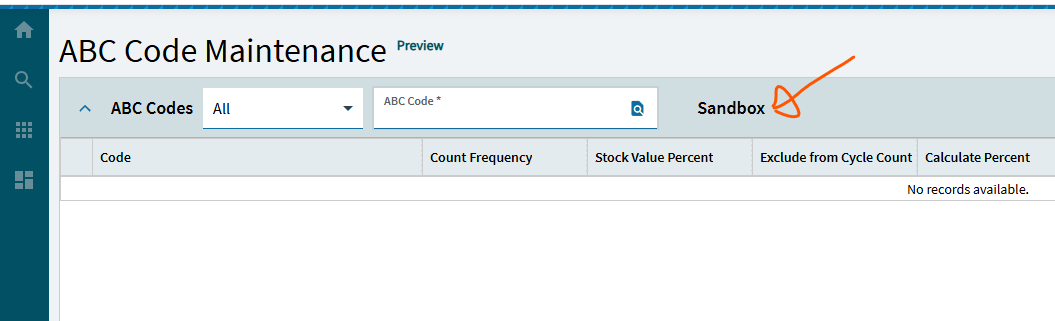
for testing purposes, I want to add application layer name on the screen. Is it possible to add it somewhere on the screen so that the I know which user is working on that specific layer?
I can do static value, but I am looking for a field value.

Are you saying you want to see it in App Studio? Or on the application form itself?
Curious how you want to see it.
It is in the URL, if you just want to see what a user is running at the moment.
Or you could add a label with the name of the layer somewhere on the screen (like in the title bar of the Tab page - where it will be visible wherever the user is)


Now I’m curious how it will handle this field when there are multiple layers with it updated… Sometimes the last-applied-layer-wins rule doesn’t act like it ‘should’
Well, what he added is still just a static value… not a dynamic “value” that actually looks for what layer is being displayed.
Anyone worked out how to do this programmatically for example you always name your layer with a .V.. Not sure if that makes sense in the kinetic UI world… but
Be careful as 2025.1 has removed the application name and layer names from the URL.
I thought it was me I kept rereading the URL thinking am on the layer or not? it’s not listed in the address and yet I can see my custom field so I must be. Very annoying step backwards must be a delight for support previously they could quickly tell from the screenshot that you definitely are not a base form
Indeed. However as both the layer names and the application id have been removed I suspect there is a good reason for it. The menu id is still there, therefore a quick menu search will tell you the same thing.