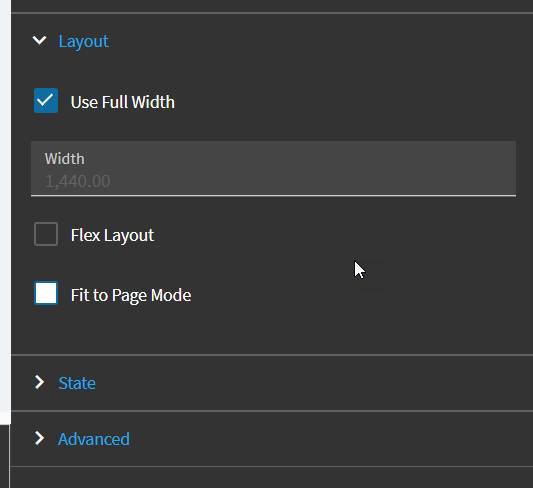
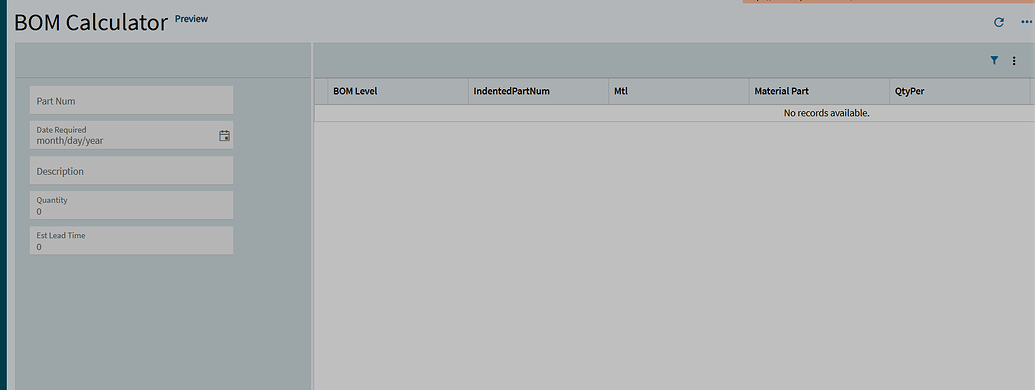
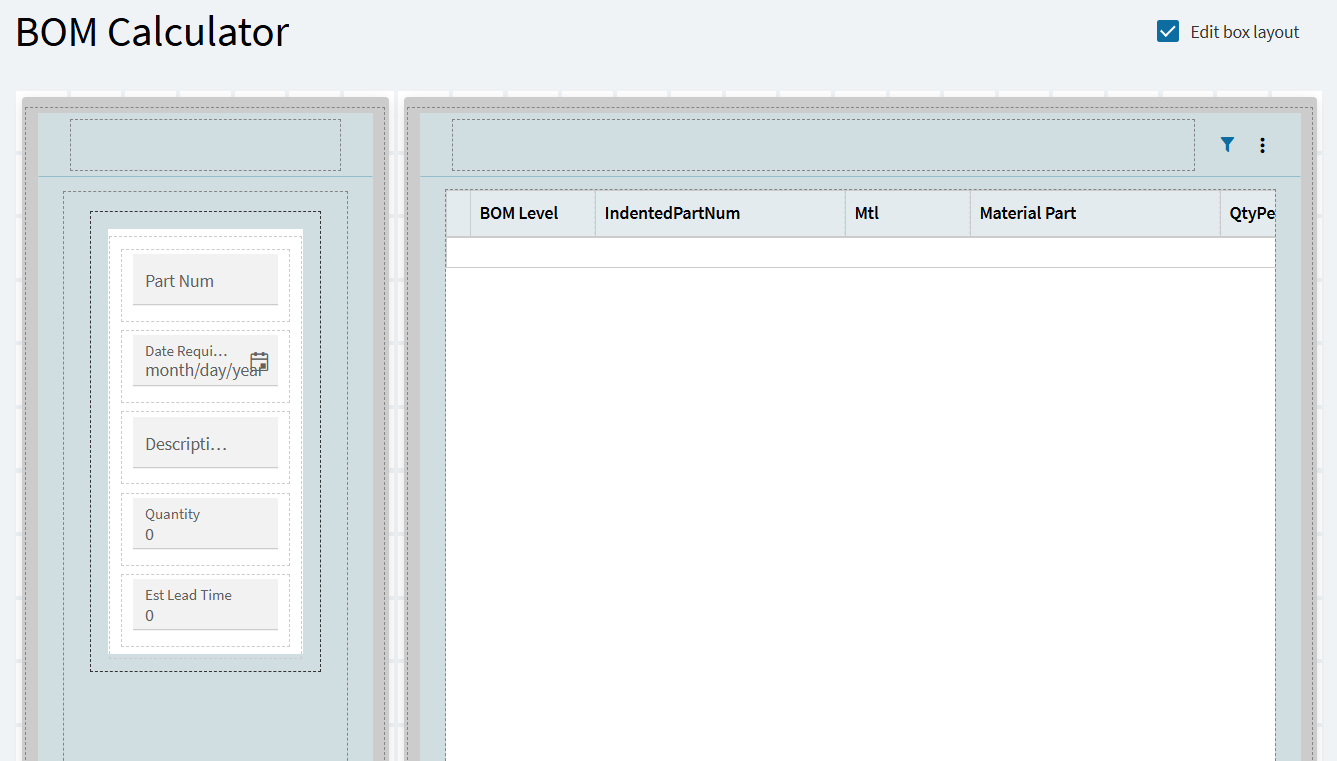
I want to resize the panels so that more data can show on the right panel. RIght now the left panel is taking up a lot of room.
1 Like
You are in the edit layout mode that lets you set up panels in a grid fashion, you should be able to drag the grey edges on the border to resize them. There is a lower limit to the sizing.
If you change the mode to the “normal” app studio mode, and click each element, you get a popup in the corner that says xx%, you can set this to say 30% and the element will take up 30% of the view.
2 Likes
What do you mean by “normal” app studio mode? I am not seeing that. After unchecking the edit layout mode box I am unable to drag any panel.
1 Like