I’m trying to find a way to uncomplete a form when a user click on ‘Restart Workflow’. However, I only see the action ‘Complete Form’ in the workflow options
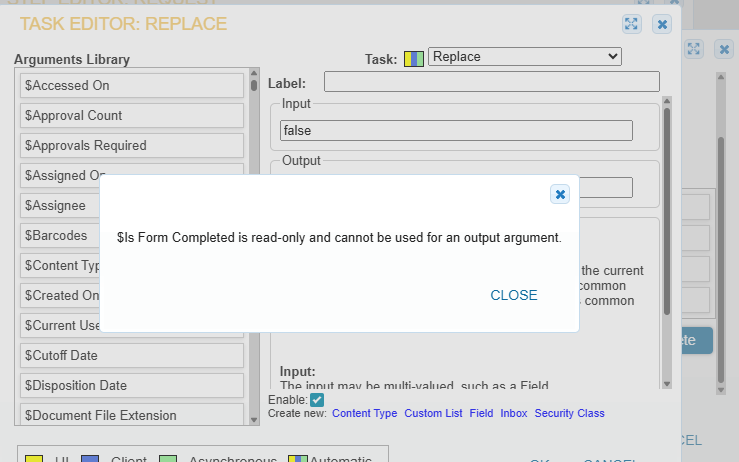
Also, I tried to use a ‘Replace’ action and then replace the ‘Is Form Completed’ field but I’m getting a message saying that that field is read-only
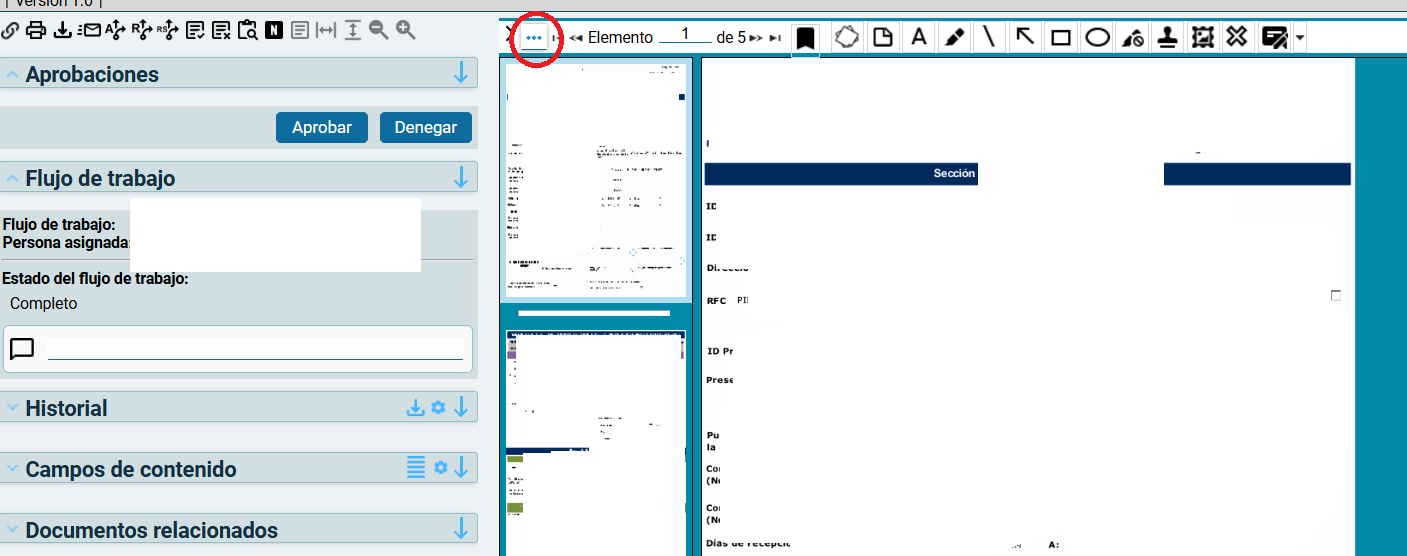
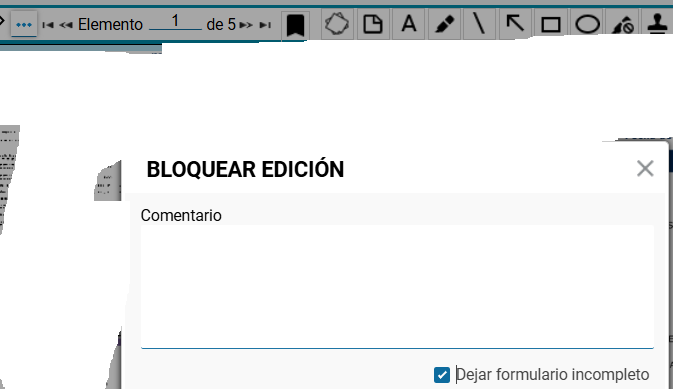
Is there ANY way to do this or am I forced to tell my users to use the 3 dots and then Uncomplete Form every time they need to restart a completed workflow?
I don’t believe that there is a task that can accomplish this from the workflow. The system variable $Is Form Completed is seemingly only meant to evaluate if it is or isn’t completed and the complimentary task to complete the form, just not the opposite.
At best I think you would need to use the ECM API and determine what it is doing when a user manually uncompleted a form, then replicate that via a datalink and workflow handling.
Is there a reason the form must be marked as complete in the first place? Depending on what your requirements are, maybe you could simply make it wait for a predetermined amount of time before it marks it as complete in the workflow.
Because it’s easier for people to see when the form is completed (so read only). Otherwise, they just update the fields in the form and hope that the rest will follow which is problematic
And people reopen requests sometimes when a quotation gets back in the pipeline after a few months so making every workflow wait for months just for that specific situation isn’t ideal