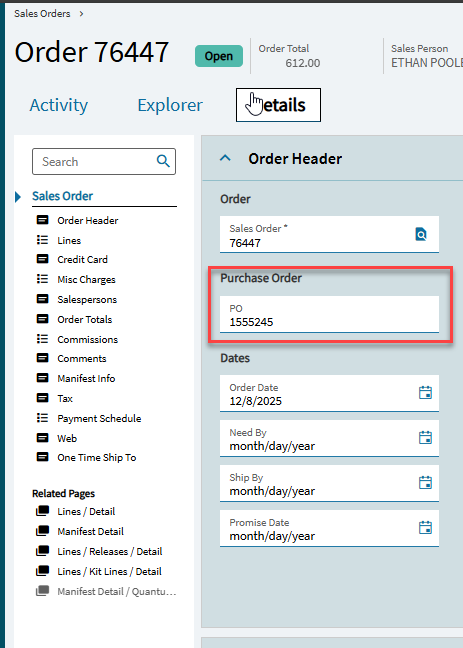
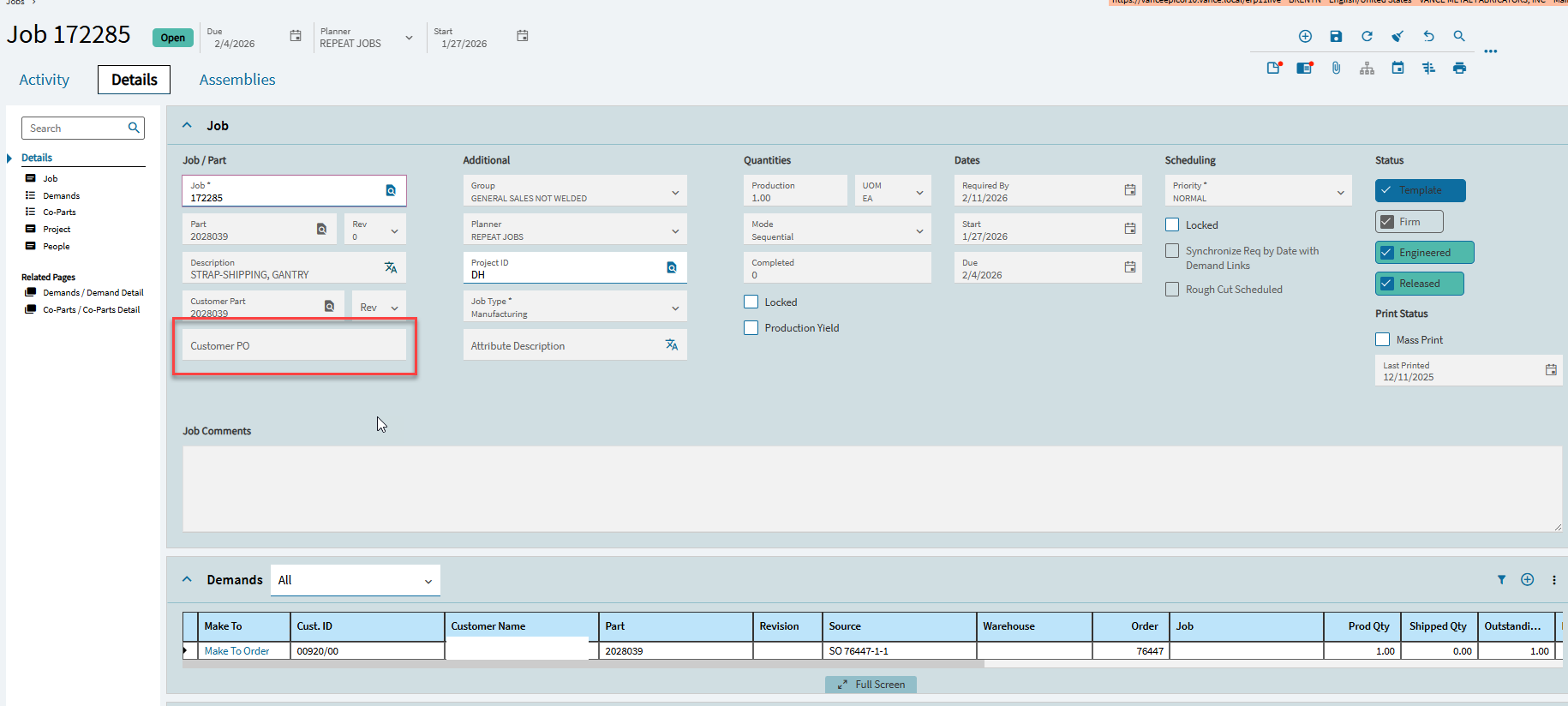
Does anyone know how I can get the customer PO number that is entered in Order Entry to appear in job entry as a reference?
1 Like
Are you using Make Direct Jobs? That is, there is one on only one job per sales order release?
2 Likes
Yes, 1 job per order line release
1 Like
That’s good. OOTB, Kinetic allows multiple demands for a job. One can mix and match multiple order-line-releases as well as job and stock demands. This is probably why it doesn’t populate by default. However, in your case where it is one-to-one, you could do a lookup on JobProd and populate this field.
2 Likes
Laughing at @klincecum’s “thinking” on this one because he already (kinda) solved this.

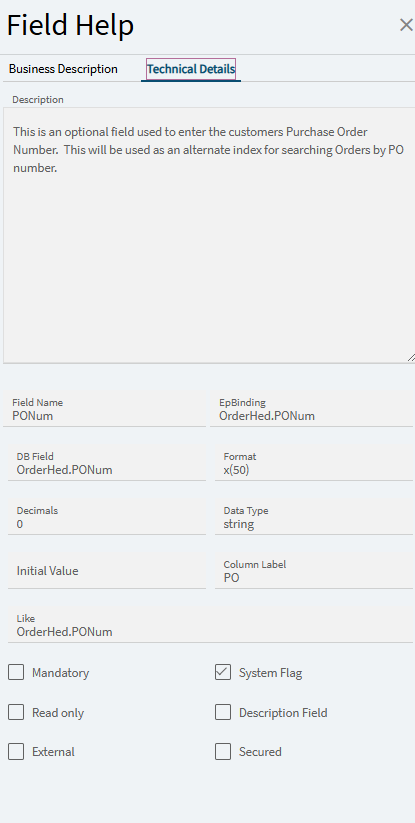
Job Entry contains a JobProd dataview which has the OrderNum you could build off of.
But, the first hurdle (I agree with @Mark_Wonsil) is that JobProd COULD be 1-to-many. You could have (1) job making parts for multiple sales orders. In which case, which PONum would you display in the text box?
~~
You guys already talked through that while I was testing the below, so we’ll ignore that…
~~
You can pull this off via BPM. Ref thread:
I tested by creating a BPM (Post) on JobEntry.GetDatasetForTree which is the method Job Entry calls which populates the JobProd dataview.
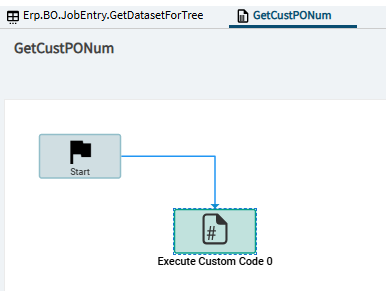
Code (starting with @klincecum’s… massaging for our purpose… and then using AI to improve efficiencies cause Davey-no-Codey):
// Distinct, non-zero OrderNums from the temp dataset
var orderNums = result.JobProd
    .Where(r => r.OrderNum != 0)
    .Select(r => r.OrderNum)
    .Distinct()
    .ToList();

if (orderNums.Count > 0)
{
    // Query only matching orders (SQL does filtering)
    var poByOrderNum = Db.OrderHed
        .Where(oh => orderNums.Contains(oh.OrderNum))
        .Select(oh => new { oh.OrderNum, oh.PONum })
        .ToDictionary(x => x.OrderNum, x => x.PONum);

    foreach (var row in result.JobProd)
    {
        string poNum; // C# 6: declare up-front

        if (row.OrderNum != 0 && poByOrderNum.TryGetValue(row.OrderNum, out poNum))
            row["CustPONum"] = poNum ?? "";
        else
            row["CustPONum"] = "";
    }
}
else
{
    foreach (var row in result.JobProd)
        row["CustPONum"] = "";
}
Going this route adds the “CustPONum” column directly to the JobProd dataview. So, no real customization work is needed in Application Studio other than binding your textbox to JobProd.CustPONum.
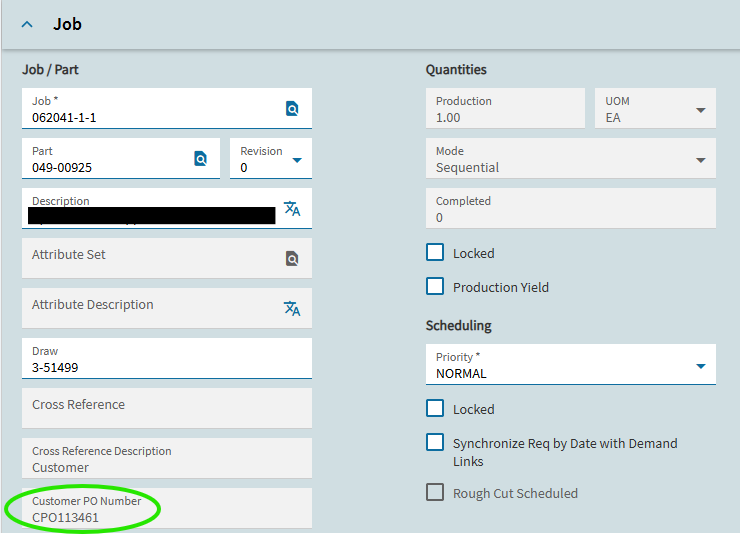
And/Or, you could add the CustPONum column to the existing “Demand” grid, which is already bound to the JobProd dataview:

2 Likes