Hello,
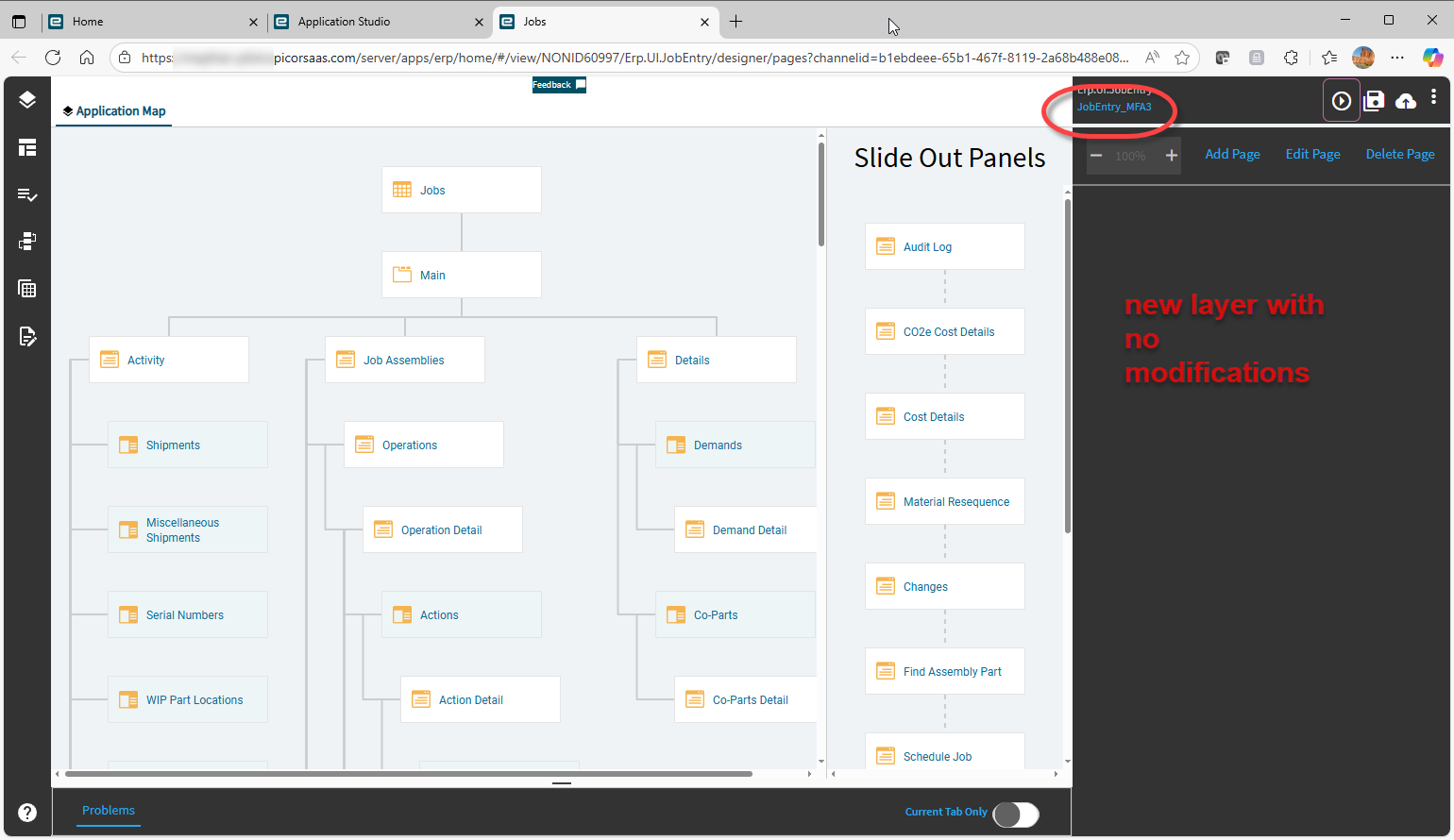
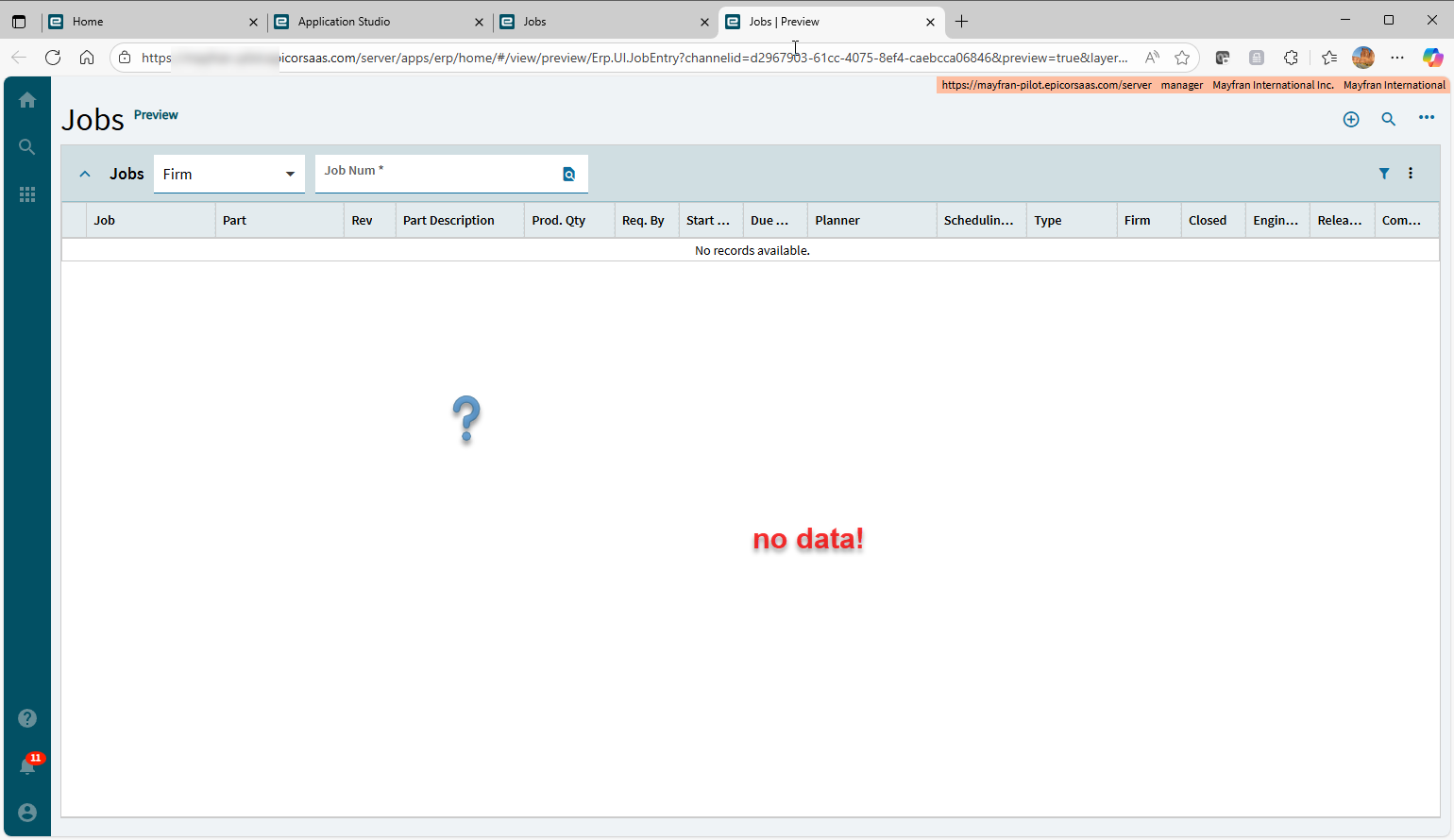
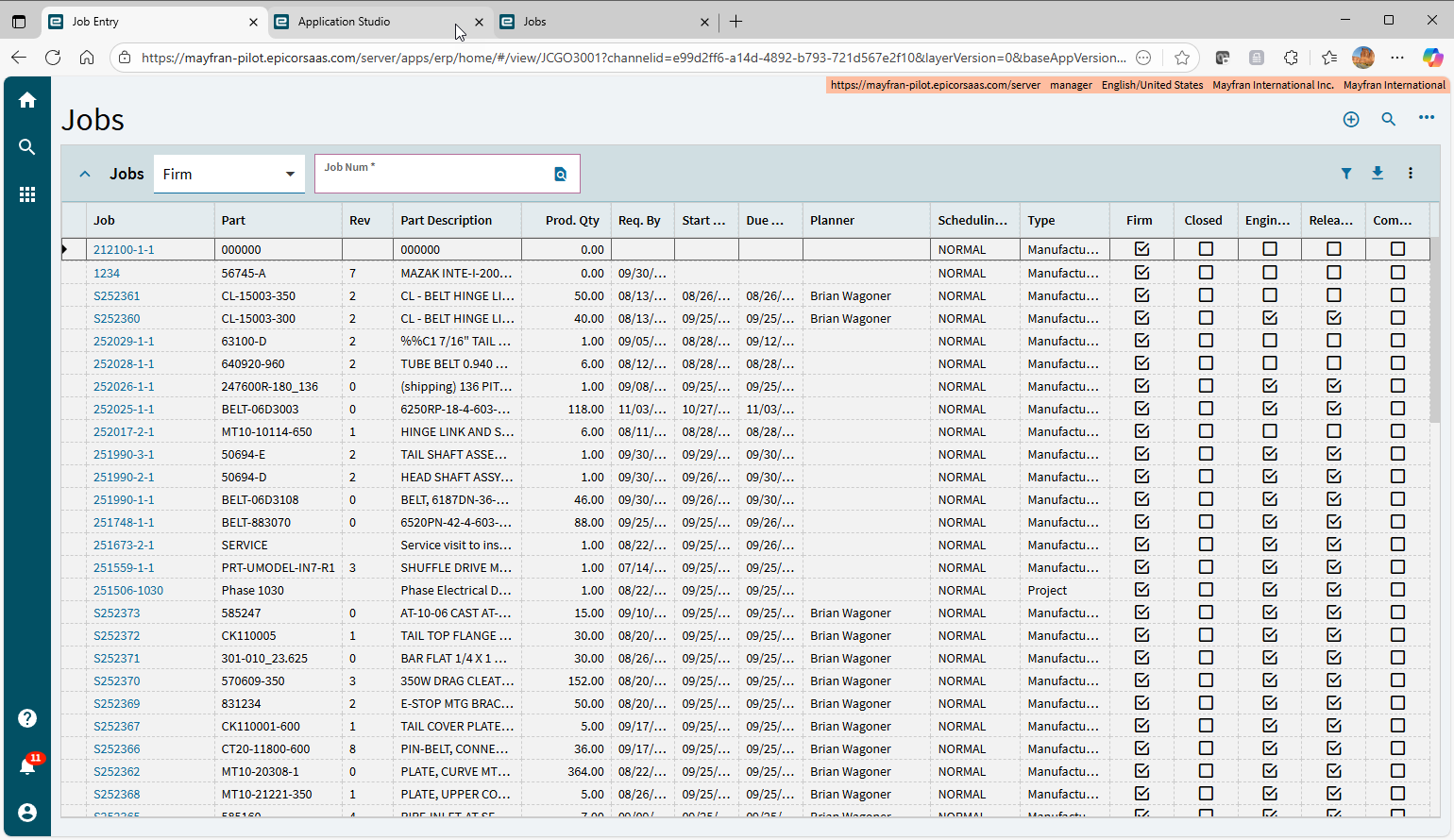
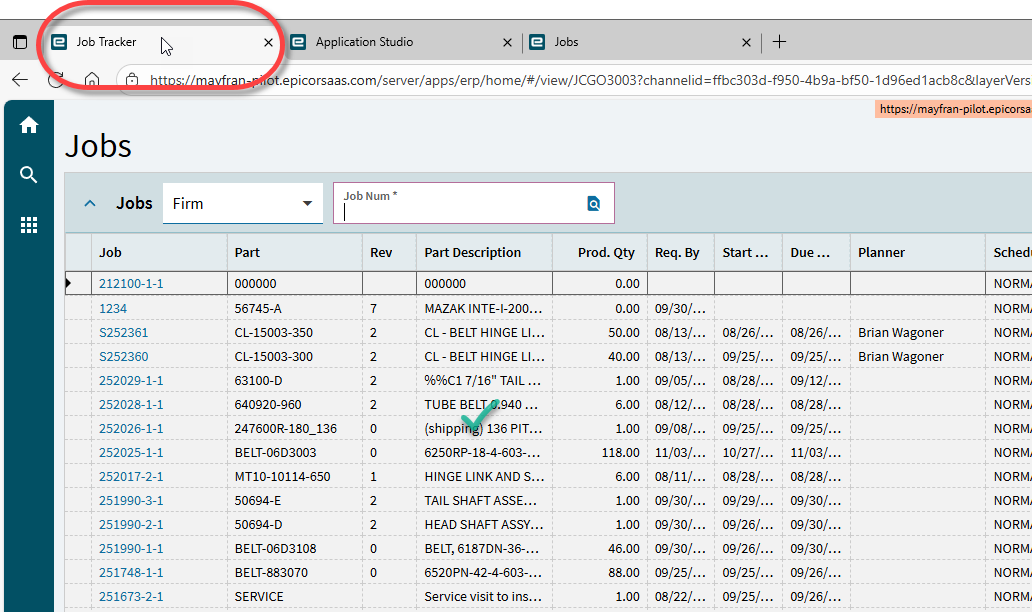
I am trying to add a couple of simple fields to a form customization on the Job Entry form. I was not seeing any data on the landing page so I started from scratch from the base layer and I am still not seeing any data in preview mode. So I deleted my custom layer, called up Job Entry in App Studio, created my new layer, saved it, and did a preview. So this should be just base functionality - nothing I added. When I preview it, there are no jobs in the landing page. When I call this form up from the menu (no customizations on it) it works fine. But in App Studio it does not show any data. I am new to using App Studio and we just took a course last week so I am trying to do a simple customization.
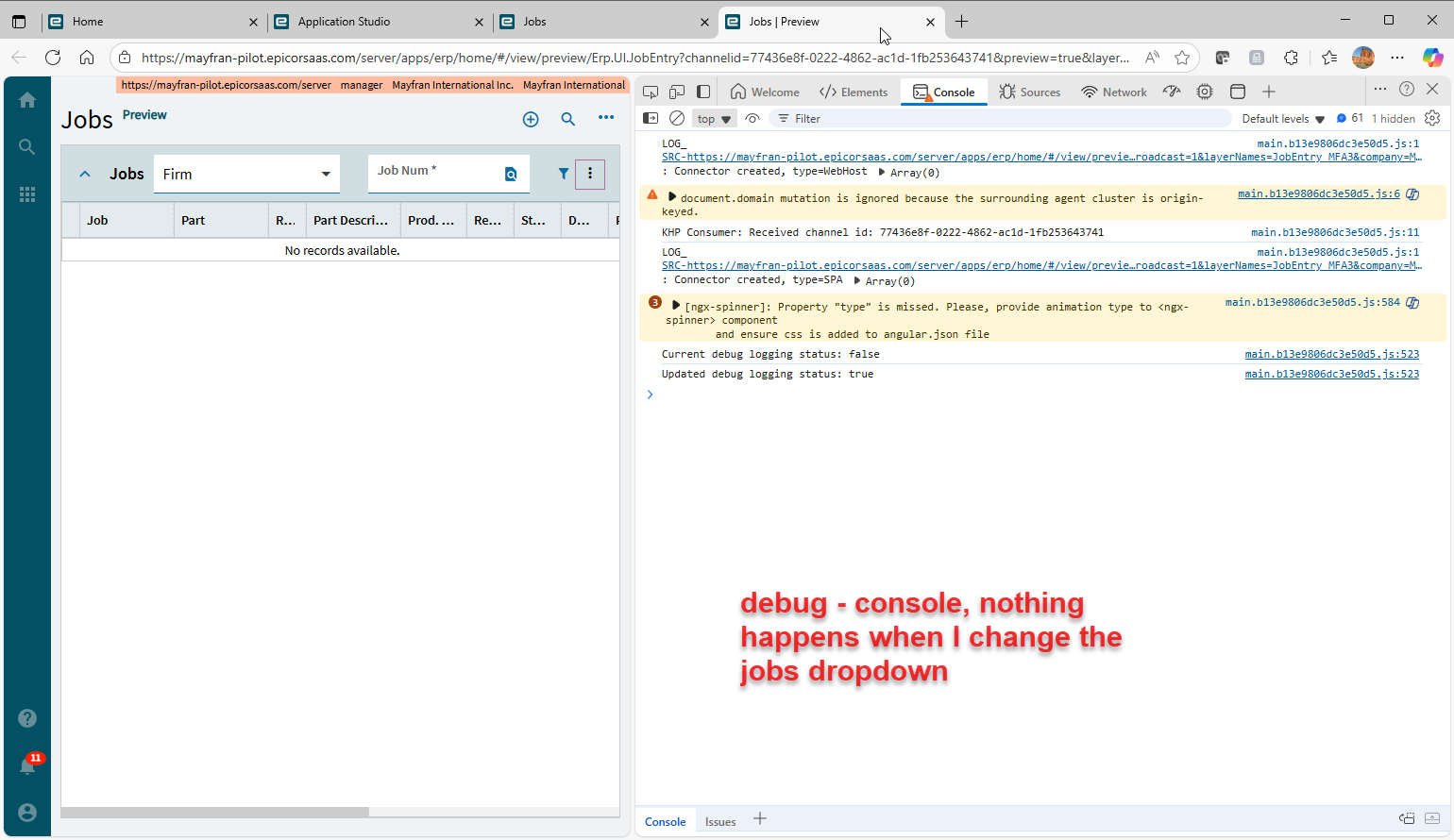
I opened up the debug window (F12) but I’m not sure if I know what to look for. If I switch to any of the job dropdown selections (All/Firm/Unfirm) nothing appears. But again, they work on the screen from the menu.
Is this a known bug, or am I doing something wrong? Is there any other debug windows I should be looking at?
Ok well I completed the customization and added it to the menu and it works fine from the menu so I guess that is good enough. Not going to worry about it not working in preview mode.