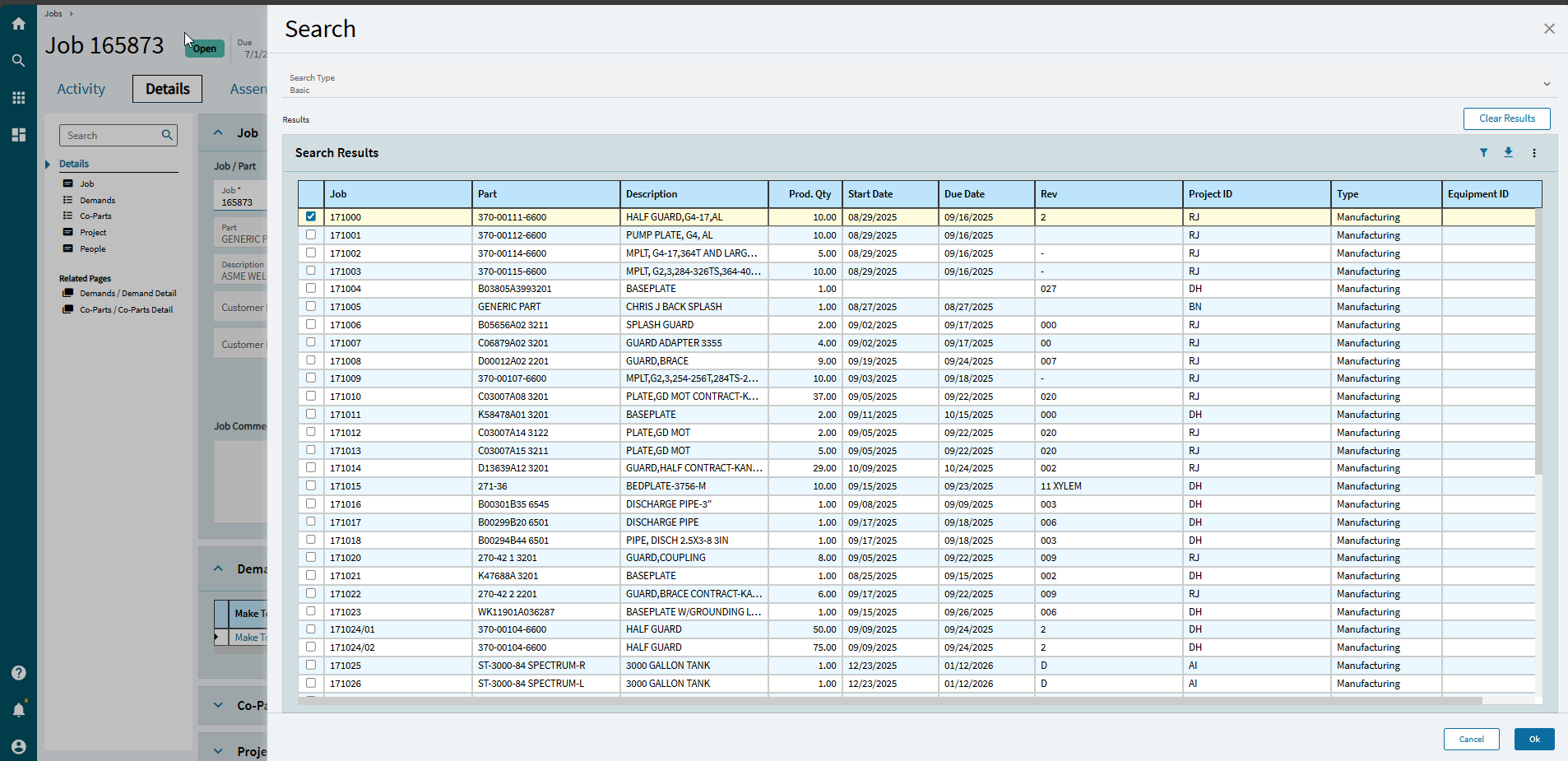
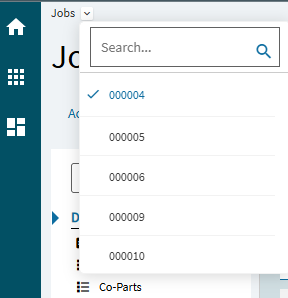
So coming from Epicor 9 we used to be able to search out multiple job numbers and pull them into job entry or tracker and switch between the jobs easily.
It looks like that feature is gone in Kinetic (Like a lot of other things that frustrate me)
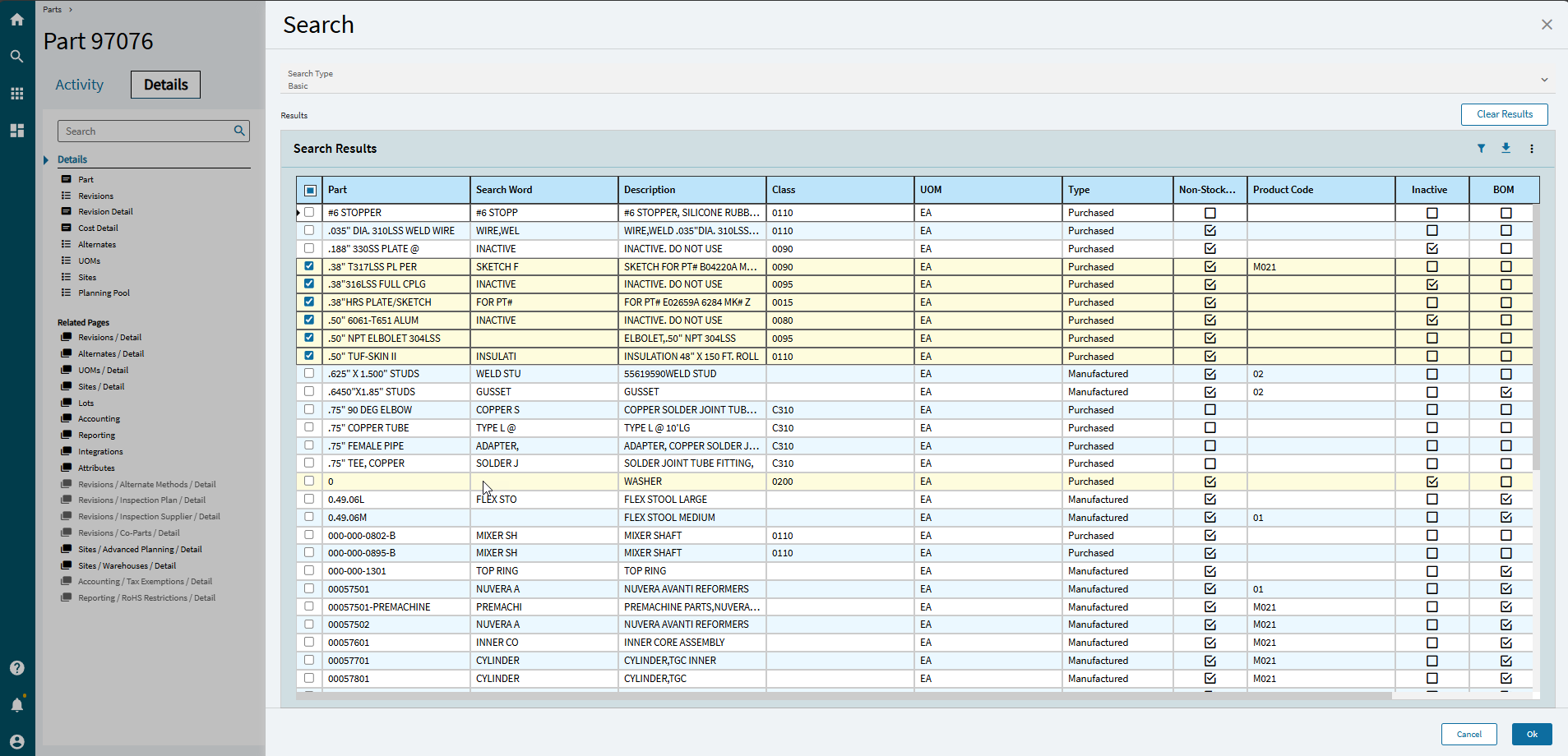
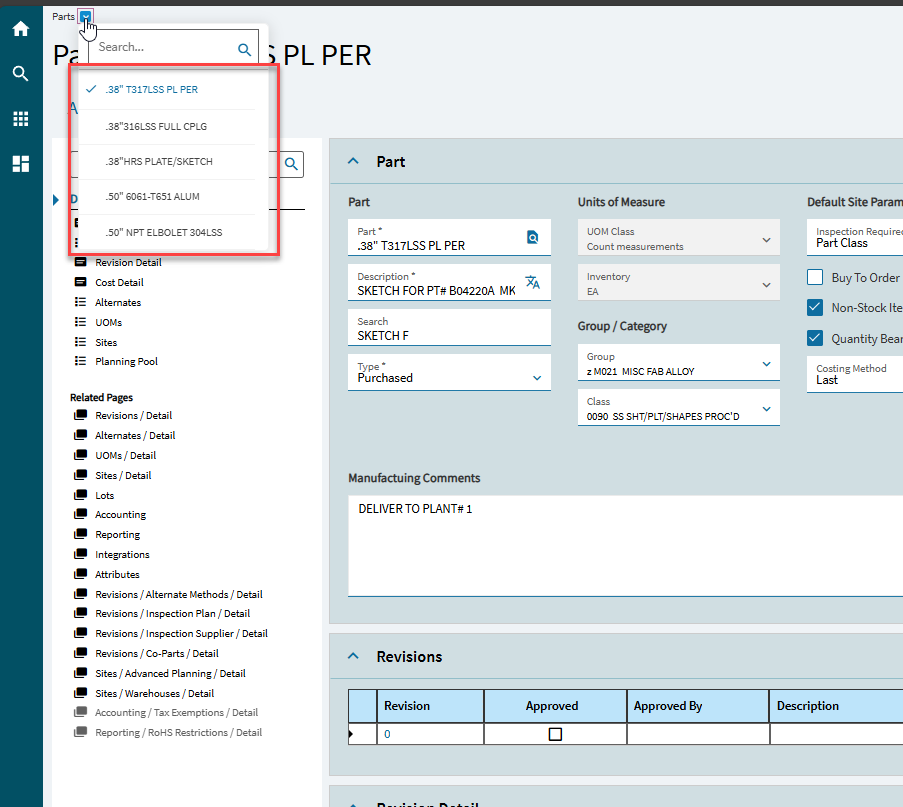
I did notice that it is kind of there on the Part Entry side as it allows you to search and pull in multiple parts that do show in the crumb bar
Why is this not possible in Job Entry? Is this a setting that can be turned on?
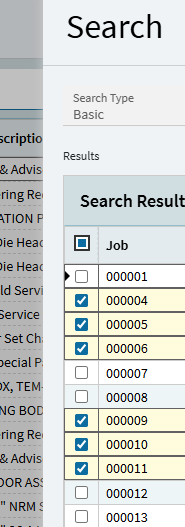
Fun bonus, when opening this way, you can use CTRL LEFT and CTRL RIGHT to cycle through the selected orders. These shortcuts also work on the full list to cycle through all jobs.