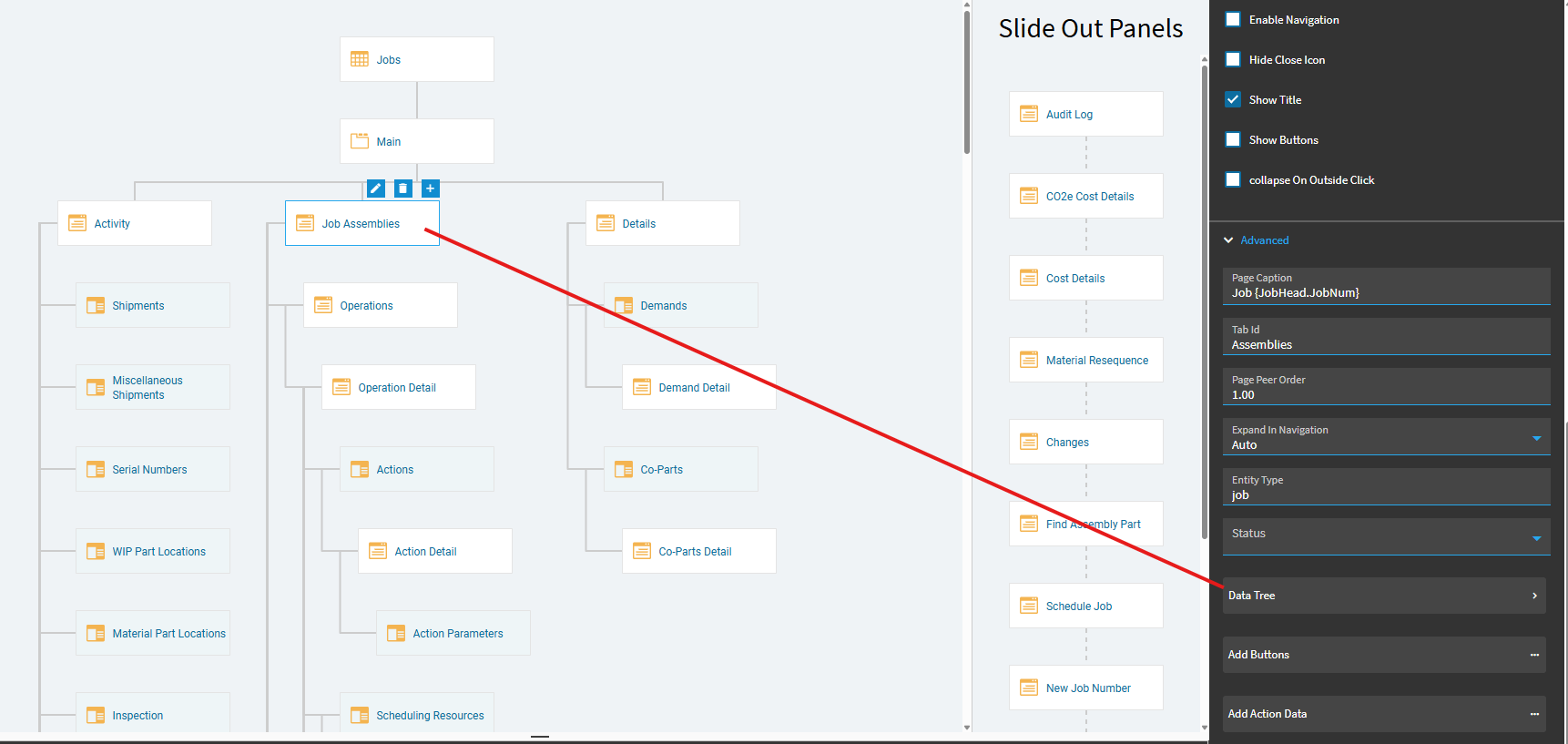
You’ll need a custom layer… But, in application studio, you need to adjust some properties on the Job Assemblies page.
If you scroll down in the properties, you see a box for “Data Tree”… click in there:
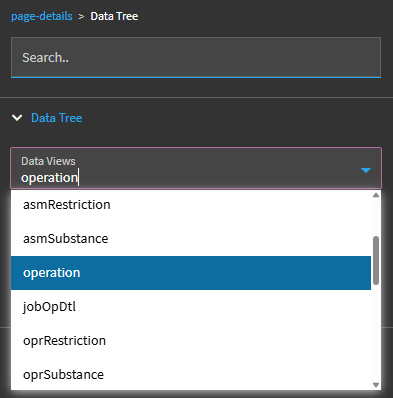
Scroll down in the selection list until you find operation:
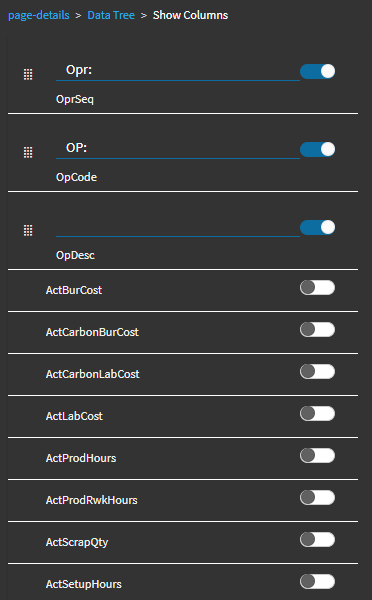
Then click “Show Columns”
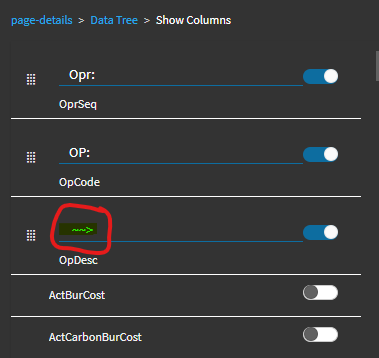
You can toggle on additional fields to view them in your tree, for example, toggle on OpDesc:
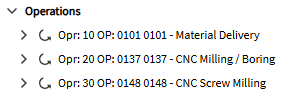
That will change this:
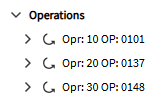
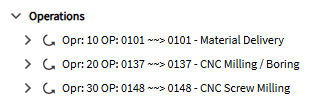
To THIS:
You can also type in “preceding” characters like the below:
And you’ll get something like this:
You can do the same thing with “Assemblies” and “Materials”… so instead of just seeing the PartNun of the assembly and materials, you can also see the part Descriptions.