Hello,
MRP made the “pull qty” on a job greater than the “required qty” on the job. Does anyone know how this happens? It doesn’t make sense that Epicor would suggest that we pull a qty greater than the qty we need.
On the Part > Sites > Planning tab, we have the “auto consume stock” checkbox selected so MRP will auto-assign a pull qty on a job if we have it in stock.
Thanks,
Nolan
Is there a scrap factor or something else that would cause the job to need more?
No - there is not a scrap factor here. I am trying to find why Epicor thinks we need more…
Correct, and one of the reasons that Epicor might think you need more is due to a scrap factor on a material or subassembly.
I verified that there are not any scrap factors related to this. Are you aware of any other reasons Epicor may be suggesting more than is required?
Can you show a time phase screenshot? That will help us see what you might have going on with a part. Otherwise, we’re kinda flying blind.
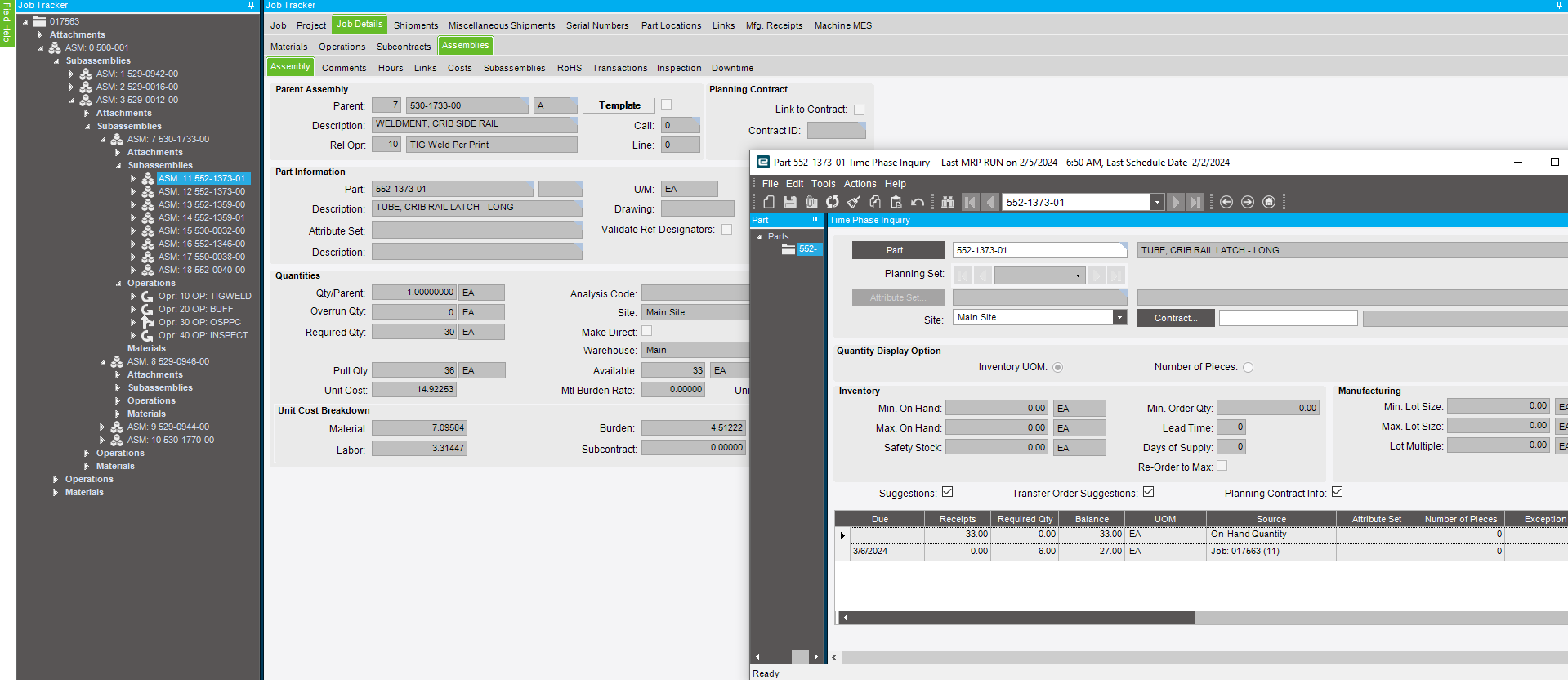
What is interesting to me is that the pull qty appears to correlate with the costing lot size set up on the part. To my knowledge, costing lot size is only utilized in cost rollups to calculate a standard cost of a part. Costing lot size shouldn’t be considered when running MRP. Could just be coincidental…
I’m at a loss. Those numbers don’t make any sense at all. Is this the only part with that problem? If so, I think I would just fix the pull qty manually and then watch to see if it pops up again.
If that is your costing lot size, do you have a minimum lot size on the part?
Yeah that makes two of us. All of the pull qty’s that are greater than the req’d qty’s are greater by a factor of 1.2, which happens to be our Prod Std in Pieces/Hour for the operation each assembly is tied to. That shouldn’t matter though…
No, we don’t. These are non-stock parts that we happen to have on-hand quantities of, but we don’t typically stock them and would never have a job of their own. They would always be an assembly of a parent job (pull-as-assembly).
Have you captured the MRP log to see if there is anything in there?
Just did that and we solved it. The job qty. was reduced after MRP ran, and the Pull Qty’s did not update. It makes sense that they don’t automatically update (for the most part).
Lot size?
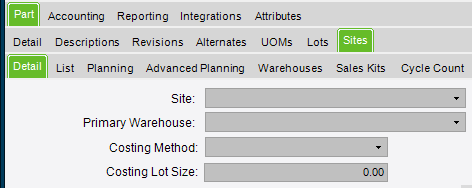
Costing lot size.
Under planning 