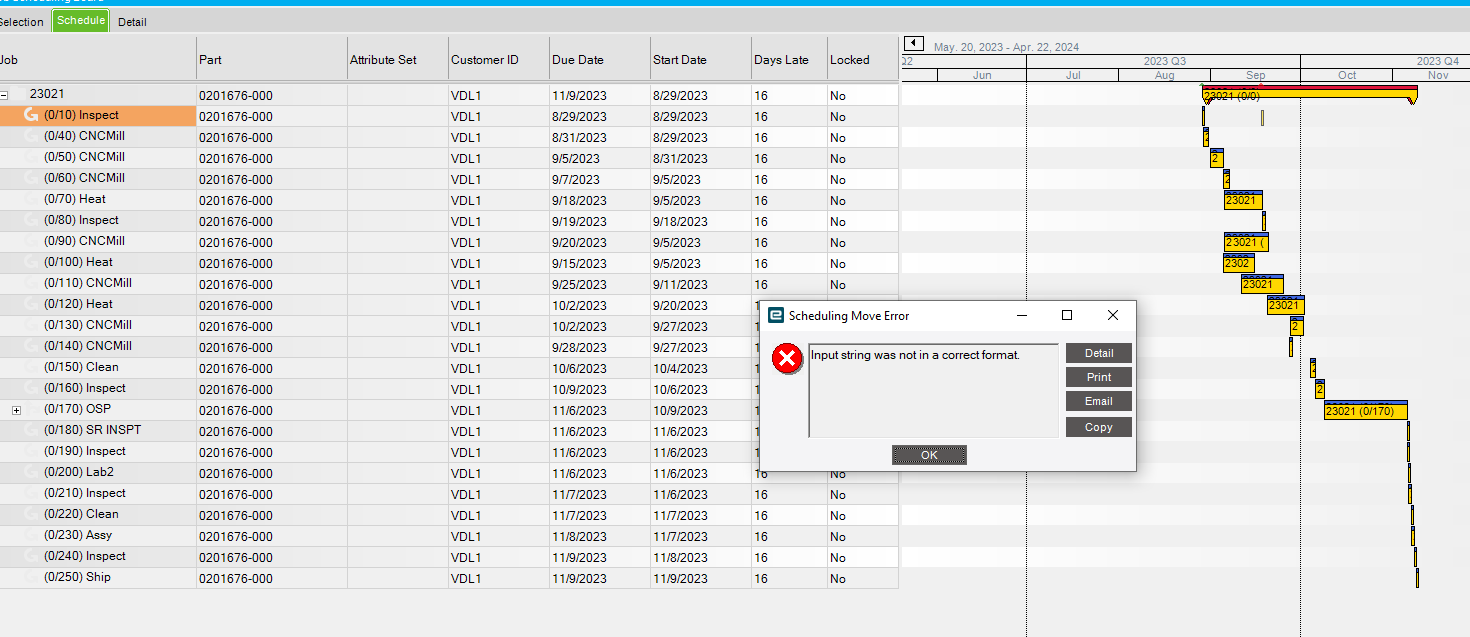
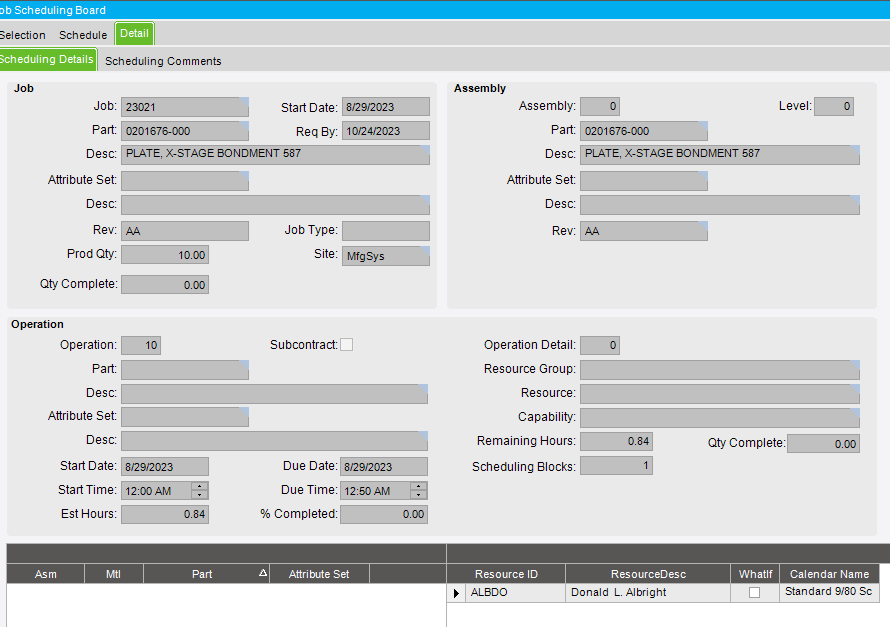
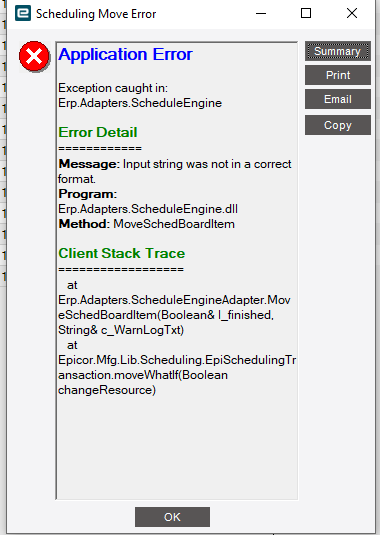
Just upgraded to Kinetics and found issue with Job scheduling - getting scheduling move error that I never saw using the old E9 version. See imaged - tried to move op 10 but got this error
any help would be great
thanks
Just upgraded to Kinetics and found issue with Job scheduling - getting scheduling move error that I never saw using the old E9 version. See imaged - tried to move op 10 but got this error
any help would be great
thanks
You should copy and paste in the details too.
how recent was the conversion? did this job exist in 9? I just scheduled op 10 in 22.1 and 22.2(Kinetic screen) and did not get an error, so this feels like a data issue. Do other OP 10s or other jobs also have an input string error?
I had meant the error details. That might provide more information.
Is the resource a Location? Now I am just spit balling.
No, they are either a specific piece of equipment or a specific person
What I do know is that the job was locked when we did the implementation. not sure that helps
Each Operation must have a scheduled resource that is marked as a Location. If that resource is not marked as a Location, that might be the issue.
There is a setting at the Company (or maybe Site) level that allows you to move locked jobs. I’m running out the door or I would have gotten the specifics.
we reference everything to the resource group and a double checked they all have locations
I think what @jkane is saying is that even though your scheduling requirements are Resource Groups that are set to be locations, the resource that actually gets scheduled must also be a location.
In addition, I think everything marked as a location must have a In and OUT bin defined. I would get a hold of the Scheduling Technical Reference for this version and check to see what is required. It wouldn’t be the first time Epicor made a change like this and didn’t mention it 
Well this is interesting- last night I unlocked a single job and did a global reschedule. at that point I was able to move the job. I then unlocked a 2nd job and got the same error. repeated the process of global rescheduling again. After the reschedule I was able to move that job
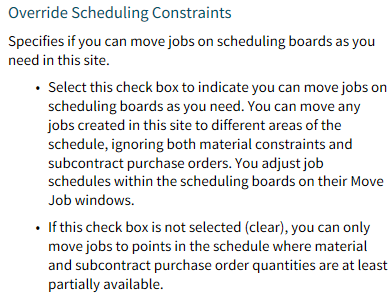
Here is the setting on Site Maintenance that would allow you to do what you want.
John,
I went to site maintenance and " Override scheduling constraints is blank- tried to check it and it will not allow me to
any thoughts
No idea. Only thing I can think of is if there is field security on that field.