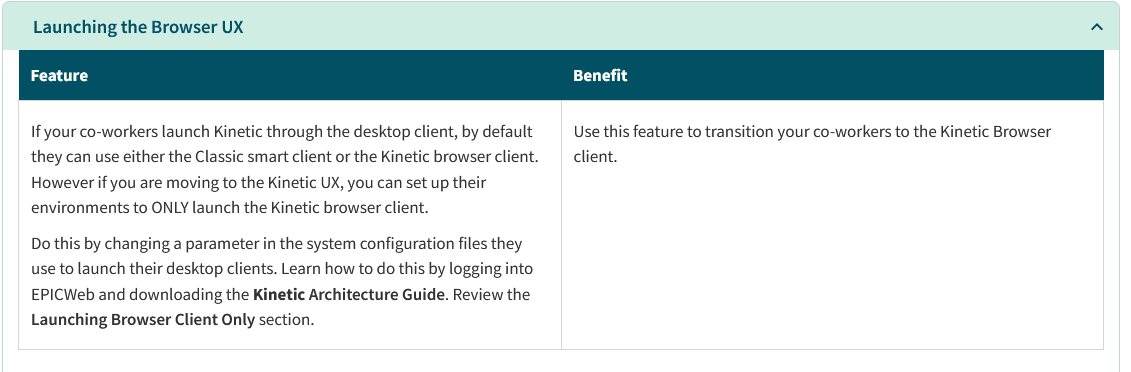
I just launched Pilot and received the 2025.1.4 upgrade. Now, my Pilot shortcut is launching the browser UX automatically, with no smart client at all. I looked through the “What’s new in 2025.1” document on EpicWeb and only found mention of an option being available to do this. Unfortunately, the Kinetic Architecture Guide for 2025 referenced doesn’t appear to be published yet. Is there a new AppConfig value? Anybody know?
2 Likes
Check the admin guide again for SYSCONFIG file options. I think it’s in there.
In your sysconfig need to add <EnforceBrowserFirst value="false" />
3 Likes
Which should have been in there from the start.
Yeah, seems like a swing and miss on that one. Hopefully they add it in the future update.
Thanks! That fixed it. This behavior impacted both an existing install of 2024.2 (with an existing sysconfig) as well as a fresh install on a new computer of 2025.1 today.
Pretty obnoxious issue.
3 Likes