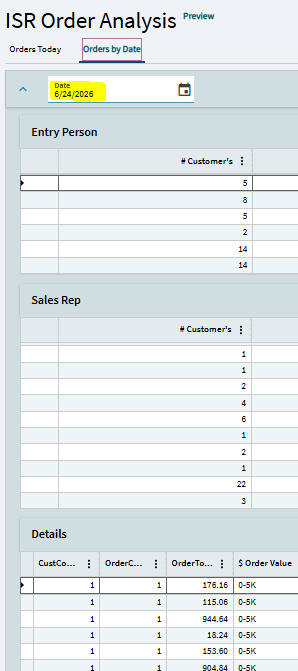
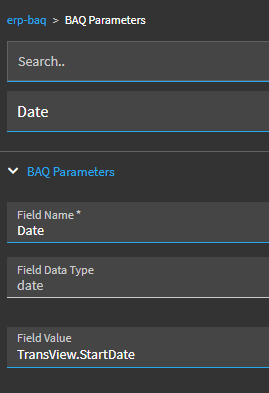
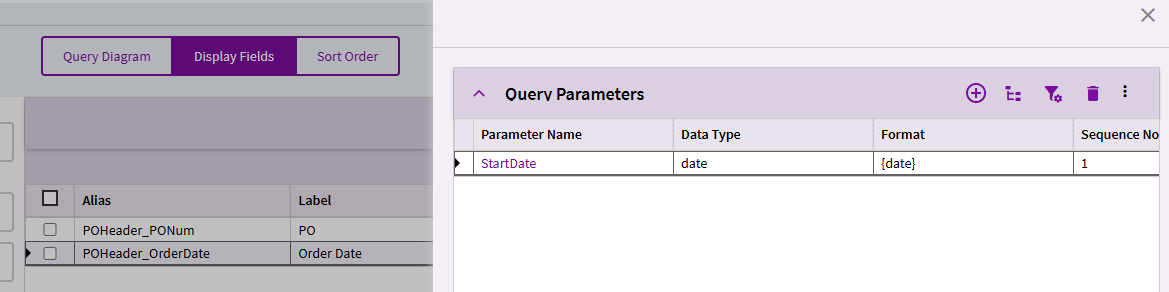
We are in the middle of an saas cloud miration from 10 and I have just started the process of rebuilding all of our dashboards. Thanks to all of your fantastic tips I have successfully created a 3 baq panel grid page with a date picker to pass the order date parameter through to each.
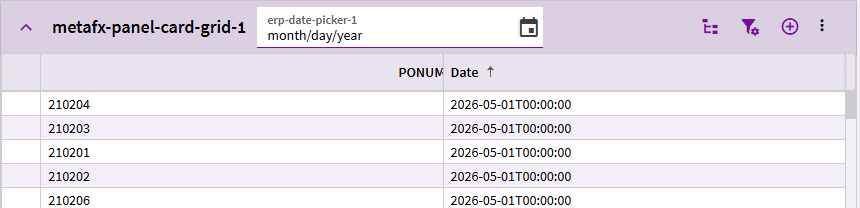
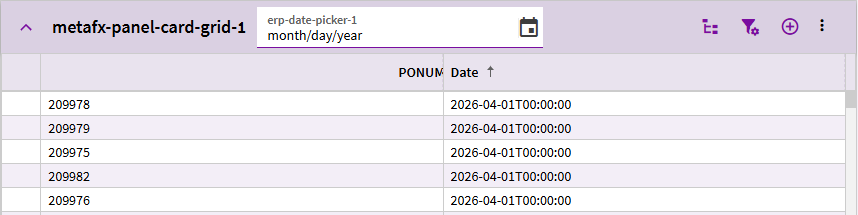
On load it sets the initial date to -90 days and all 3 queries populate properly. The problem I am having is when you pick a different date from the date picker:
I am positive it is probably how I have configured the event but for the life of me I cannot see what I have done wrong. I have for sure been staring at it too long.
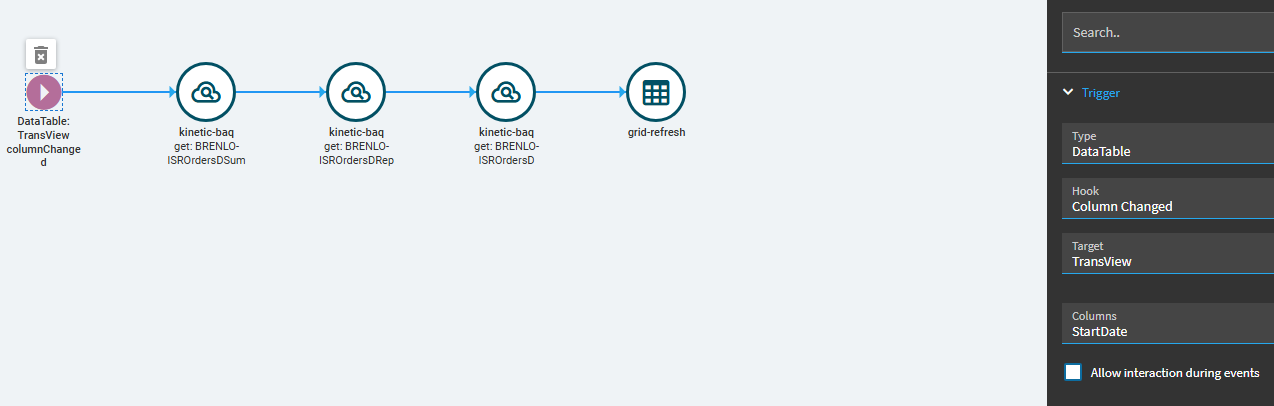
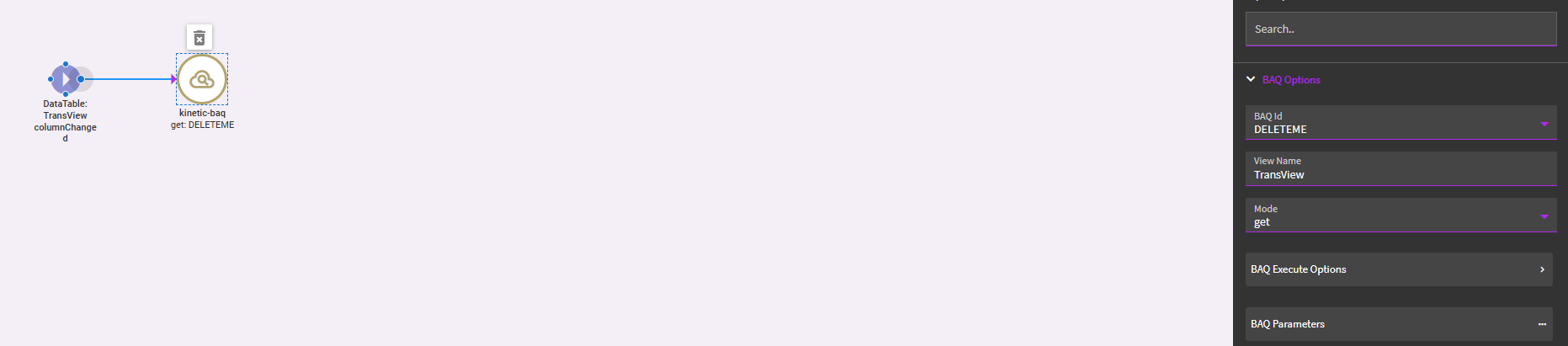
I set the second event to be a datatable trigger on column change:
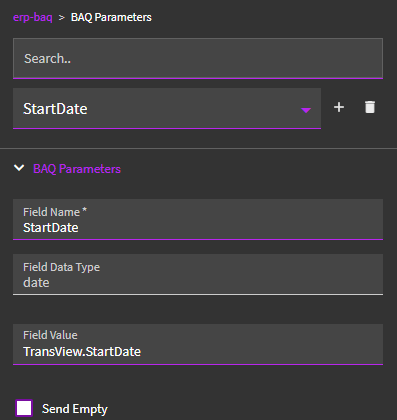
What I DID find was… my date picker never SHOWED a value. It would let me set it, and it used the value to run my BAQ, but it never “displayed” my chosen value. This is because the BAQ ran and over-wrote TransView… wiping my TransView.StartDate column off the dataview.
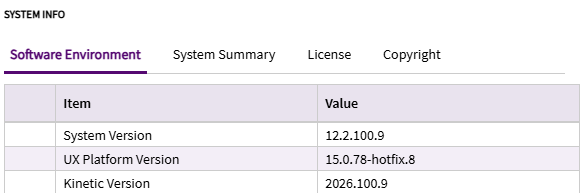
Thank you very much for taking the time to test this! You have it configured as I do and it is working. That is hopeful 2 questions. what version of kinetic is this and what browser are you running? I am wondering if that may be they problem. This pilot environment is a linux backend running 12.2.100.9 and I am using Google Chrome.
At this point I’d start diving into debugger and see what you can see. You said you were newer to App Studio… are you familiar with the debugger?
You can watch what happens when you change your StartDate value… so the event fire? Do the BAQs fire? Is a response returned?
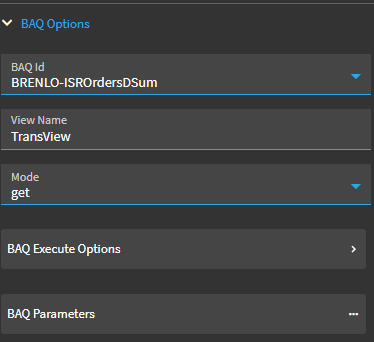
I’m still a little concerned if ALL your BAQs are tied to the TransView dataview. From what I saw, when my BAQ returned a dataset, that appeared to pretty much overwrite the entire TransView dataview. If that is happening, it might be populating and wiping TransView multiple times in your event.
IMO, I would add some BAQ dataviews (one for each of your grids) and bind your grids to those respective dataviews. Then update your kinetic-baq event actions to push your results there instead of TransView.
I got it to work with one grid… but I didn’t try to do it with (3) grids, calling (3) different BAQs, all reporting results back to the same dataview. That just sounds like trouble to me.
So if your BAQ returned a column for the StartDate parameter value passed to it, then after the BAQ call in your event could there be a next step to set TransView.StartDate to the aforementioned BAQ column value, causing the date picker value to be shown?
yeah, I could add a calculated column in my BAQ and set its value to the param value…BUT…
This event is triggered by that column change. So…
After the BAQ brought back the results and I had a row-update waiting to pass that value to TransView.StartDate… that would trigger the event again. I think I’d end up in a loop in that scenario.
Those are fantastic suggestions. I am about to get familiar with the debugger tool… lol. but I am also going to do a simple test and get rid of the other 2 queries to see if using the single dataview is the culprit. My thought was that they would be able to share the same one as all that is being passed is the same start date, but I think you are on to something. I will let you know what I discover!