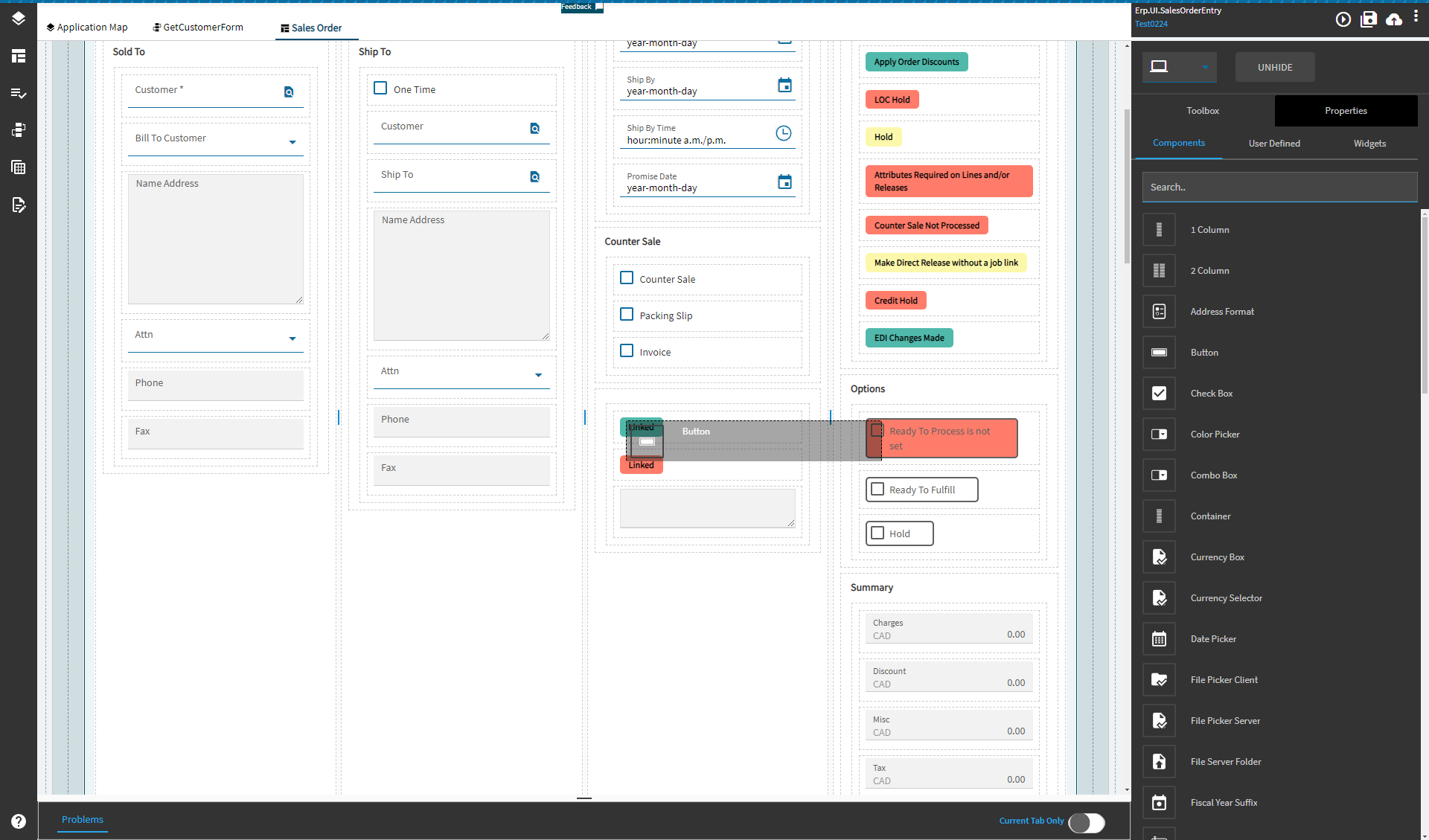
I am trying to drop components onto page in Application Studio but it will not let me. Running Kinetic 25.2.6. It doesn’t matter which page I select to edit from the Application Map, dragging a component does not open any space to drop it and dropping does nothing.
You can’t edit that, go to the detail page.
2 Likes
Moving down the tree, the only page I can edit in Detail under the Tax page. I don’t want to add anything there.

I think you are having a fundamental misunderstanding of where you can edit.
You will need to find where these components actually live, and edit that page.
2 Likes

That is the page I am trying to edit. I can open the page for editing and manipulate components that are already on the page, but I cannot drop anything new.
What happens if you close the browser, and get back in? I feel like I had the same issue before and I either had to fresh open of application studio or start another layer.
I was running Application Studio from the Epicor Smart Client. I tried to run Application Studio from the web and I would get the following error.

I created a new Sales Order Menu item with no customizations and only Kinetic interface. I then went to the web and launched Application Studio from within Sales Order Entry and it worked.
1 Like
I’ve seen that message before. Shift + refresh is normally enough to make it go away for me 
That worked. Good to know. Thanks
1 Like