Hoping someone can help with this.
I’m trying to get UD06 data to load automatically when a record is first opened, based on the default row in UD07. Here’s the full setup:
I’ve created a custom Kinetic App called PCR that uses three UD tables: UD05, UD06, and UD07.
Table Relationships
- UD07.PCRNum_c = UD05.Key1
- UD06.PCRNum_c = UD07.PCRNum_c
- UD06.ParentPartID_c = UD07.Key1
Screen Layout
- The Parent Parts grid is bound to UD07
- The Component Parts grid is bound to UD06
Current Behavior
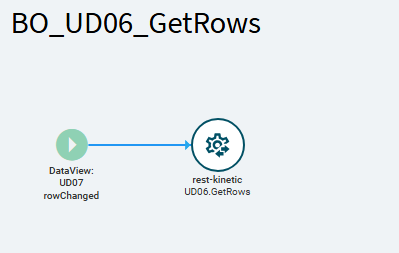
I created a RowChanged event on UD07 so that when the user selects a different UD07 row, the corresponding UD06 data loads.
This works perfectly after the page is already open.
The Issue
When the screen loads for the first time:
- The default UD07 row is shown
- BUT UD06 does not load the related records
- The user must manually select another UD07 row and then return to the default row to get UD06 to refresh
- If there is only one UD07 row, the user cannot trigger RowChanged at all—so UD06 never loads
What I’ve Tried
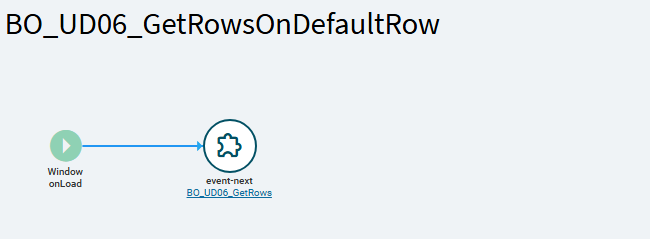
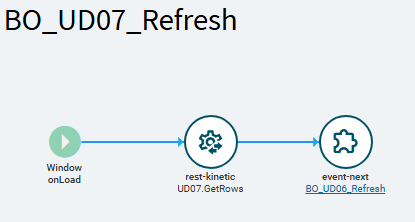
I attempted to use a Window On Load event to manually pull UD06 data during initial load, but this didn’t work.
What I Need
A way to make UD06 refresh automatically based on the initial default UD07 row when the form first opens—without requiring the user to click anything.
Has anyone solved this before or found a reliable trigger to force the first-row load?