Worked great! 
Now I’m starting to wonder if this is a version issue as Kevin and I are both on 2023 and it looks like you’re on 2022.
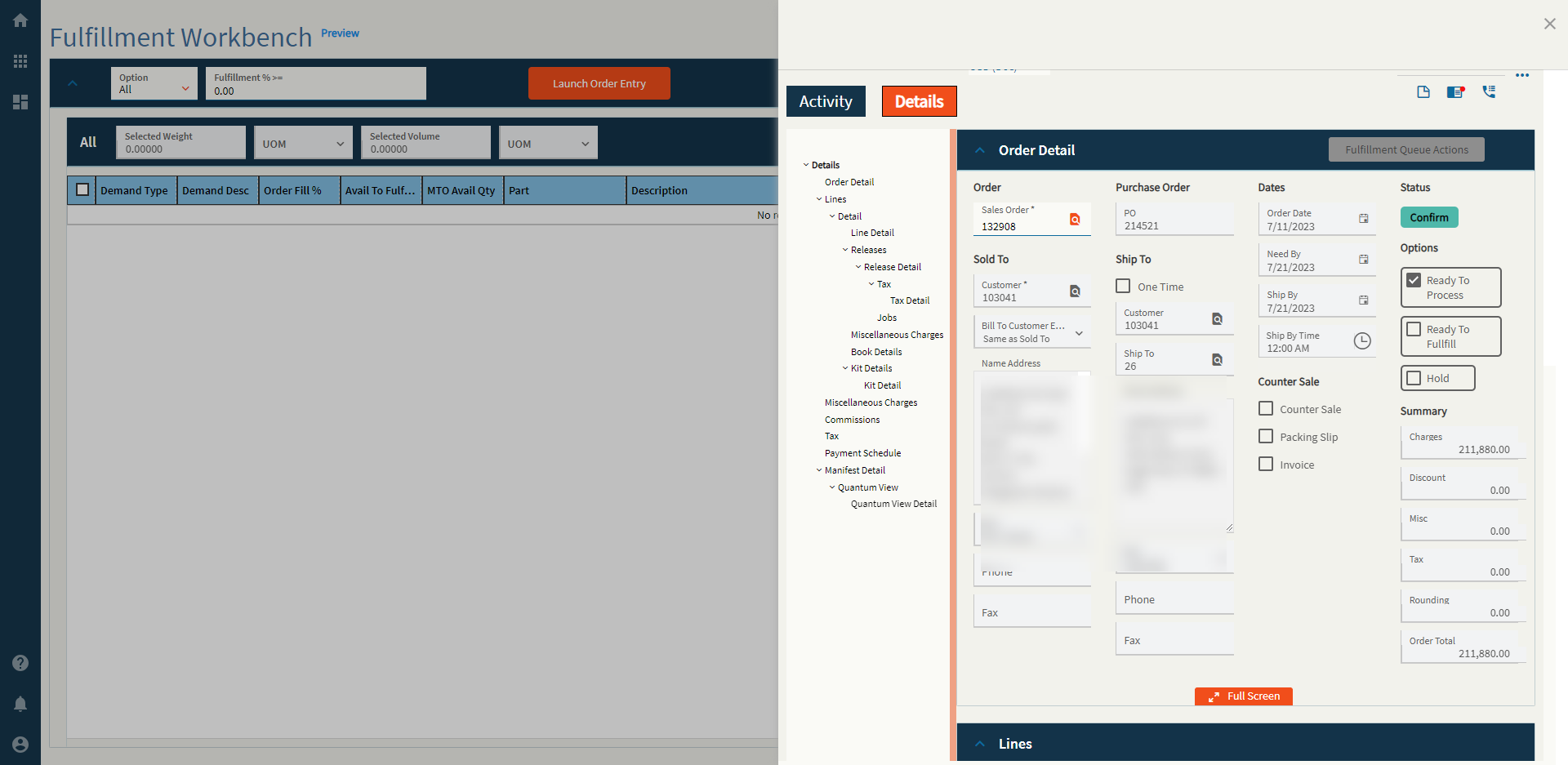
You know what?
I think I actually recall someone on these forums saying the “Read Only” checkbox didn’t work prior to 2023. 
To be fair I didn’t try it, I was eating popcorn.

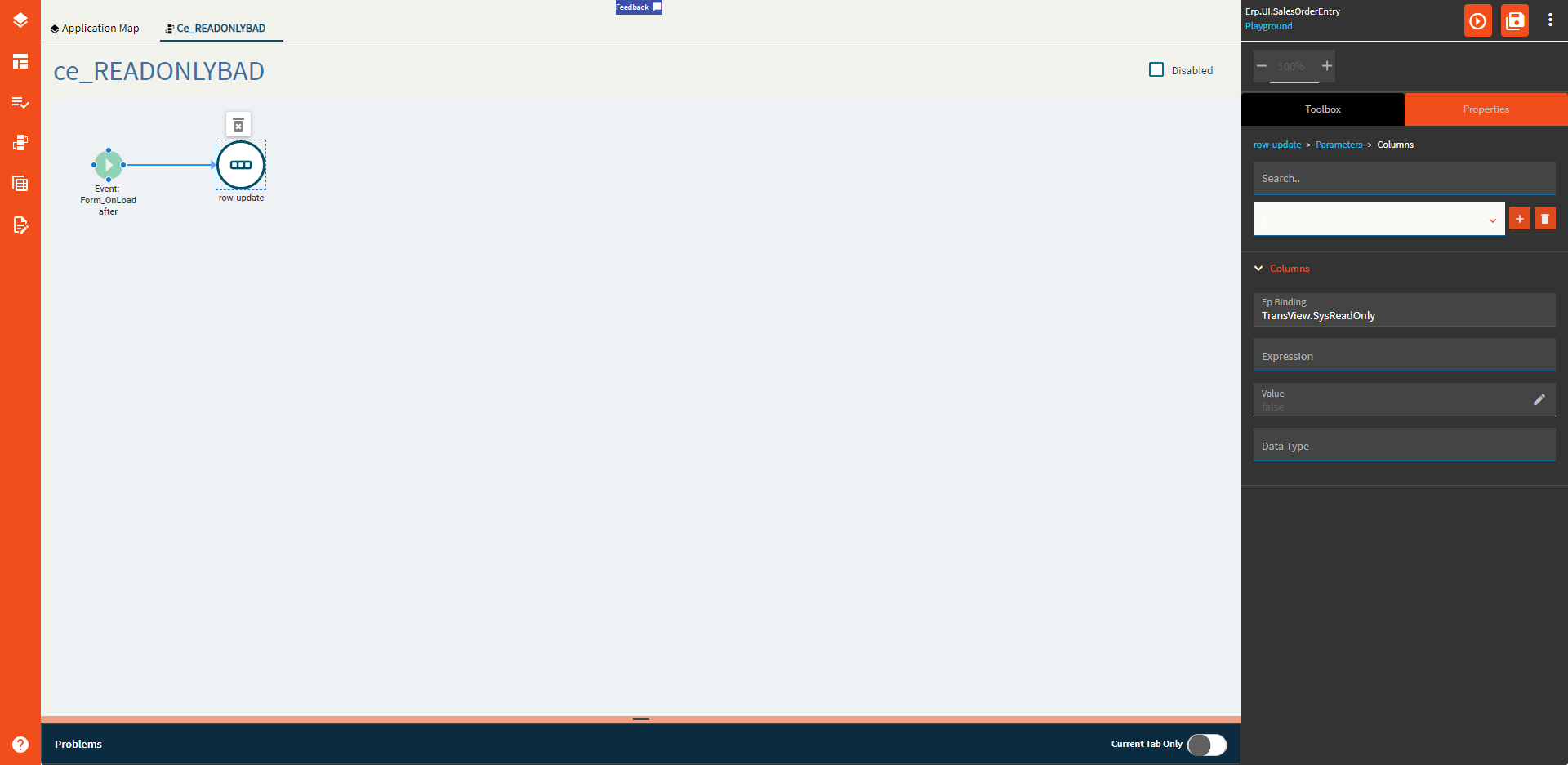
@James_OToole in your Order Entry custom layer, create an event that triggers on form load or after GetByID or something and use a row-update to set TransView.SysReadOnly to true. That’s basically all Kinetic is looking for to determine a Tracker or not.
1 Like
This is the kind of stuff I follow you for.
deets


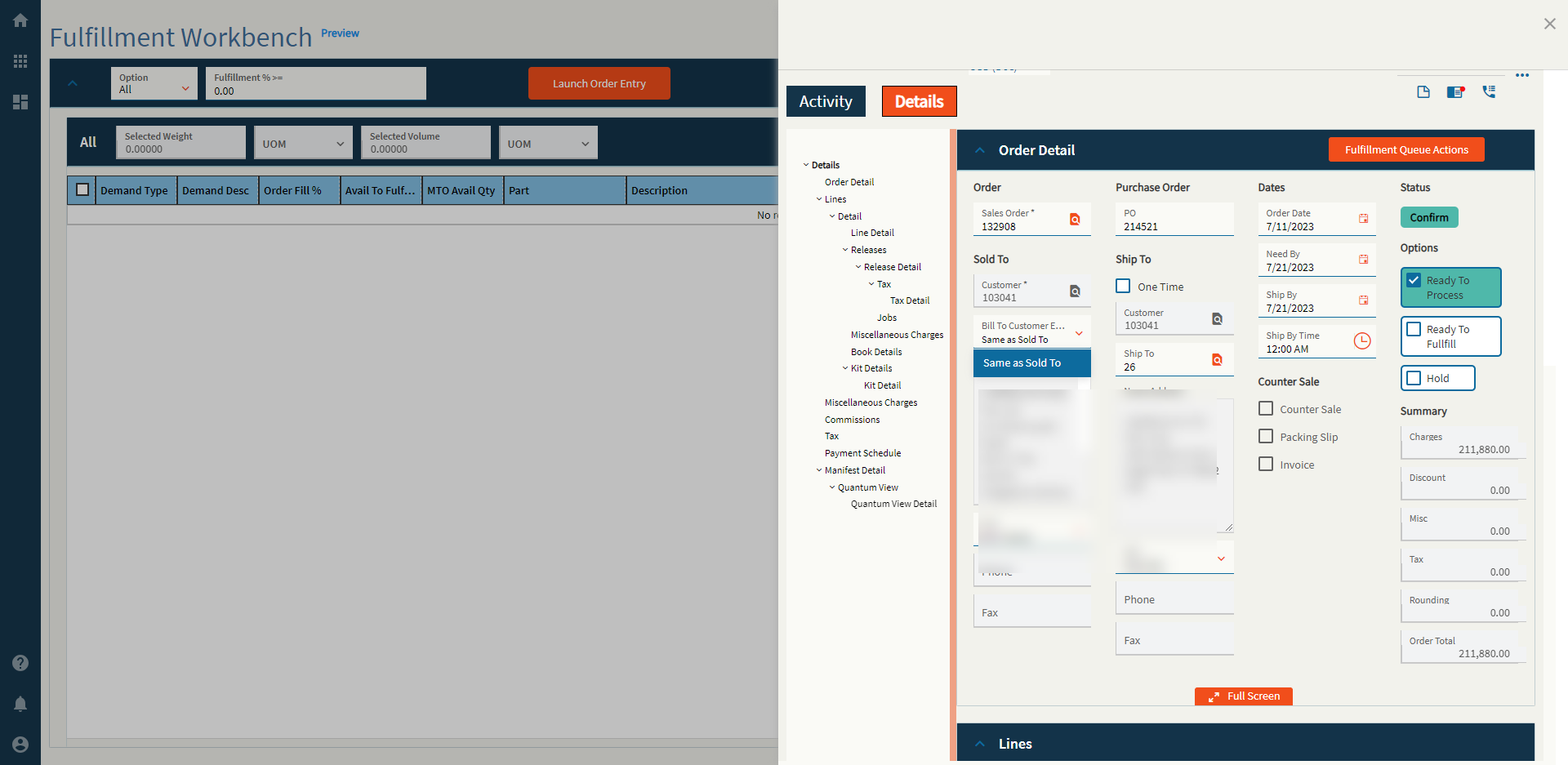
Yes. I am on 2022.2.8. You think this is a version issues?
Anything is possible if you… believe!
You mean exposing a gaping security hole?
Is it, though?
The folks have access to App Studio to do something like that should have access anyways.
I can set that in javascript in the browser
I’ll try that for the read only.
Any additional thoughts on why the layer doesn’t respect the disabled setting for the tool bar items?
I do appreciate all your help.
Whelp.
I just removed the Read Only property on the controls in Dev Tools and was able to save the data.  Someone should probably report that? wonsil
@Mark_Wonsil
Relying on the browser for security… → Suggestions not Rules

But I digress, back on topic 
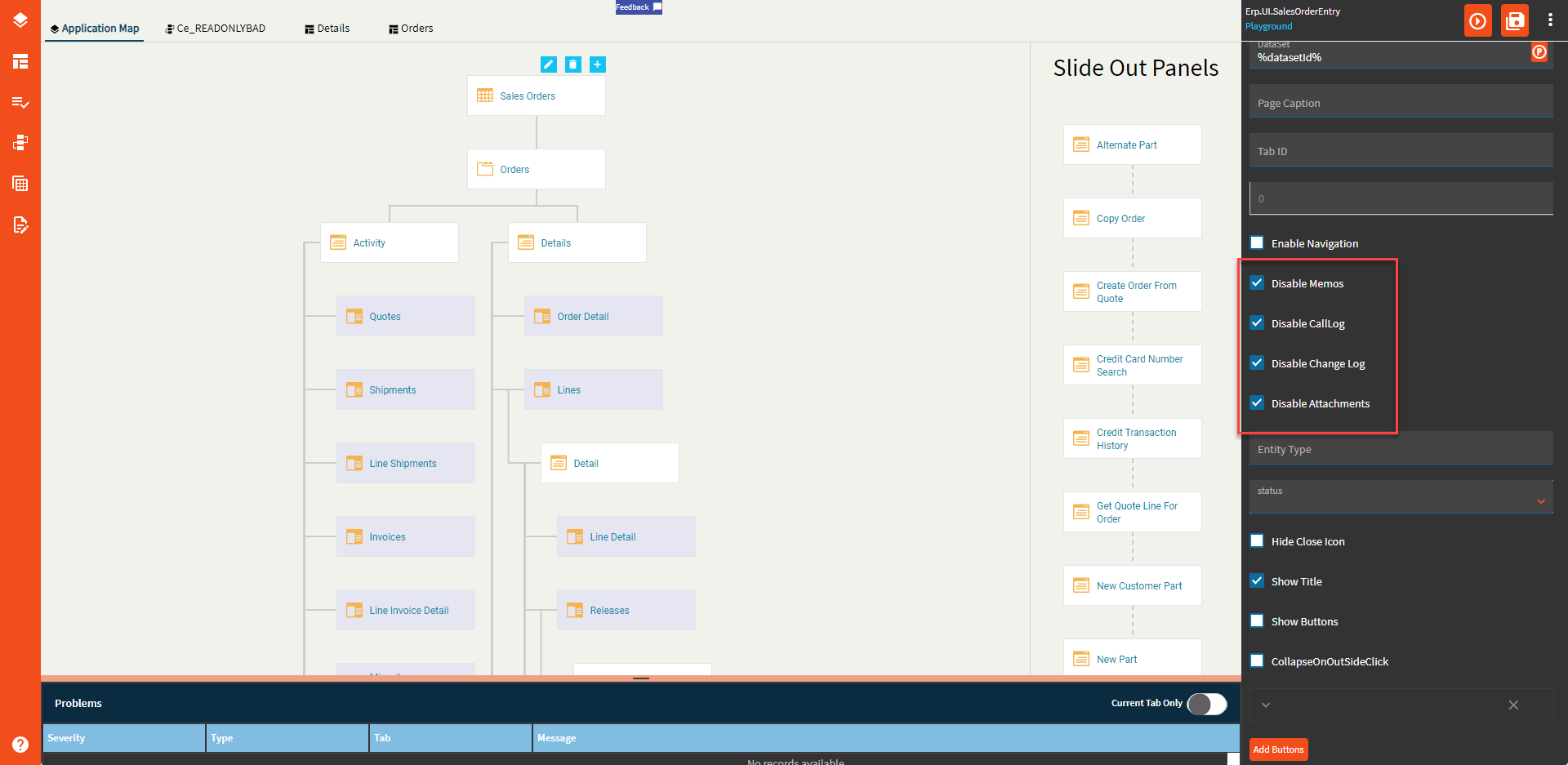
Yes. And the layer works correctly when called by itself. The items are hidden in that case.
These were all effective for me.
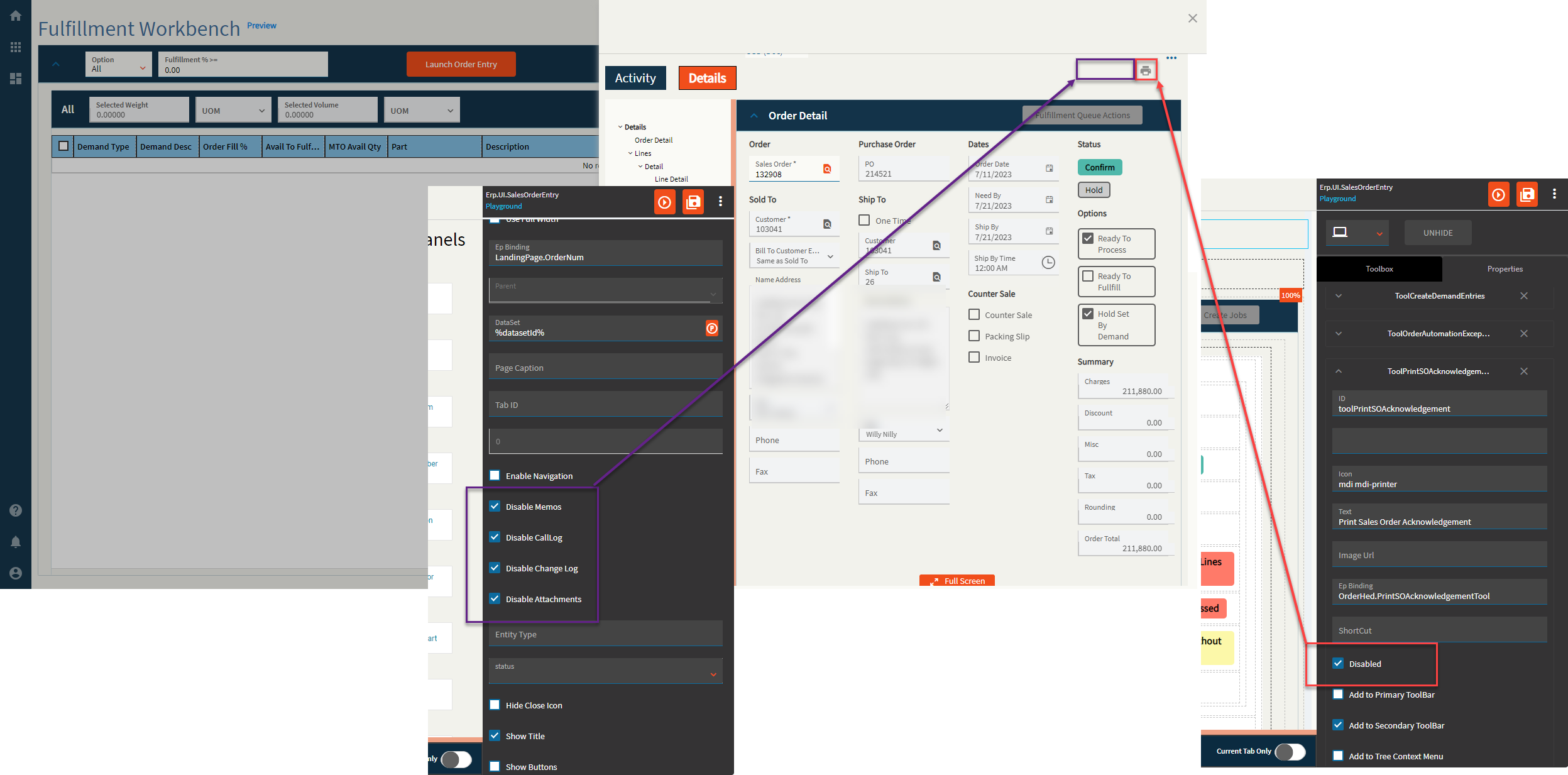
Coming up with a hacky workaround for the Change Log/Memo thing is going to be more involved since they don’t give them a tool name in the form.
Thank you for your help with “use a row-update to set TransView.SysReadOnly to true.”
In regard to your last post, I am calling the “Details” page in Erp.UI.SalesOrderEntry directly, bypassing “SalesOrderForm” and “Main”.
For your isLink did you go directly to the “Details” page? When I do that I don’t see the Activity and Details tabs as an option.
I wonder if that has something to do with my I am still seeing the memo, change log and attachment icons.
Yup, I did.