I have created a customer Erp.UI.SalesOrderEntry layer with the following settings, effectively hiding “Attachments”, “Change Log”, “Memos”, and “Call Log” icons from the toolbar.
  {
    "Id": null,
    "Path": "/navigation/extendedProps/disableAttachments",
    "Value": true,
    "Operation": "Add",
    "Index": 0
  },
  {
    "Id": null,
    "Path": "/navigation/extendedProps/disableChangeLog",
    "Value": true,
    "Operation": "Add",
    "Index": 0
  },
  {
    "Id": null,
    "Path": "/navigation/extendedProps/disableMemos",
    "Value": true,
    "Operation": "Add",
    "Index": 0
  },
  {
    "Id": null,
    "Path": "/navigation/extendedProps/disableCallLog",
    "Value": true,
    "Operation": "Replace",
    "Index": 0
  },
When I preview the layer, the icons are not there as expected.

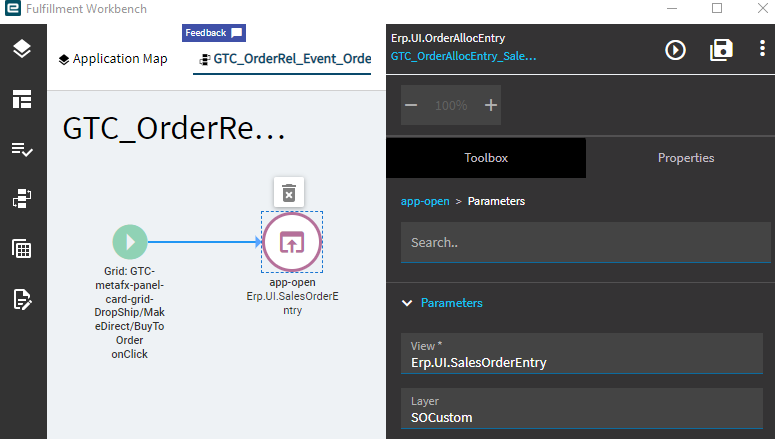
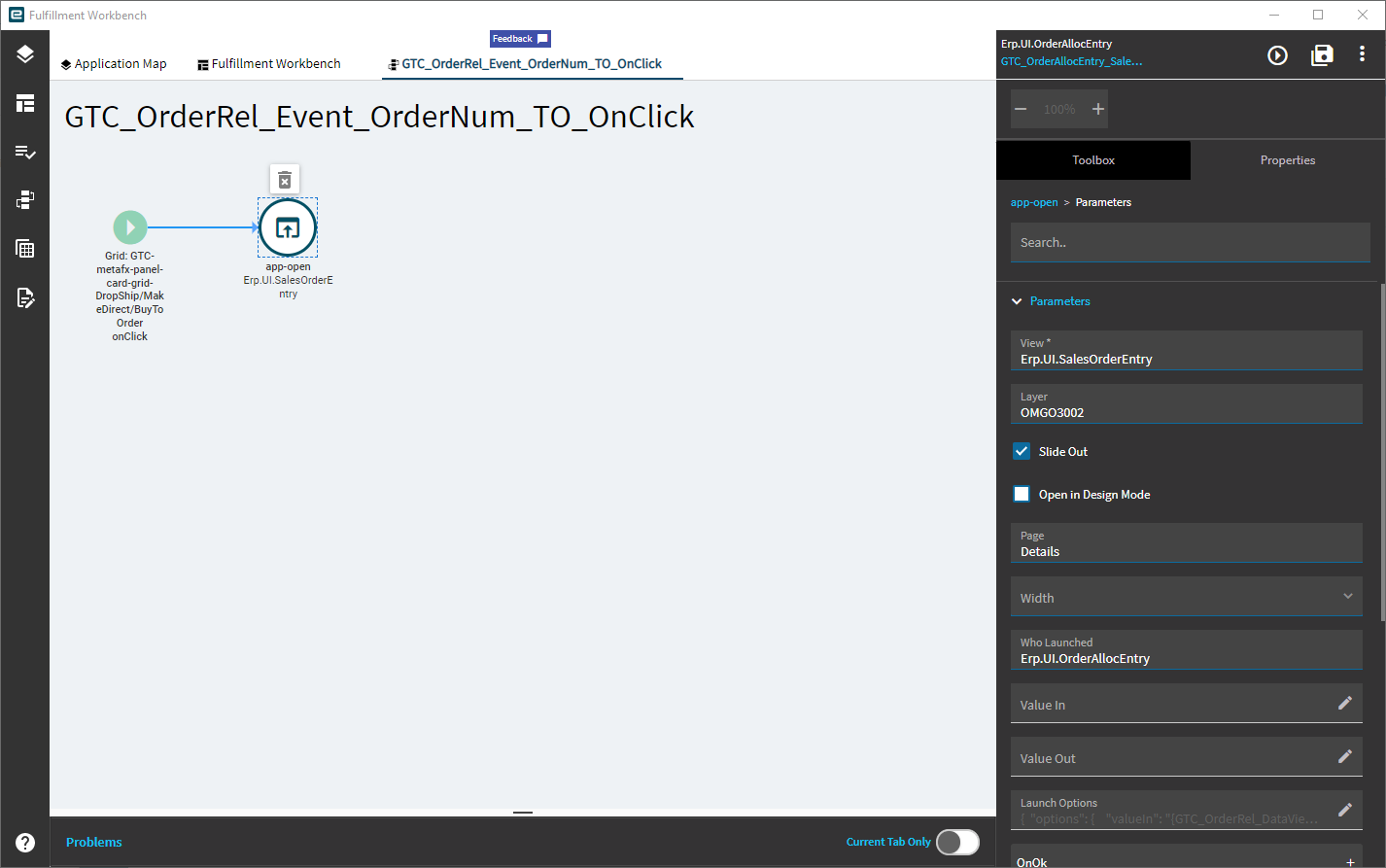
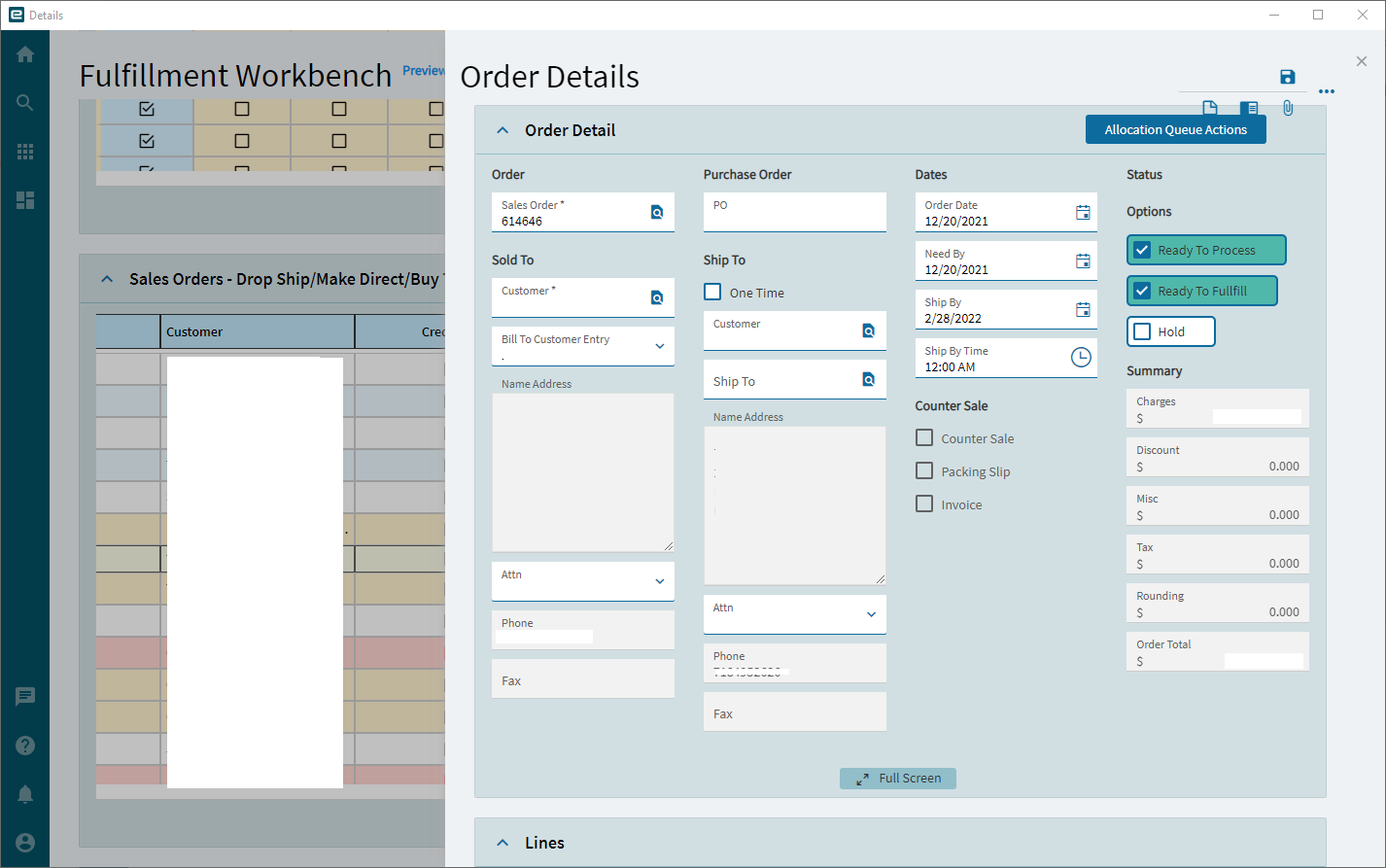
However, when I call the “Details” page on this same layer from an “isLink” on Erp.UI.OrderAllocEntry, the icons are there.

In addition, if I hide something in the overflow menu on Erp.UI.SalesOrderEntry, it’s still visible in the slide out panel on Erp.UI.OrderAllocEntry.
How do I get these settings to persist on the slide out panel?