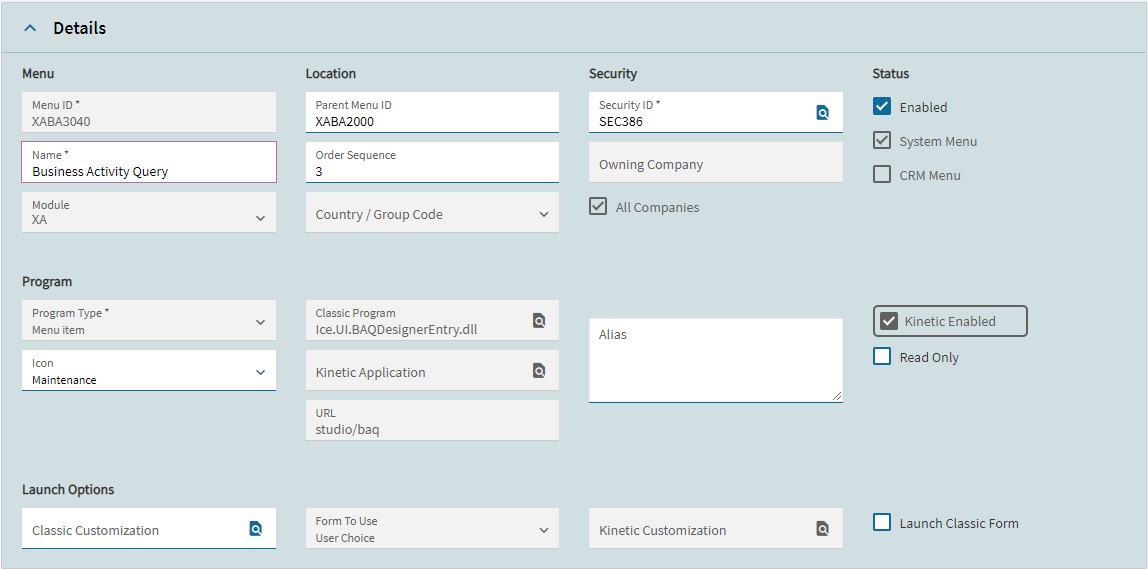
We are in 2023.2, and almost everything is still in the classic design. I personally like the kinetic design of menus (especially the baq designer), so I wanted to use those. When trying to open the kinetic menu, the kinetic screen opens and closes right away. I looked in menu maintenance, and saw that there was nothing in the “kinetic application” section.
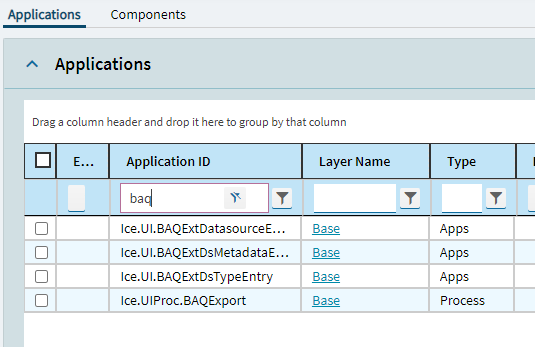
You can’t customize the baq designer or any of the studio pages themselves, that’s why you can’t see them in application studio. The menu is studio/baq as it shows in your screenshot, there is no “kineticapp” for it and you don’t need to fix anything.