Likely, falling under “dumb question” with an easy answer…
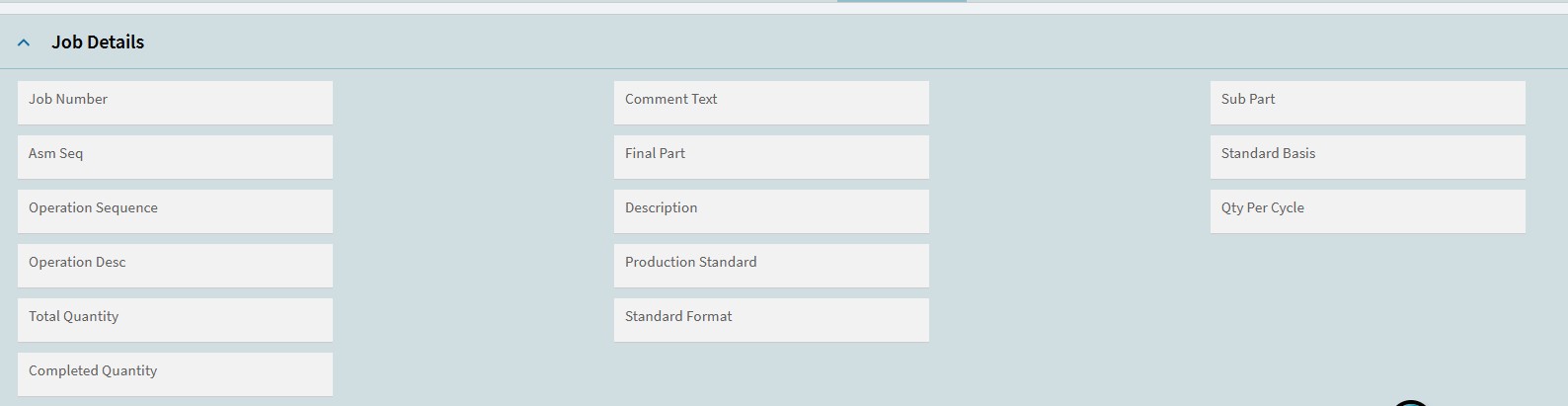
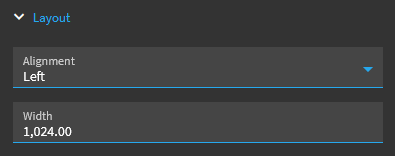
We’ve been down this road a few times with a few different layouts on many screens; has anyone found a way to force the fields shown within the columns to take up the entirety of the space so that more of the box (and text) shows? See example attached. We can widen these columns, but the character lengths of the fields stay the same; they are “full” already and don’t seem to expand to fill/no options for it.
Also, is there a way to set any given field so that the hover-over would work with it?
This is probably either really easy and we missed it, or just something super frustrating.