On a Kinetic Dashboard, 2025.1.5, I have a chart connected to an EDD view.
I have combo boxes bound to two transview fields, the change of which sets the value into CallContextBpmData.Character02 for the input parameter, in this case a single resource group, or Character01, which will contain a comma-separated list of product groups.
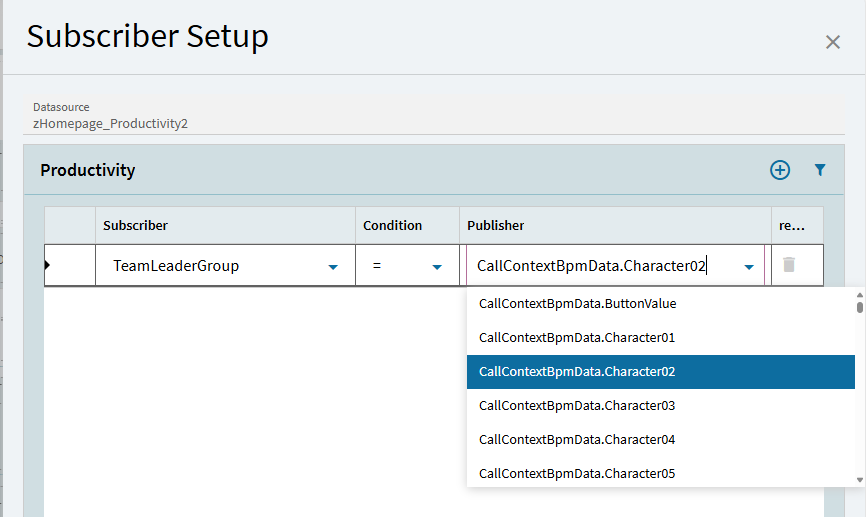
The only options I see for the parameter input are CallContextBpmData.xxx, Constants, and query dataview fields, which aren’t useful in this case because of the comma-separated list in Character01.
Anyone have a suggestion about how to either keep the fields from clearing or assign a transview field to the subscriber?
Are you saying add the columns to the CallContextBpmData dataview?
I have the columns defined in the Transview dataview. They are working fine filtering other dataviews.
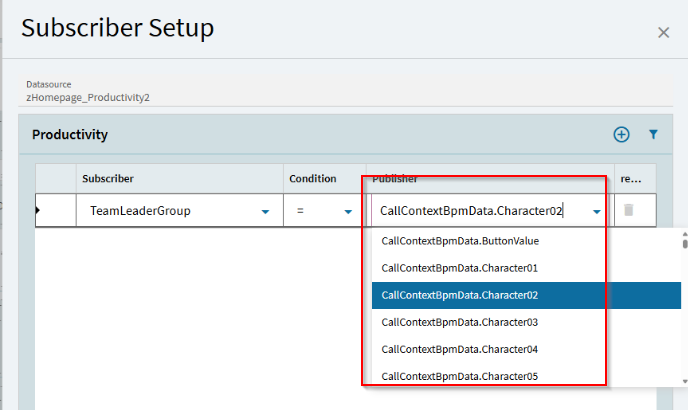
The problem is that the publish/subscribe setup won’t take the Transview columns in the Publisher column. The drop-down box has a list that includes call context and constants, but no Transview entries.
I tried typing the transview column name into the list, but of course it won’t take the value if it’s not in the list. Maybe there’s something I’m missing.
Bump for a new week. Anyone have an idea about this?
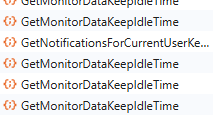
Again, CallContextBpmData fields that we use for EDD chart filters are being cleared intermittently, seemingly when the process “GetMonitorDataKeepIdleTime” fires.
The values in the call context fields are coming from fields set into the Transview dataview, but Transview fields are not selectable in the Publisher dropdown box.
Probably the dumb way to do it with Browser-Only on the horizon, but I still go into the client and do my publish-subscribe then complete the rest in App Studio…
Is there some other setup needed to first publish your TransView field so that you can subscribe to it? We’re doing dashboard uplifts now, so I’ll be digging around too