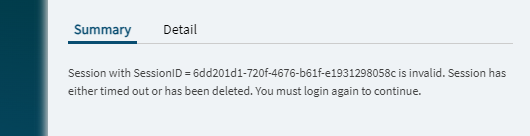
Click button…
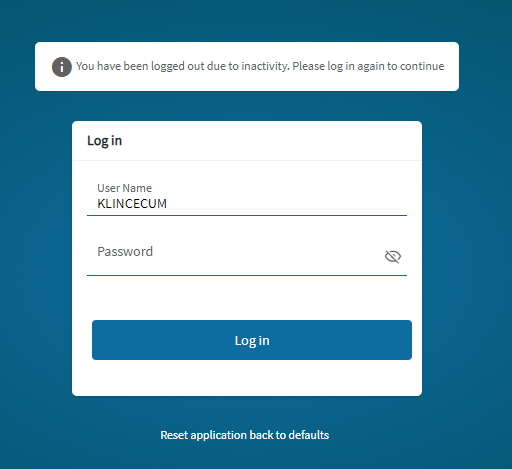
So I logged in for giggles
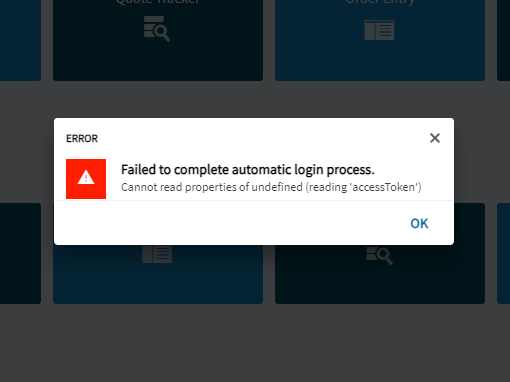
Got this
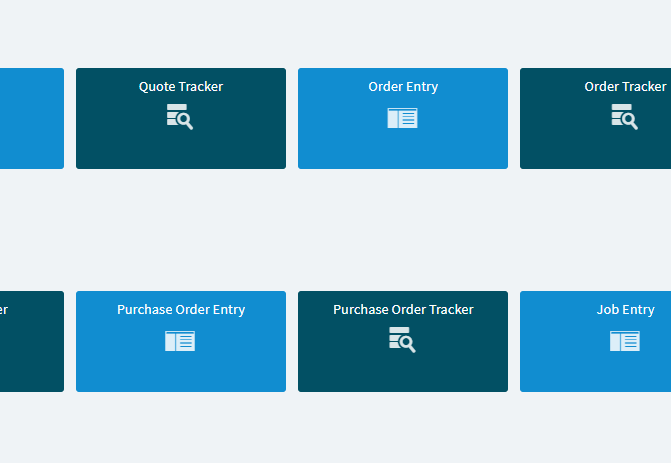
Closed it, then it opened my dashboard
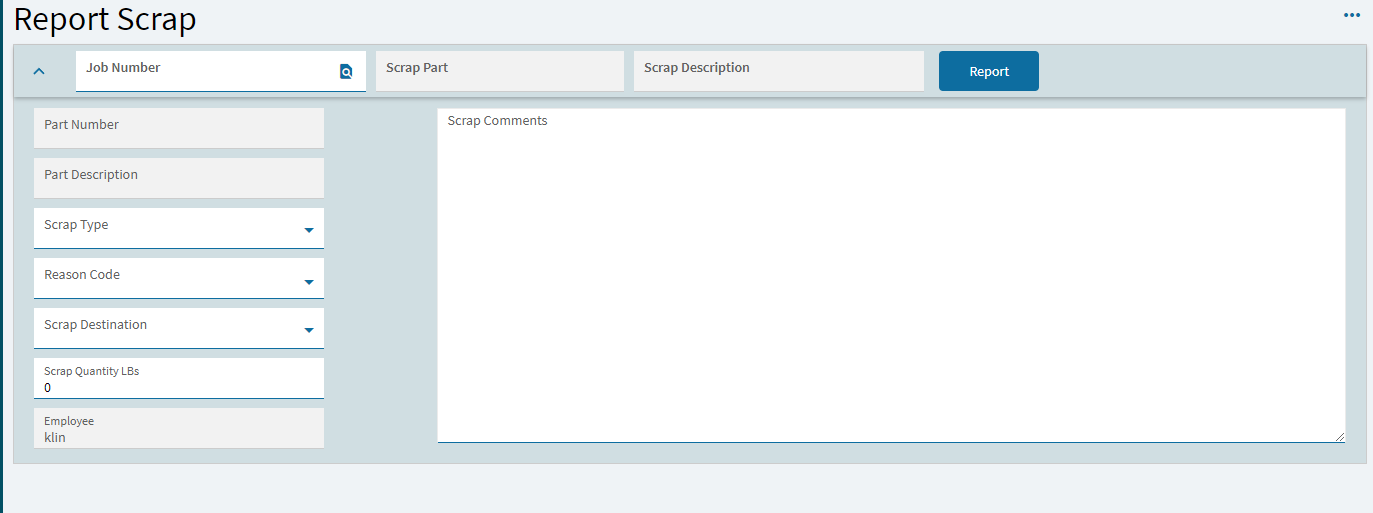
Obviously can’t have this, wth Epicor?
I’m gonna have to modify my classic dashboard to work around this ffs.
So much for piecemeal.
Click button…
So I logged in for giggles
Got this
Closed it, then it opened my dashboard
Obviously can’t have this, wth Epicor?
I’m gonna have to modify my classic dashboard to work around this ffs.
So much for piecemeal.
No comments?
Is this something I can expect? Has anyone seen this?
To be clear, I rebuilt a classic customization in Kinetic, and tried to launch it from classic MES, and this is what I get.
I would expect the damn thing to just launch.
I needed new functionality in this screen, am I expected to modify both because I can’t launch the kinetic version? 
I don’t exactly understand what you are doing. Show the settings for your button to launch the dashboard? Is your dashboard menu item under processes? I have added buttons to classic mes to launch kinetic dashboards and they work fine so no I don’t think this is expected.
yes
I mean, today, it’s working. So far.
But kinda skiddish now.
Spoke too soon, same shit as yesterday.
I think that should work but now i am remembering a support case where they told me launching kinetic from classic isnt supported. Let me find it.
I haven’t found a way to do split dashboards like for normal forms. Dashboard menu items are either Classic or Kinetic.
Is your config file set for basic auth or sso?
basic
So this is working in basic. The problem I had was only with sso users and support said its just not supported in that scenario. Is it the same failure for all users?
Haven’t tested anyone else.
I am just curious if it could be some kind if caching or credential corruption issue, have ran into those quite a bit. Have had to blast various directories other than the main cache to clean it up before.
I’ve blasted everything.
This issue is occurring in Live (2025.1.11) & Pilot (2025.2.10).
Reinstall did not help either.