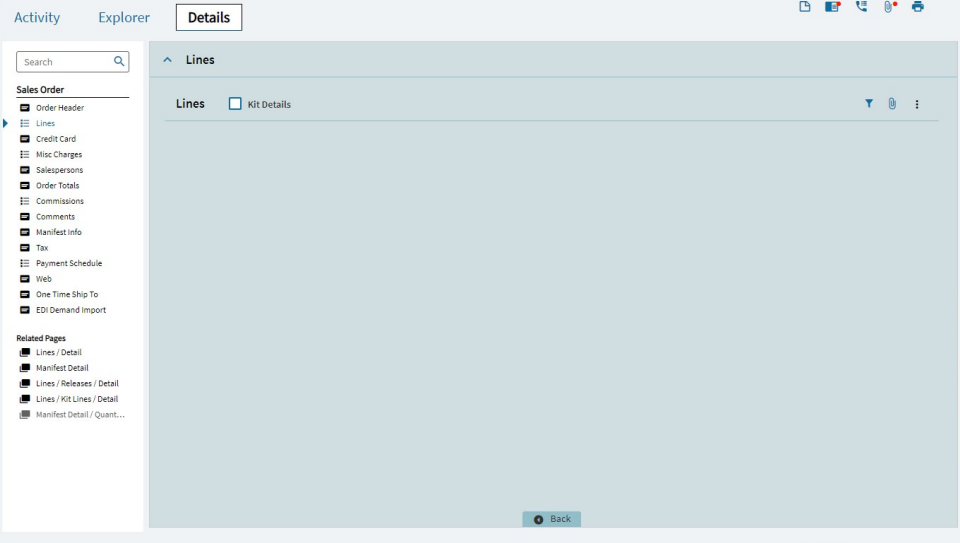
I am looking for some help resolving an issue that one of my users is experiencing. They appear to have personalized the columns on a grid on a custom layer, and reported that they can no longer see that grid. If the information is relevant, this is a custom layer on Erp.UI.SalesOrderEntry and ERP version is 2024.1.28.
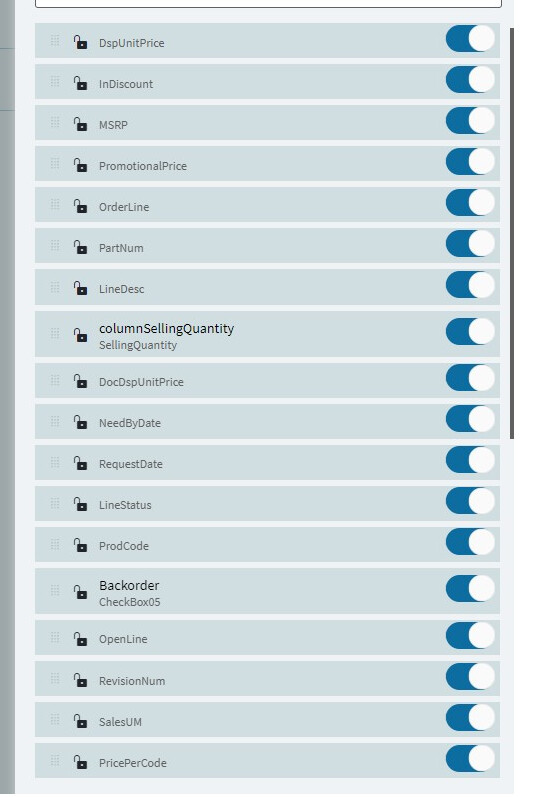
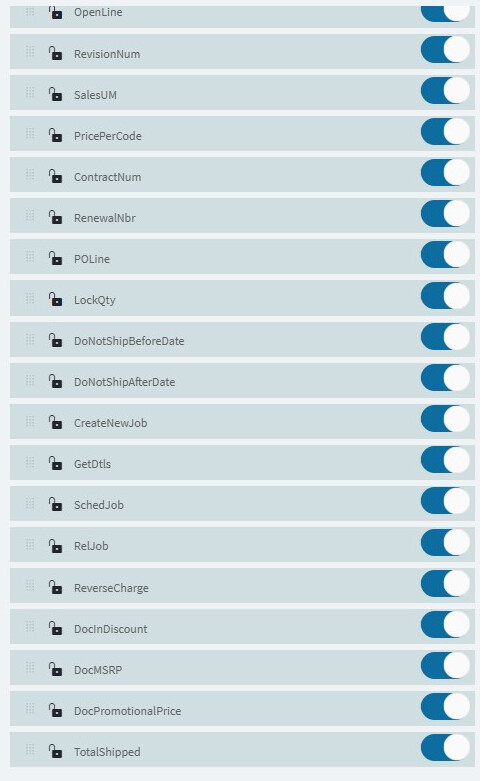
Below are some screenshots of their Personalize Columns menu. We tried using “Reset to Defaults” without success. This is also (to my knowledge) the only user experiencing this problem.
Posting my solution as I’ve got the grid back for this user.
I found a record in Ice.XXXDef for this user with the TypeCode = KineticGridLayout and Key2 = App.SalesOrderEntry.SalesOrderForm. Key3 appears to store a Grid ID, so to be sure I had the right one I personalized this same grid for myself to create an XXXDef record under my username for this same grid.
Taking that Key3 from my own personalization, I was able to find a matching record for the user affected by this problem.
On the user’s machine, I used the DeleteGridLayout method in Ice.BO.KineticErpSvc via REST help, passing App.SalesOrderEntry.SalesOrderForm as my formKey argument, and the Grid ID determined earlier from making a personalization of my own on that same grid as my gridId argument.
After reloading this screen in their client, the grid is visible once again (of course without the personalizations they had made).