Hi All,
The outline
Problem
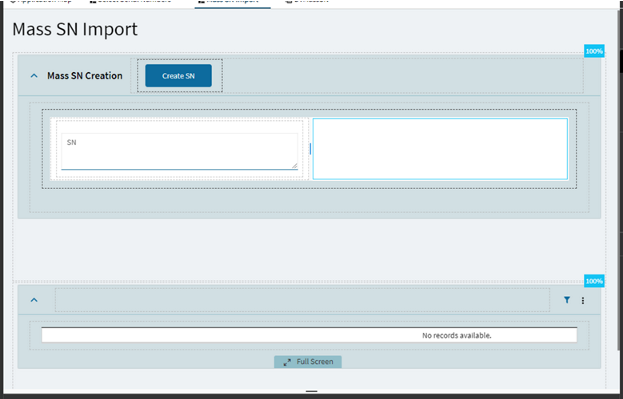
Kinetic based mass upload of Serial Numbers
** Screens **
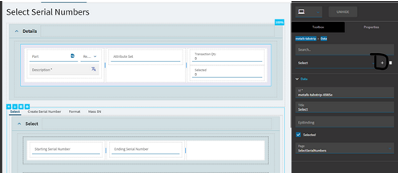
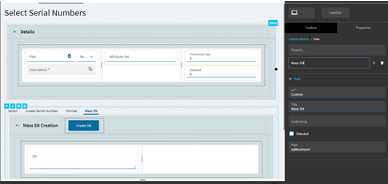
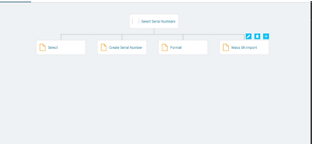
All serial number selection screens.
** Method of upload
CSV File
** Records **
Anything from 20-20000 serial numbers.
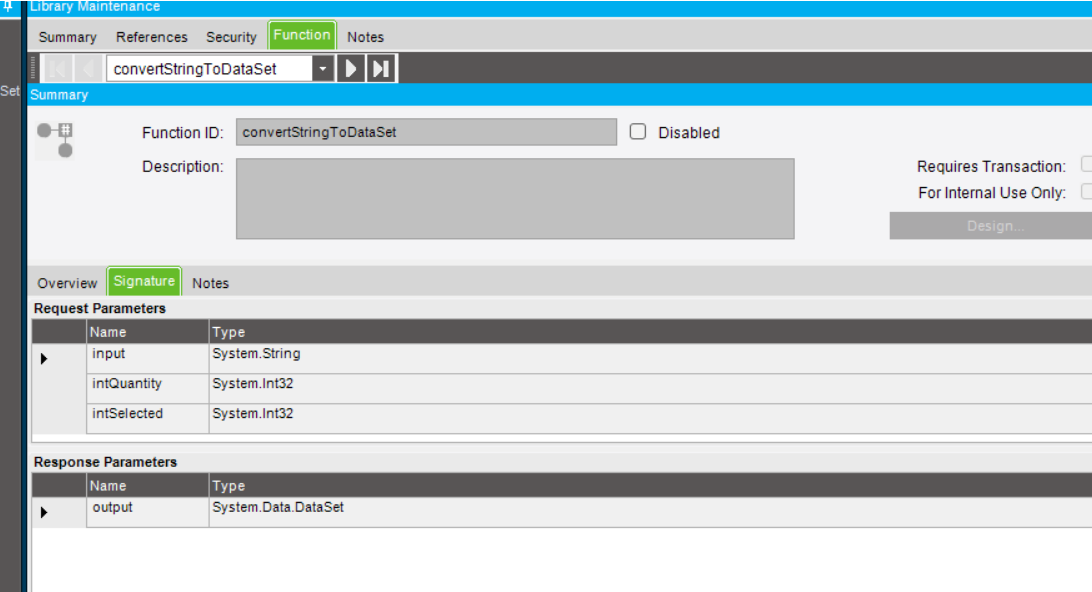
** Current function **
/*
 * FUNCTION: ImportSerialNumbersFromCSV
 * DESCRIPTION: Imports a list of serial numbers from a CSV file, validates them,
 * and adds them to a SelectedSerialNumbersTableset and SerialNumberSelectionTableset for Kinetic grid support.
 */
try
{
    this.IsSuccessful = false;
    const string UPLOAD_FOLDER = "SNUploads";
    const bool ALLOW_PARTIAL_SUCCESS = true;

    // --- 1. Input Validation ---
    if (string.IsNullOrWhiteSpace(this.FileName))
    {
        this.InfoMsg = "Error: No file name was provided.";
        return;
    }

    var selectParams = this.InDS.Tables["SelectSerialNumbersParams"];
    if (selectParams == null || selectParams.Rows.Count == 0)
    {
        this.InfoMsg = "Error: Input parameters 'SelectSerialNumbersParams' are missing.";
        return;
    }

    var paramsRow = selectParams.Rows[0];
    string partNum = paramsRow["PartNum"].ToString();
    string sourceRowID = paramsRow["SourceRowID"].ToString();
    string transType = paramsRow["TransType"].ToString();
    int attributeSetID = Convert.ToInt32(paramsRow["AttributeSetID"]);

    if (string.IsNullOrWhiteSpace(partNum) || string.IsNullOrWhiteSpace(sourceRowID) || string.IsNullOrWhiteSpace(transType))
    {
        this.InfoMsg = "Error: Part Number, Source RowID, and Transaction Type are required in the input parameters.";
        return;
    }

    // --- 2. File Handling ---
    var uploadPath = new FilePath(ServerFolder.CompanyData, UPLOAD_FOLDER);
    var sourceFilePath = new FilePath(uploadPath);
    sourceFilePath.Combine(this.FileName);

    if (!this.Sandbox.IO.File.Exists(sourceFilePath))
    {
        this.InfoMsg = $"Error: File '{this.FileName}' not found on the server.";
        return;
    }

    var processingFilePath = new FilePath(uploadPath);
    processingFilePath.Combine(Guid.NewGuid().ToString() + ".processing");
    this.Sandbox.IO.File.Move(sourceFilePath, processingFilePath, true);

    // --- 3. Parse CSV ---
    var serialsToProcess = new HashSet<string>();
    int skippedFileDuplicates = 0;
    string fileProcessingError = string.Empty;

    try
    {
        using (var stream = this.Sandbox.IO.File.Open(processingFilePath, FileMode.Open, FileAccess.Read))
        using (var reader = new System.IO.StreamReader(stream))
        {
            reader.ReadLine(); // skip header

            string line;
            while ((line = reader.ReadLine()) != null)
            {
                if (string.IsNullOrWhiteSpace(line)) continue;

                string sn = line.Split(',')[0].Trim().Replace("\"", "").ToUpper();

                if (string.IsNullOrEmpty(sn)) continue;

                if (!serialsToProcess.Add(sn))
                {
                    skippedFileDuplicates++;
                }
            }
        }
    }
    catch (Exception ex)
    {
        fileProcessingError = $"Error reading CSV file: {ex.Message}";
    }

    if (!string.IsNullOrEmpty(fileProcessingError))
    {
        this.InfoMsg = fileProcessingError;
        this.Sandbox.IO.File.Delete(processingFilePath);
        return;
    }

    if (serialsToProcess.Count == 0)
    {
        this.InfoMsg = "No unique, valid serial numbers found in the file to import.";
        this.Sandbox.IO.File.Delete(processingFilePath);
        return;
    }

    // --- 4. Epicor Service Logic ---
    int addedCount = 0;
    int skippedExisting = 0;

    this.CallService<Erp.Contracts.SelectedSerialNumbersSvcContract>(svc =>
    {
        svc.GetSerialNumFormat(ref this.ds, partNum, "", "", 0, Session.PlantID);

        foreach (var sn in serialsToProcess)
        {
            try
            {
                if (this.ds.SelectedSerialNumbers.Any(r => r.SerialNumber == sn && r.RowMod != "D"))
                {
                    skippedExisting++;
                    continue;
                }

                svc.CreateSerialNum(
                    ref this.ds,
                    partNum,
                    "", "", 0,
                    sn,
                    sourceRowID,
                    transType,
                    Session.PlantID,
                    sn
                );

                var newSnRow = this.ds.SelectedSerialNumbers.FirstOrDefault(r => r.SerialNumber == sn && r.RowMod == "A");
                if (newSnRow != null)
                {
                    newSnRow.AttributeSetID = attributeSetID;
                    addedCount++;
                }

                svc.AddSerialNumToSelection(
                    partNum,
                    "", "",
                    sn,
                    sourceRowID,
                    transType,
                    Session.PlantID
                );
            }
            catch (Exception ex)
            {
                if (ALLOW_PARTIAL_SUCCESS)
                {
                    skippedExisting++;
                }
                else
                {
                    throw new BLException($"Error adding serial '{sn}': {ex.Message}");
                }
            }
        }

        string outDsXml;
        Erp.Tablesets.SerialNumberSelectionTableset snSelectTS = new Erp.Tablesets.SerialNumberSelectionTableset();

        int requiredQuantity = addedCount;
        int selectedQuantity = 0;

        svc.SelectSerialNumbers(true, requiredQuantity, selectedQuantity, out outDsXml, ref snSelectTS);

        svc.ProcessSelectedSerialNumbers(snSelectTS, ref this.ds, false, out _);
    });


    // --- 5. Archive file ---
    try
    {
        var archiveFolder = new FilePath(uploadPath, $"Archive\\{DateTime.Today:yyyy-MM-dd}");
        this.Sandbox.IO.Directory.CreateDirectory(archiveFolder);
        var archiveFilePath = new FilePath(archiveFolder);
        archiveFilePath.Combine(Path.GetFileName(this.FileName) + "_" + Guid.NewGuid().ToString() + ".csv");
        this.Sandbox.IO.File.Move(processingFilePath, archiveFilePath, true);
    }
    catch
    {
        this.Sandbox.IO.File.Delete(processingFilePath);
    }

    // --- 6. Return Output ---
    this.OutDS = this.ds;
    this.IsSuccessful = true;
    this.InfoMsg = $"Import complete. Added: {addedCount}. Skipped: {skippedFileDuplicates + skippedExisting} (duplicates/existing).";
}
catch (Exception ex)
{
    this.IsSuccessful = false;
    this.InfoMsg = $"Critical Error: {ex.Message}";
}
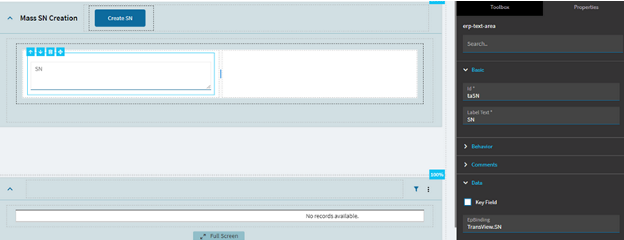
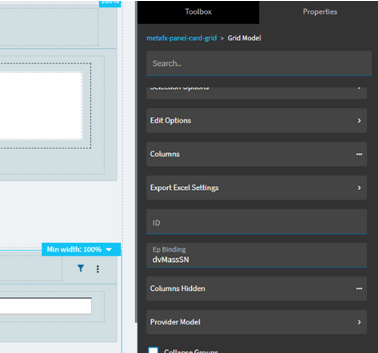
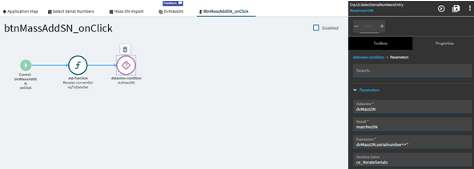
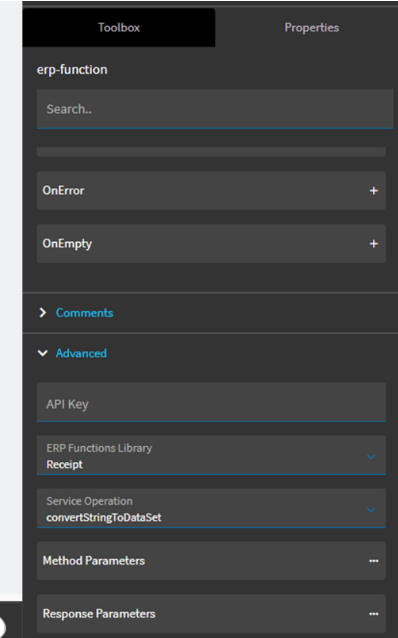
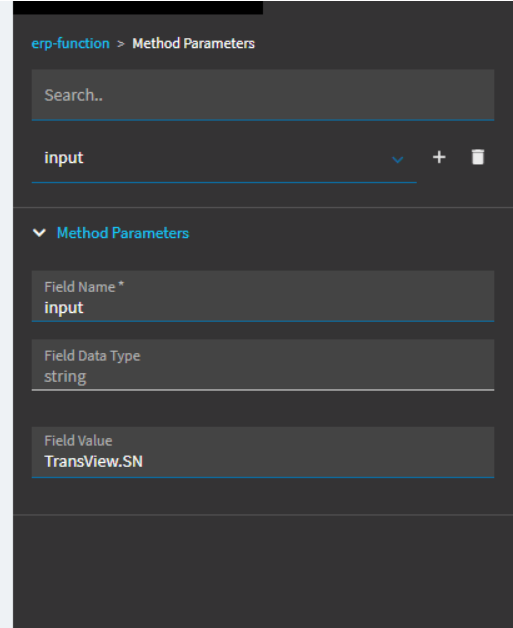
My current upload event
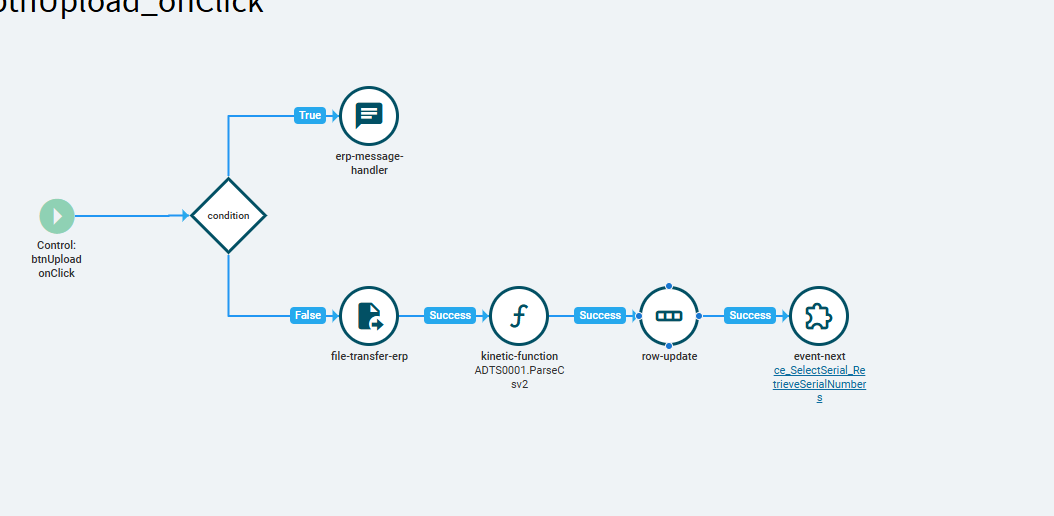
Row-update
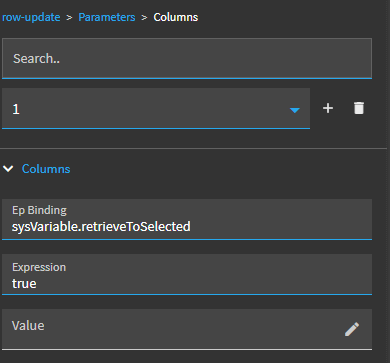
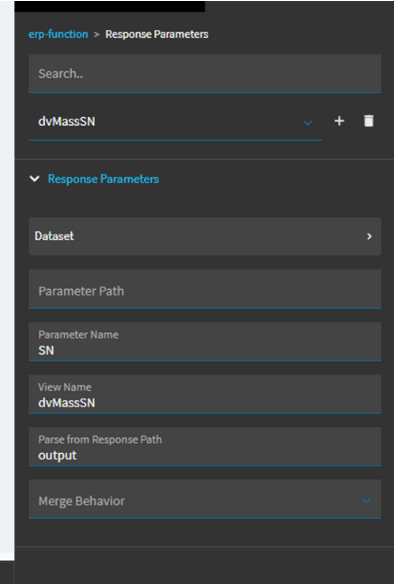
Response from function
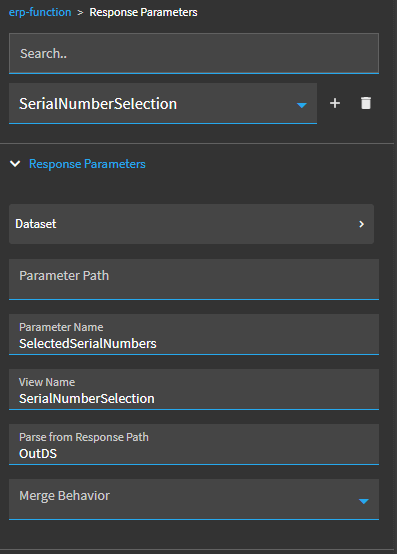
It basically, returns the data into the Selected Serial Numbers table (here)
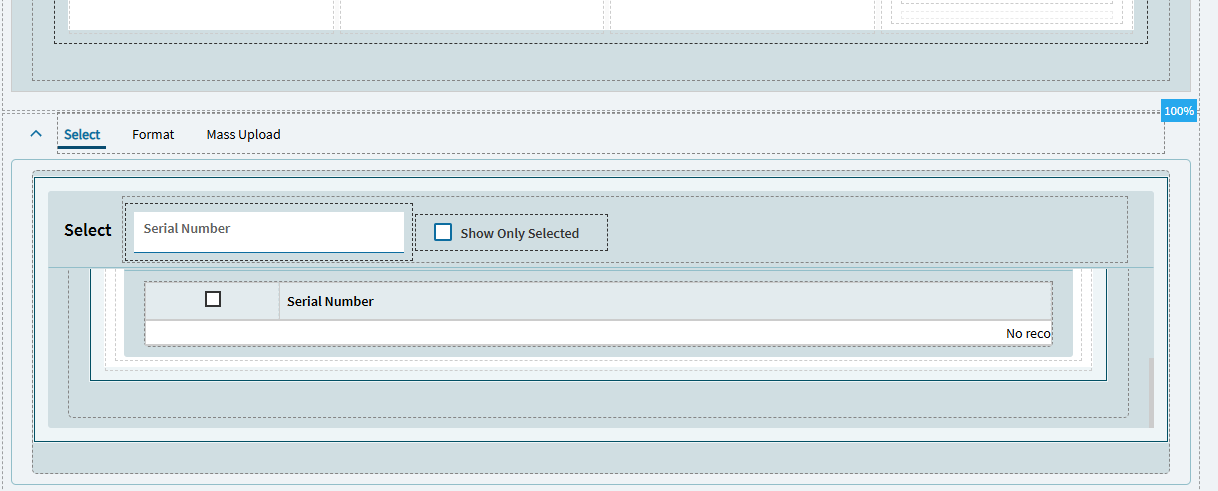
But when the user selects all and hits save. It will process all of the serial numbers fine but if you went on to the second line in Drop Shipment Entry - it will upload, you select all and close the slider.. The drop shipment screen will state you’ve only selected ‘1’ serial number bascially it ignored all of the other serial numbers of which have been uploaded.
I don’t know what Epicor is doing with the SelectedSerialNumbersSvc service - I’m trying to replicate what DMT is doing..
If all else fails. I will request a CSG solution.
Someone help me before I lose my sanity.
Re-sparking — Serial Number Selection - Kinetic UX - Kinetic ERP - Epicor User Help Forum
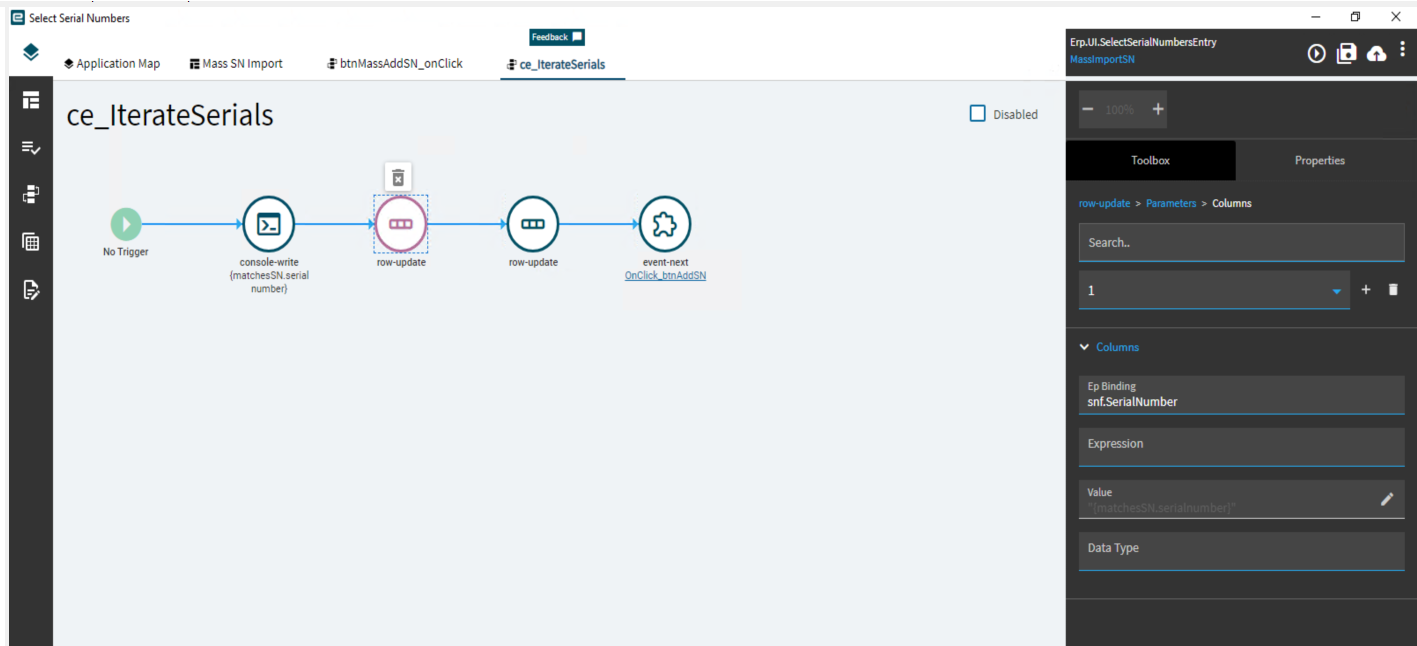
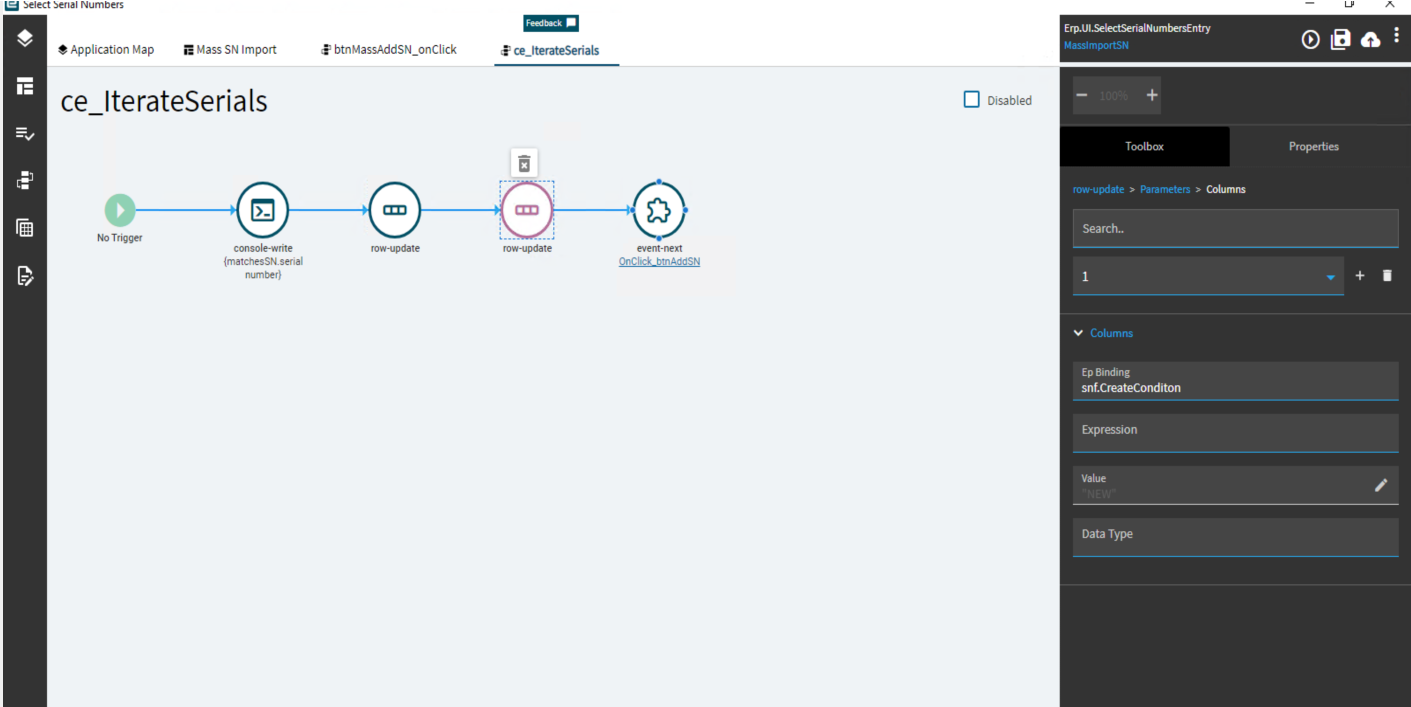
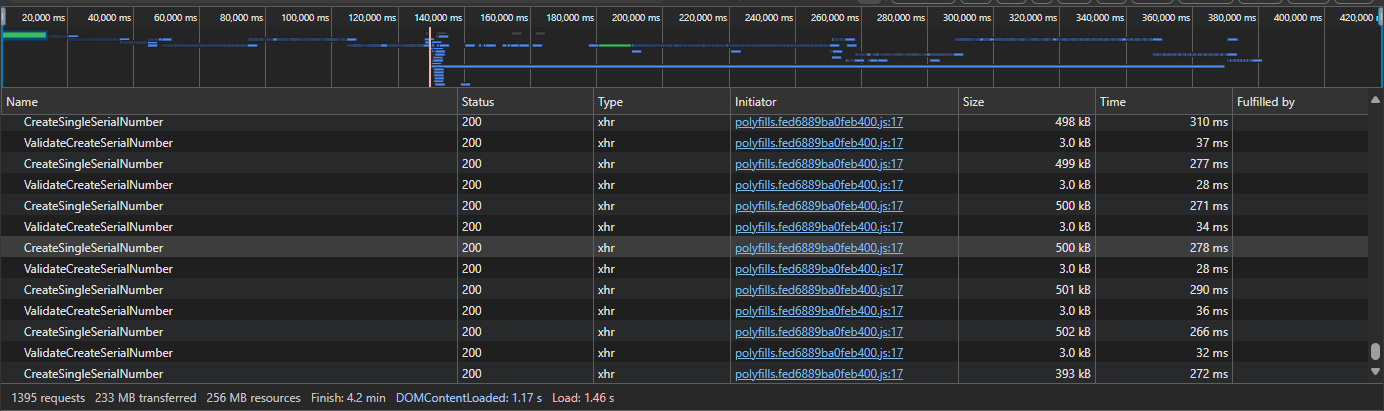
I got this working by looping through serial numbers but it’s not the quickest. Limit is around 500 serial numbers before bugging out.
Thank you
Aaron