Does anyone know how to view Method Tracker’s BOM tree on mobile (iOS Safari is this case). Only Revision Details is visible.
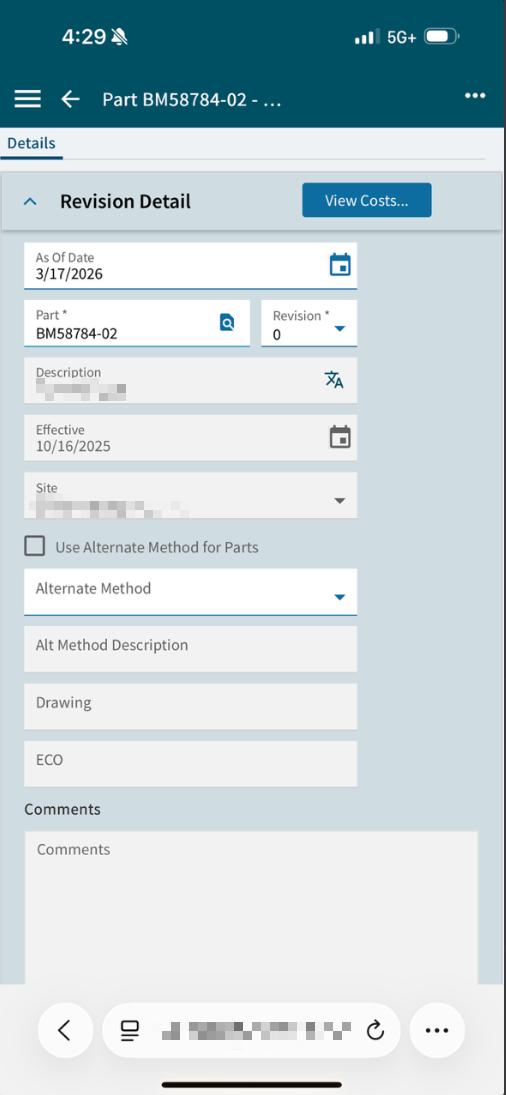
Wow, TIL there’s a mobile mode for Kinetic.
I tried. It looks like the tree has been removed from this view.
1 Like
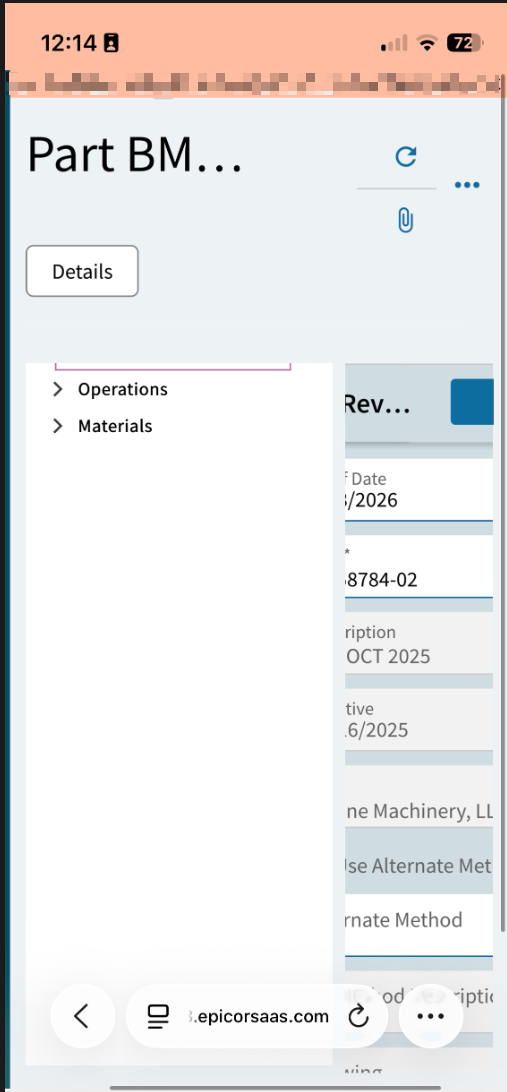
There should be the option in your browser to “View Desktop Site”. Won’t look great, but at least everything may be visible.

2 Likes
Darn. Doesn’t look like you can. You need a device with a slightly larger screen.
1 Like
I opened a ticket regarding similar behavior, there are a number of annoying artifacts with mobile mode detection, particularly vexing to me is the IDP/Basic selector for logging in. If you use the dropdown’s default selection, it works, but if you have to change it to say, Basic, the first time you select Basic it doesn’t take effect. (so if you then click login, it’s logging in with IDP)
You have to click Basic twice, then it shows you the user/pass fields.
Side note that Phone/Tablet smart layers utilize this code, and that part works really well, so I don’t want it to go away. But they do need to fix it!
3 Likes