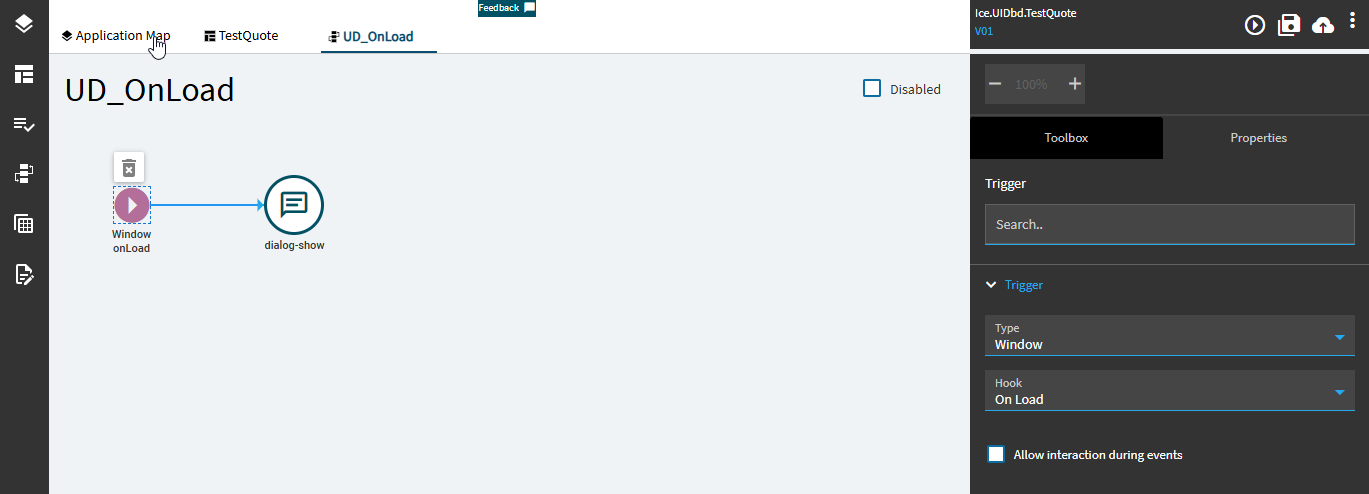
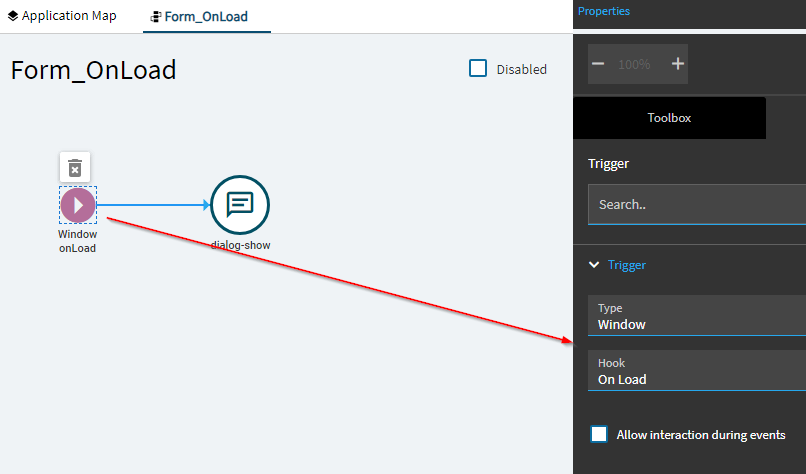
Have I forgot how to work or something changed after upgrades? I am creating dashboard (Ice.UIDbd.xxxx) and when I add window event OnLoad, it does nothing (Checked with erp message widget), previously created dashboards with this event works as expected anyone has this issue?
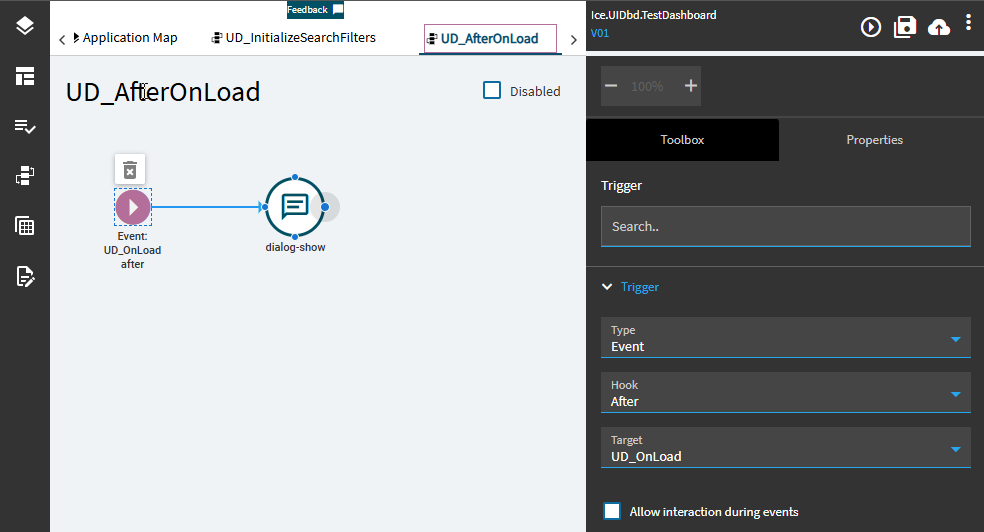
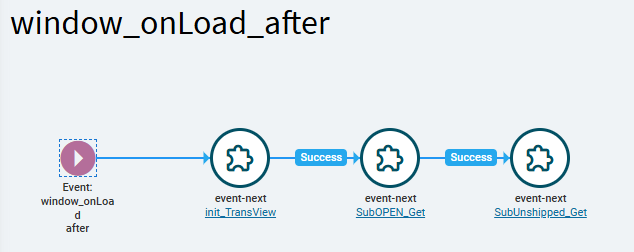
Have you tried @dcamlin’s suggestion of using an After_Window_onLoad trigger? You’ll still need the Window_onLoad event, just create a new ever where the trigger type is event and do after Window_onLoad. I usually won’t put anything in the Window_onLoad except initializing Transview.
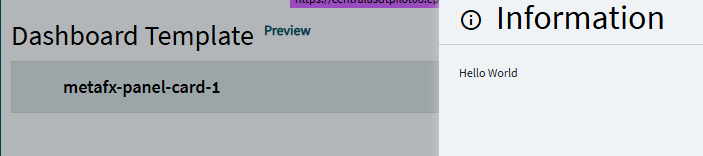
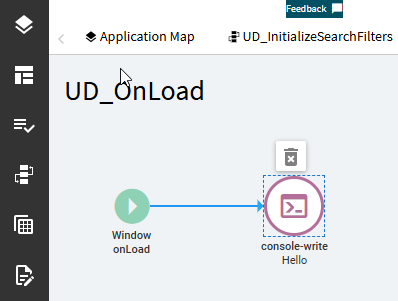
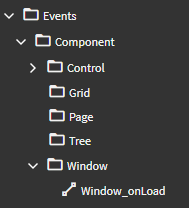
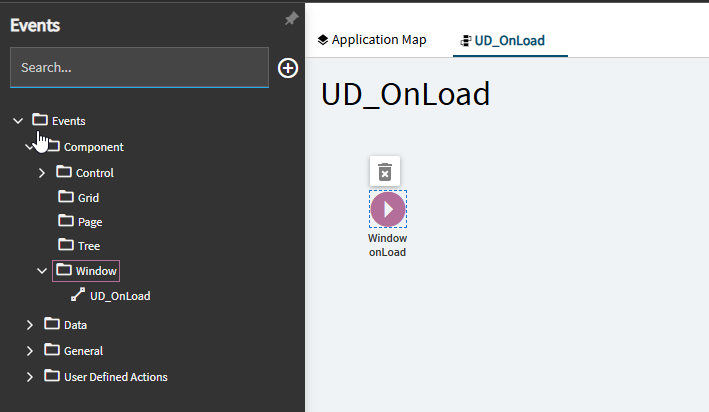
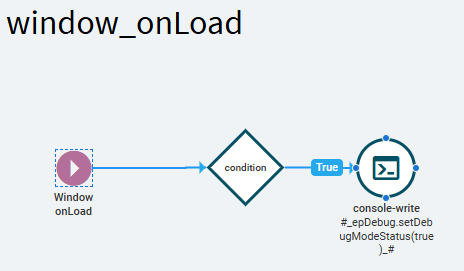
Can you verify you only have 1 event with the window onLoad trigger? They would show up on the event tree under Component>Window. Also did you try without the console-write widget? It shouldn’t cause a problem unless it just doesn’t like the syntax of what you’re trying to write. If you want to leave it in there I’d put this in the value to turn on the debug logging in the dev tools
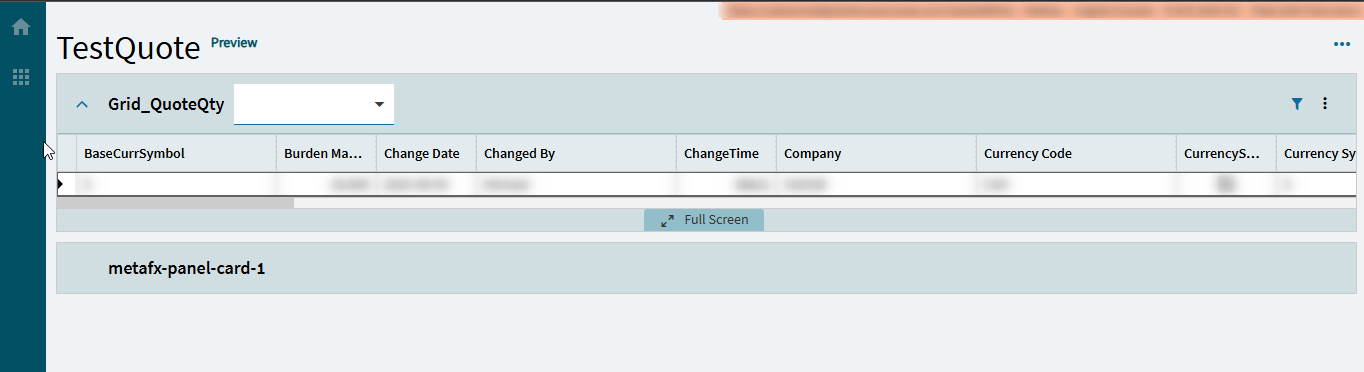
Just saw the note about the version so I created a new dashboard from scratch in our Third environment that’s also on 25.1.11. Single panel card on the dashboard (zero setup) Window_Onload event, After_Window_onLoad event with a message widget and it worked fine.
It did have some odd behavior when I was creating the events, it wouldn’t let me name the event and set the trigger conditions in one go. I had to save after naming, close the event and then reopen to set the trigger, but when I previewed it the message popped up when the page loaded.
I’d try testing with a completely new dashboard and the bare minimum to see if you can make that work, which I know sounds unhelpful but it’s what I’d do.
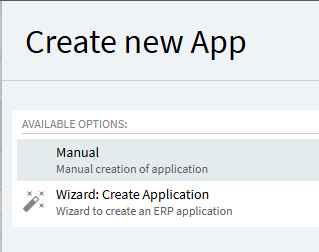
What I usually do is create the app with the wizard, wire my BAQ and proceed. I’ve tried creating a brand new dashboard this way and the Window_OnLoad event would not fire.
I then tried creating an app manually and, guess what, the Window_OnLoad event fires correctly.
From now on, I will always create my dashboards manually.
Ah, I don’t ever use the wizard for creating the app because I’ve had problems every time I’ve tried. I will use the wizard for adding a dataview and sometimes for setting up a panel card grid, those usually work pretty well.
This is a common problem that I haven’t been able to solve.
What was suggested to me ( @aosemwengie1 ) and I have been doing is putting a control on the form, and using the oncreate event to do this.
Do however keep in mind, say if you put a control in like a header on a panel, and sometimes other places, the event could fire more than once, as well as on a refresh sometimes.
I just build my logic accordingly with that in mind.
I’d still go back to not using the wizard. Making data in the dashboard updateable shouldn’t be a problem, either with an uBAQ or with using the native BOs to pull and save built in datasets.
I know this sounds silly… but I never use the Window_onLoad event to DO much of anything.
I have some dashboards where I have the Window_OnLoad event (trigger) but leave the event empty.
Lately, I’ve been adding a condition to check if it is ME running the dashboard and if True, console-write to turn on the debugger when the form launches.
But I then create a second event… after_Window_onLoad… and I do my “stuff” in there (initialize transview, keyfields, run initial BAQ/dataview population events, etc. etc.).
Well, the console-write portion I got from Gabe (he’s a smart one!)
As for using the after_window_onLoad… I was just never sure exactly when things are happening. Window loads… but WHEN are objects painted? When are system dataviews established? etc.
I always felt safer thinking… okay the window is loaded (system stuff is out of the way)… now do MY stuff.



 (he’s a smart one!)