Maybe this is going to be another “it’s just you Scott” issue , but I am seeing a difference between smart client vs web ui in Order Entry / Manifest Detail / Billing.
I plan on opening a support ticket, but wondering if someone else can take a quick look to check my sanity
Scenario: trying to convert classic custom code to an event in application studio. It’s fairly straightforward, we have a button that moves some fields from the Manifest VIEW to OrderHed.
My app. studio event is just a row-update on the btnClick event.
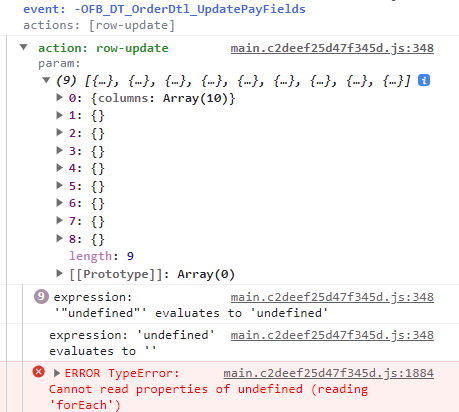
The row-update is failing, and I’m quite sure the reason is the Manifest view isn’t correctly loaded.
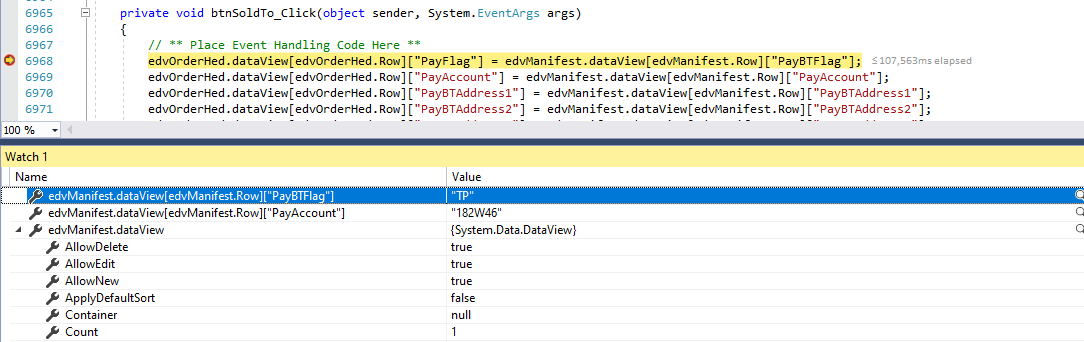
In smart client, I have debugged in visual studio and there is one row (as I would expect) in the view and proper values are there (when the order is for a customer that has it’s ShipToMFBill table/fields populated)
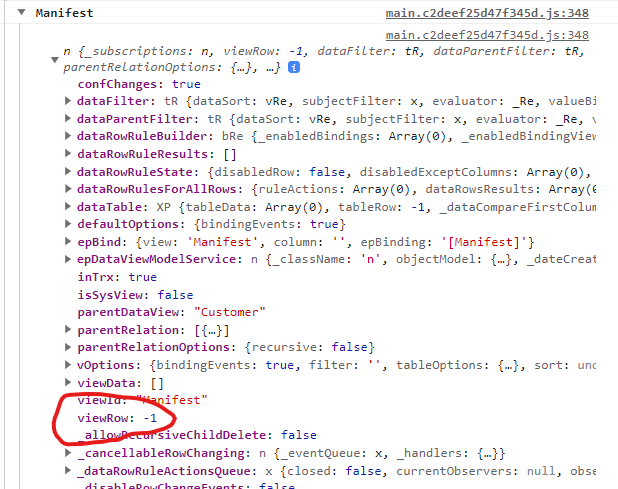
But when I am in Kinetic/web, loading the same Order I get an “undefined” error and looking at the view (ctrl-alt-V in debug tools) the Manifest view is empty
(There are no other errors in the debug trace log when the order is loaded)
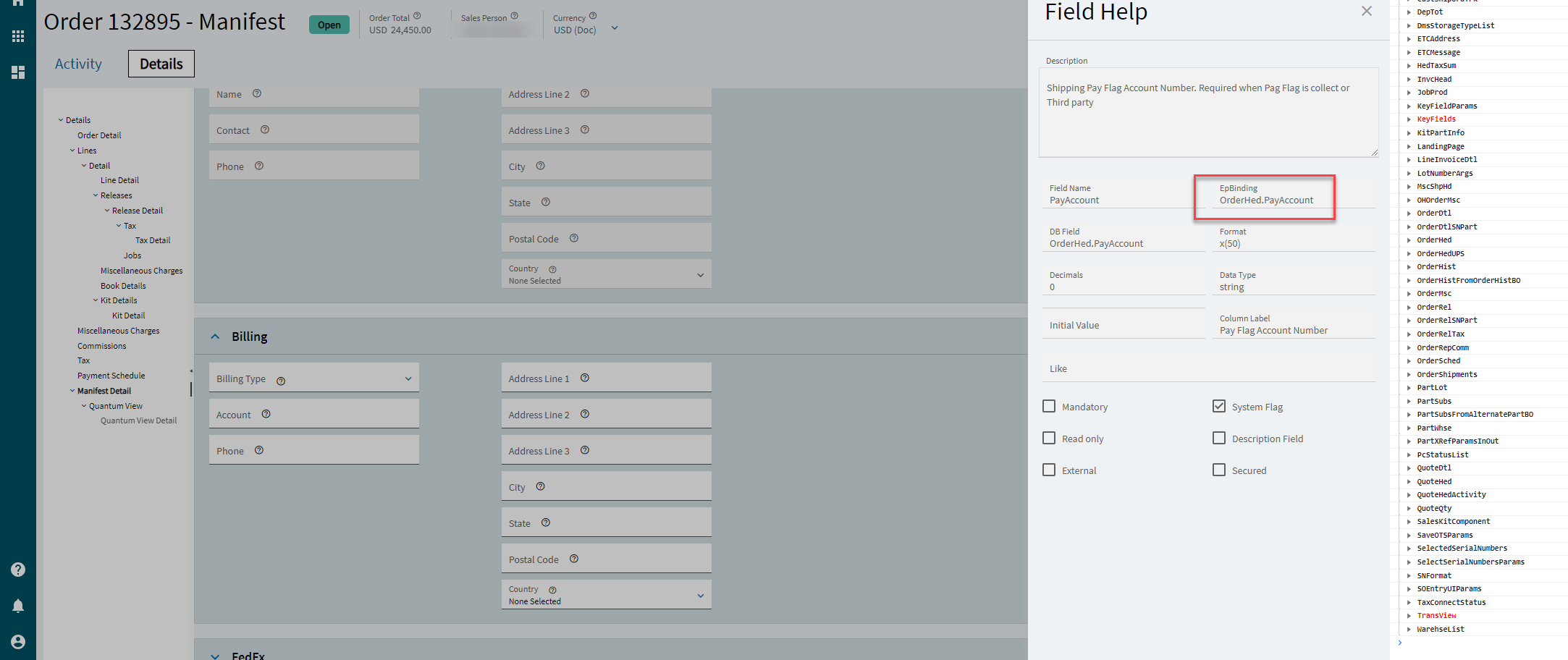
I don’t even have a manifest view in Order Entry. The fields you’re referring to are in Order Entry / Manifest Detail / Billing are bound to OrderHed in mine.
Curious, do you use the “Quick Ship” module ? thinking that might be the difference and we might only have it activated in our classic UI not our web side, which would then explain why I see the different behaviour between my classic UI vs Web
Regardless, I believe I have found a workaround to get at the data I need
 , but I am seeing a difference between smart client vs web ui in Order Entry / Manifest Detail / Billing.