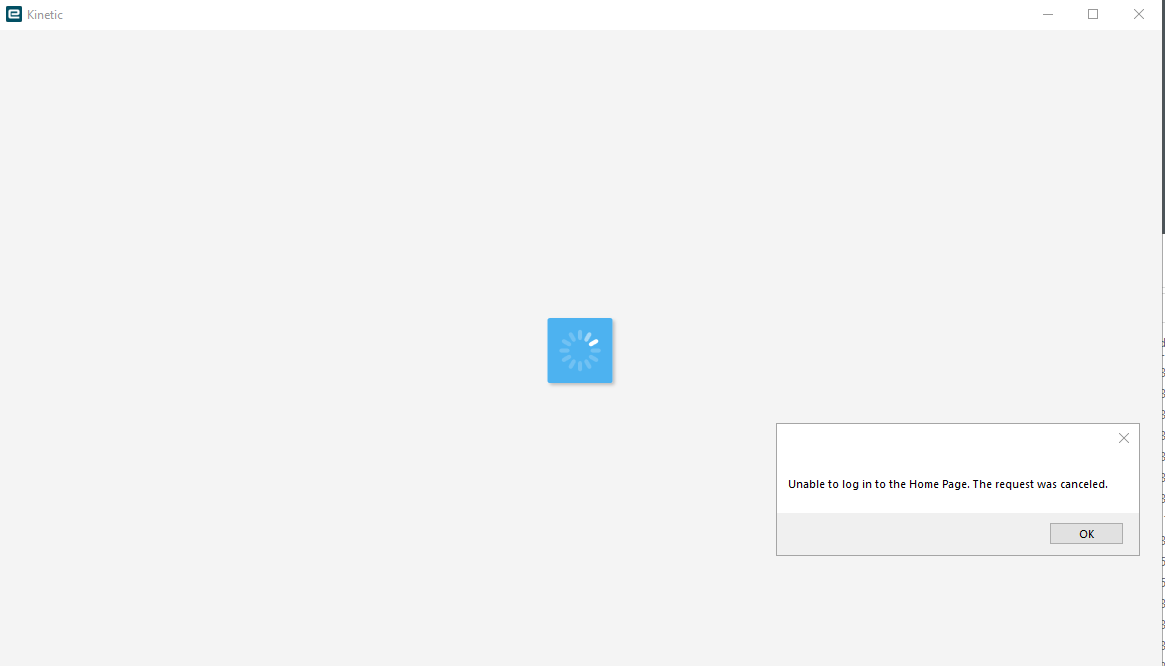
We can log in using the classic theme, and we can log in via browser, but kinetic home page through the client doesn’t seem to want to work. Nothing seems wrong with URL in the configs, and certificates are still valid.
I’ve had similar issues in the past and it’s usually an issue with the URL in the config file – there will be an extra http:// or a “/” somewhere it doesn’t belong… what I don’t know if how the config files would get “out of whack” but…
Here’s an example:
“https://https://xxxxxxxxx.xxxxx.loca/l/EpicorTest/Apps/Erp/Home”
Can you please elaborate on what you mean by a site rebuild? I have a user with this exact issue and its only affecting them on their laptop, they can log into their account just fine from another machine.
I’ve done all the normal stuff, reinstalled client, checked config files, credentials everything, there is nothing different about their install to anyone else’s (that i can see) and yet they get this error every time - but can log in as modern or classic just fine.
Well, this is even more strange. I tried copying the config files from another device that he could log in on just to be sure I was not missing some minute detail and still no luck.
So then I just copied the entire Epicor folder from that machine and replaced the Kinetic install on his laptop with it and now it works just fine…
So even trying to reinstall the client twice from the server didn’t work but copying an install from another computer did. Is the installer corrupted or something? Anyone got any insight as I have literally no idea why this happened, I couldn’t find the “thing” that was causing the issue.
This is worrying as it would point to the issue not being the config files or their network credentials or the server but one of the applications files. And I reinstalled the client twice.
I did have this happen to another user a few months ago but reinstalling the client from the server worked for them, so I was very concerned when it didn’t work this time.
In EAC, I went to the environment that was affected and went into the config settings > actions > rebuild site.
Note that it’ll take down the environment for about 30mins - 1 hour. Not sure if it will affect anything in your environment afterwards, but that’s what fixed it on my end.