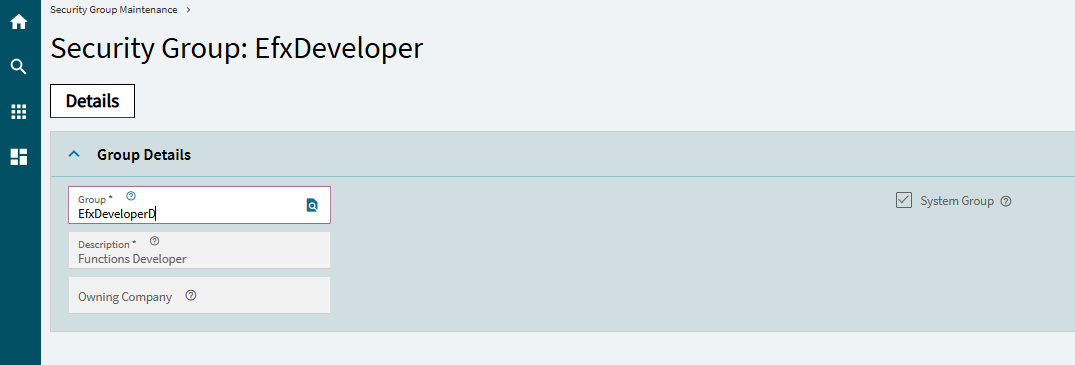
We have started to fine tune Menu Security and I had a Security Group that I wanted to clone - however, despite reading that you could do this I have failed to find a way.
It is not such a big deal to be honest, but it would sometimes be useful as (allegedly) it can copy with all Menu security with it.
There is no “Clone” or “Copy Security Group” in the overflow menu despite Co-Pilot telling me it should be there. I basically spent a couple of hours trying to follow it’s instructions whilst fine-tuning my request with it but no joy.
I have security admin rights and can easily create a new Security Group and populate it with users, as well as changing Menu and Context Menu access rights to the Group but it would be cool if I could just copy that effort to a new Group.
I have created a Security Group, then added a user then found Menu items in Context Menu Maintenance such as Customer Entry, Vendor Entry, Part Entry etc, then set my new Security Group to Disallowed.
I have done this for a number of Context menus and wanted to be able to copy this Group and give it a different name then maybe add different users etc.
Bummer! As far as I know that feature is not available. The security controls are due for an overhaul. I bet with the new functions we could roll our own security controls. Good Luck!
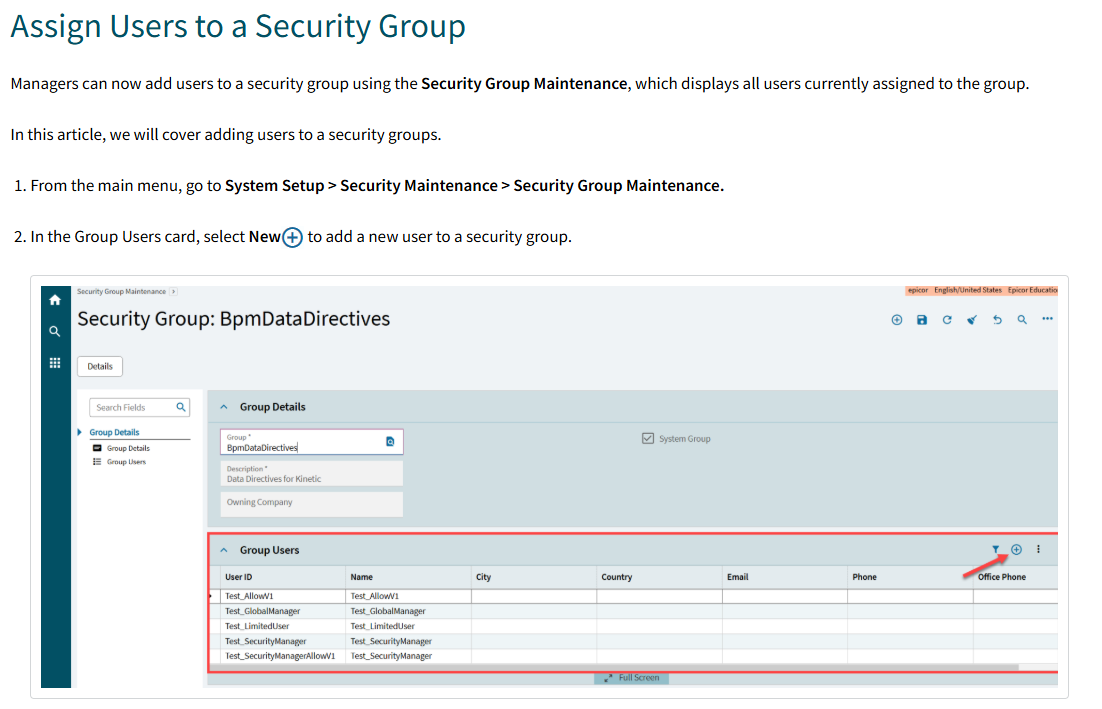
As of 2025.2 you can add users to a group. In fact there is a new bug in 2025.2 where that is the ONLY way you can get a user into a group, doing it in user account security maintenance doesn’t work anymore.
I think what is confusing is that there are security groups and separately, security IDs (confusingly, security ids are edited in Menu Security maintenance and are sometimes called security codes).
What patch of 25.2 is that on? We’re on 25.2.13 using the Kinetic User Account Security Maintenance screen and have provisioned plenty of new users plus updated security for users without any issues.
Wouldn’t be the first time an issue in Kinetic depends on installation, cloud vs on-prem, or phase of the moon, though.
If you remember dual-floppy PCs then you’ll probably also understand why Epicor security is so, um, “backward” (to repeat @klincecum’s rather generous phrase)… it’s based on the Windows NT 3.51 security model. The “Security Group” functionality was a bolt-on to allow multiple users to share the same menu security. Nothing more complicated than that… and that’s the problem. Security has gotten LOTS more complicated than NT 3.51 (remember 3Com LAN Manager?) ever thought about.
Success is one of a variety of possible outcomes. What’s going on smells like another race condition bug. Sometimes things line up correctly and work, sometimes not.
Adding a group to a user triggers an update to the available/assigned group grids, sometimes dropping the reload before they’ve actually reloaded. Sometimes the full lists are loaded correctly, which is nice. Sometimes it’s partial. Sometimes one or both tables fail to load anything.
If you’re able to remember and make sure all of the assigned groups are correct this can be a safe way to update group membership.
If you see any exceptions, close or F5 the tab before doing anything else, and start over. Usually I find that the last applied group was saved to the user. If the assigned groups don’t load correctly though, doing anything that applies another save action has the potential to make an annoying mess.
I remember that version of NT as a brief encounter before I was made to replace all my Netware servers with NT4.0. A sad day as it made my CNE qualification effectively redundant.