We are currently working on testing out our BPMs, Dashboards and Reports for our yearly upgrade. I need a list of all BPMs, Dashboards and Reports for all of our companies. Currently when I go into Solution Workbench, it only shows me data from the company I am logged into. How can I get a list of this data for all companies?
1 Like
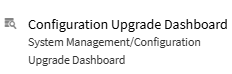
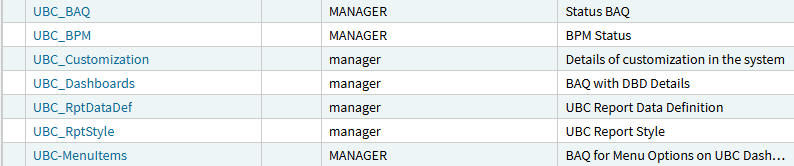
This dashboard is fed by various BAQs starting with UBC_, you can probably copy these and remove the company = @curcomp criteria.
5 Likes
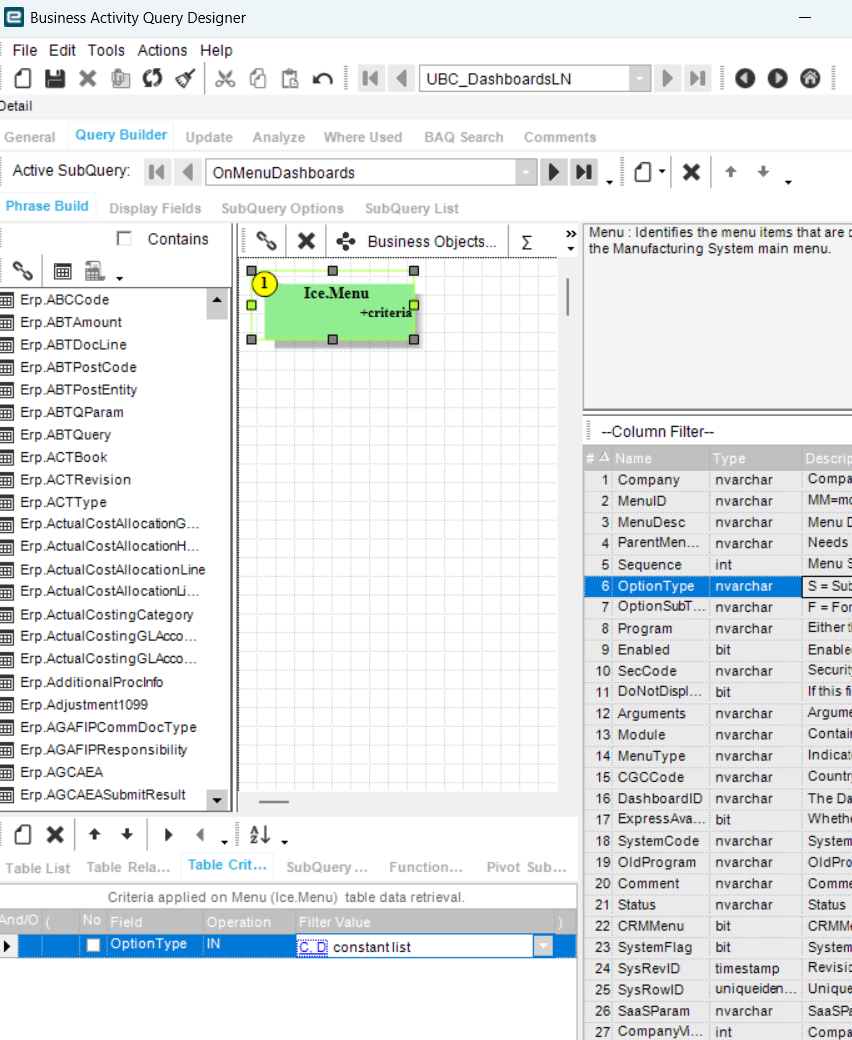
Thank you for that. I tested using UBC_Dashboards and there is not a company = @curcomp criteria. I only see this:
1 Like
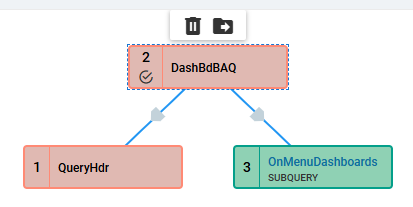
Hi, Take a look at the “Query Text” for guidance where the criteria lives, you are looking in the subquery but the criteria is at top level:
...
from Ice.QueryHdr as [QueryHdr]
right outer join Ice.DashBdBAQ as [DashBdBAQ] on
	  DashBdBAQ.QueryID = QueryHdr.QueryID
	and ( DashBdBAQ.Company = @CurComp  )
left outer join  OnMenuDashboards  as [OnMenuDashboards] on
	  DashBdBAQ.DefinitionID = OnMenuDashboards.Calculated_DashboardID

1 Like
I see it now. Didn’t realize I was not in the Top Level query
1 Like
It seems like removing that criteria didn’t help. It is still only showing current company and just blank companies.
Example:
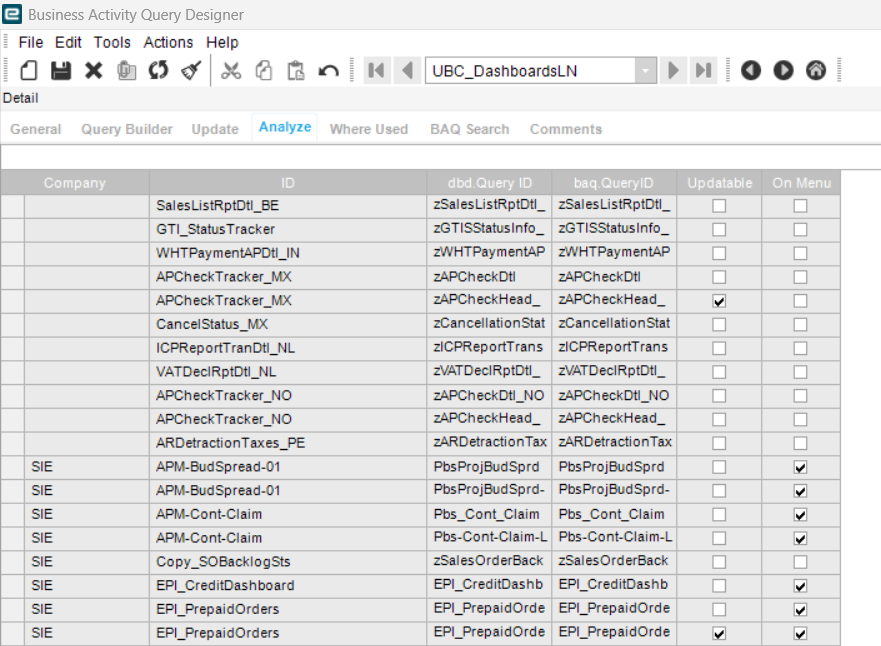
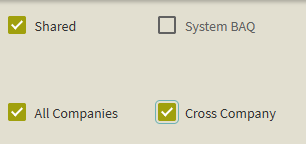
Seeing Blank company (these are not company specific objects that apply to all companies) means that you should be able to see all companies’ data. Is “All Companies” and “Cross Companies” checked on the BAQ? Are you maybe over 10k row limit?
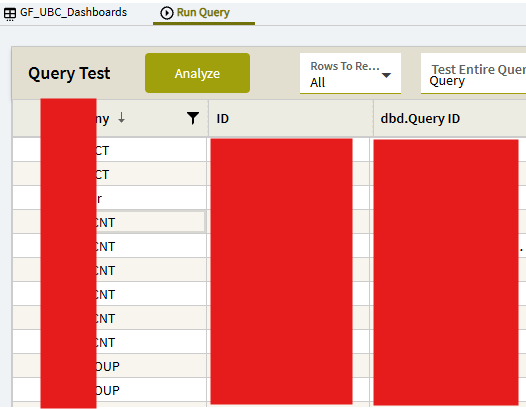
I tried here and it worked as expected - i see all companies dashboards:
1 Like
I can’t select Cross Company, but I tried selecting Shared and All Companies, but still getting the same result.
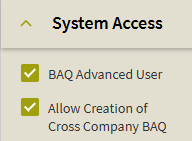
In User Account Security, your user will need “Allow Creation of Cross Company BAQ” permission to accomplish this:
“Shared”: Other users can see my BAQ within the Company I created it in
“All Companies”: My BAQ is visible in All Companies
“Cross Company”: The logic that restricts the view to my current company (and the blank company) is lifted, and i can see all companies’ data
1 Like
That worked. Thanks!
1 Like