Locked system event modified

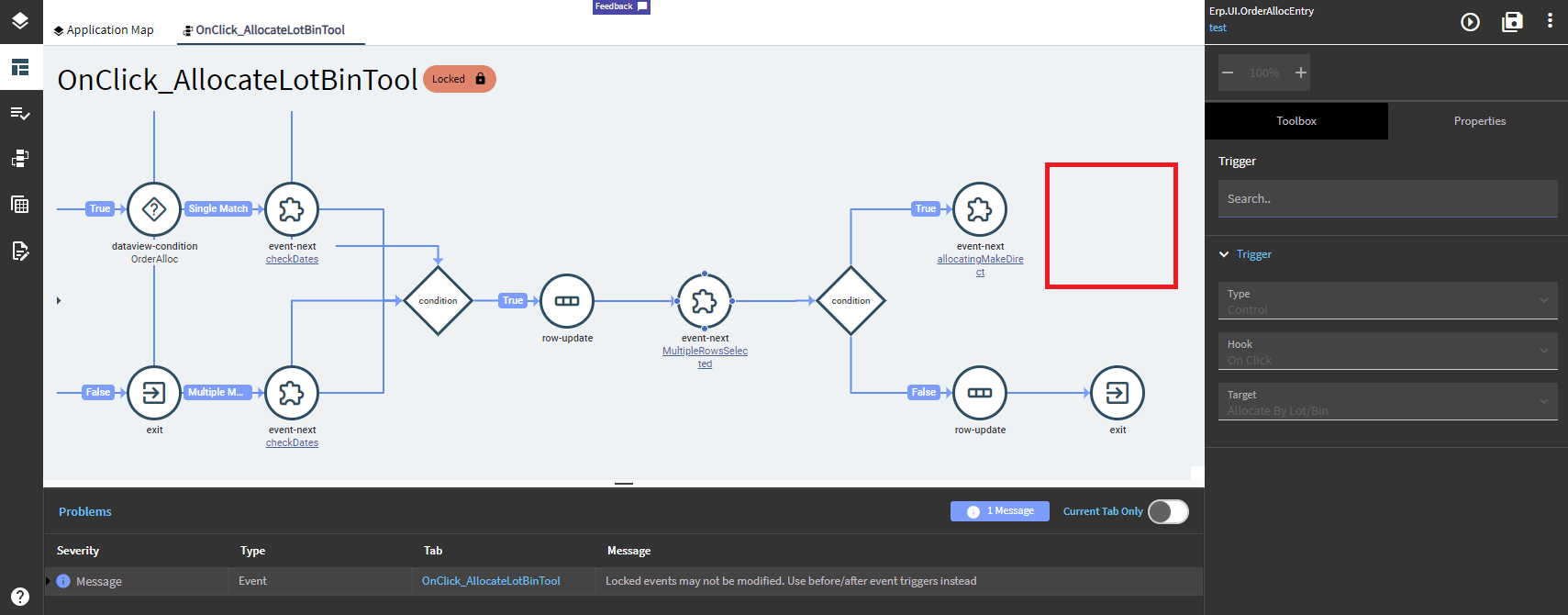
We’re on 2022.2.9. While working in the custom layer, the locked system event was somehow changed and saved. Looks like this bug has been reported and fixed in 2023.1.

Wondering if there is any way to fix the “broke” system event? Want to try to avid starting fresh.

I seem to recall there being a “restore” or something in the overflow menu somewhere? Maybe? lol

Or maybe it was somewhere down here?

Not finding an option like that. The slider event should be at the end but it’s gone :frowning:

You may have to recreate the layer.

You could edit the JSON from SQL and shove it back into the database, but only if you’re confident in doing so.

Just tried recreating the new layer. The system event looked fine but after I copied it they are both broken. I feel the app studio is buggy in copying or rendering on the screen when the event is big like this one which is wide and off the screen. I will stay away for now until I update to 2023.1.

Thanks

You copied the event and that’s when it bugged?

Yeah. I tried this in a totally new environment and it did there also.

Just tried recreating the new layer. The system event looked fine but after I copied it they are both broken. Maybe this is a corruption at the base layer.
Do you know where the base layer is kept?

I just gave this a shot.
Replicated in 2021.2.10.
Works fine in 2023.1.4.

Sounds like it used to be a bug and has since been fixed.

Should be in the MetaUI folder on the server.

\Server\Apps\MetaUI\Erp.UI.OrderAllocEntry\events\MenuAllocate.events.jsonc

Thanks for confirming. 2022.x app studio bugs have been painful. We’ll be moving to 2023.1 in 2 weeks.

2 Likes

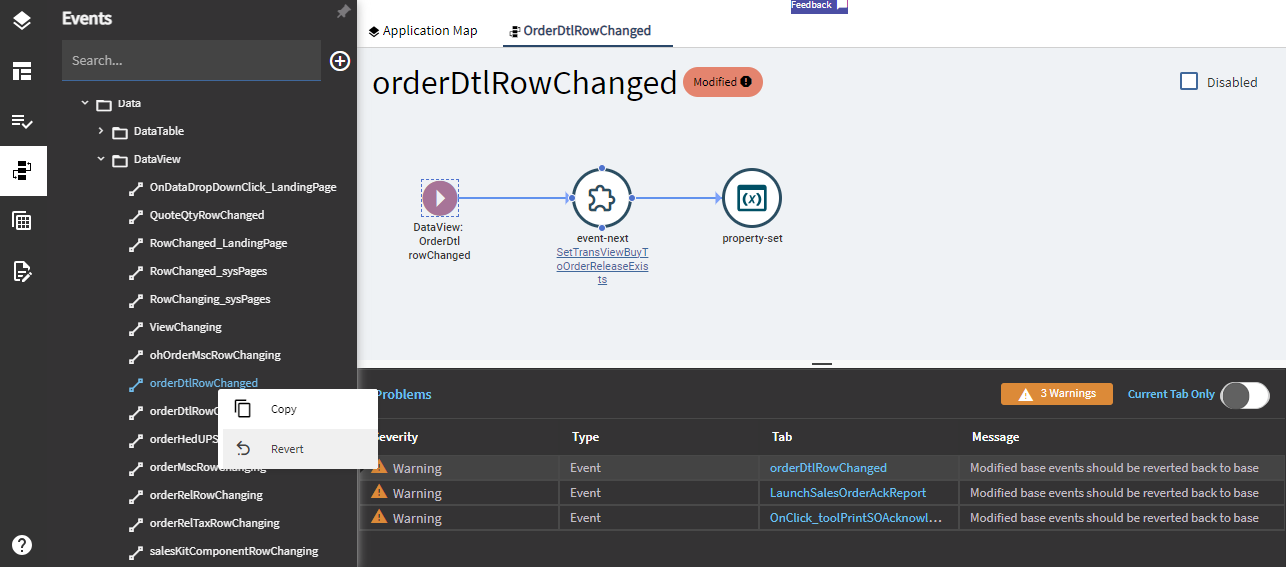
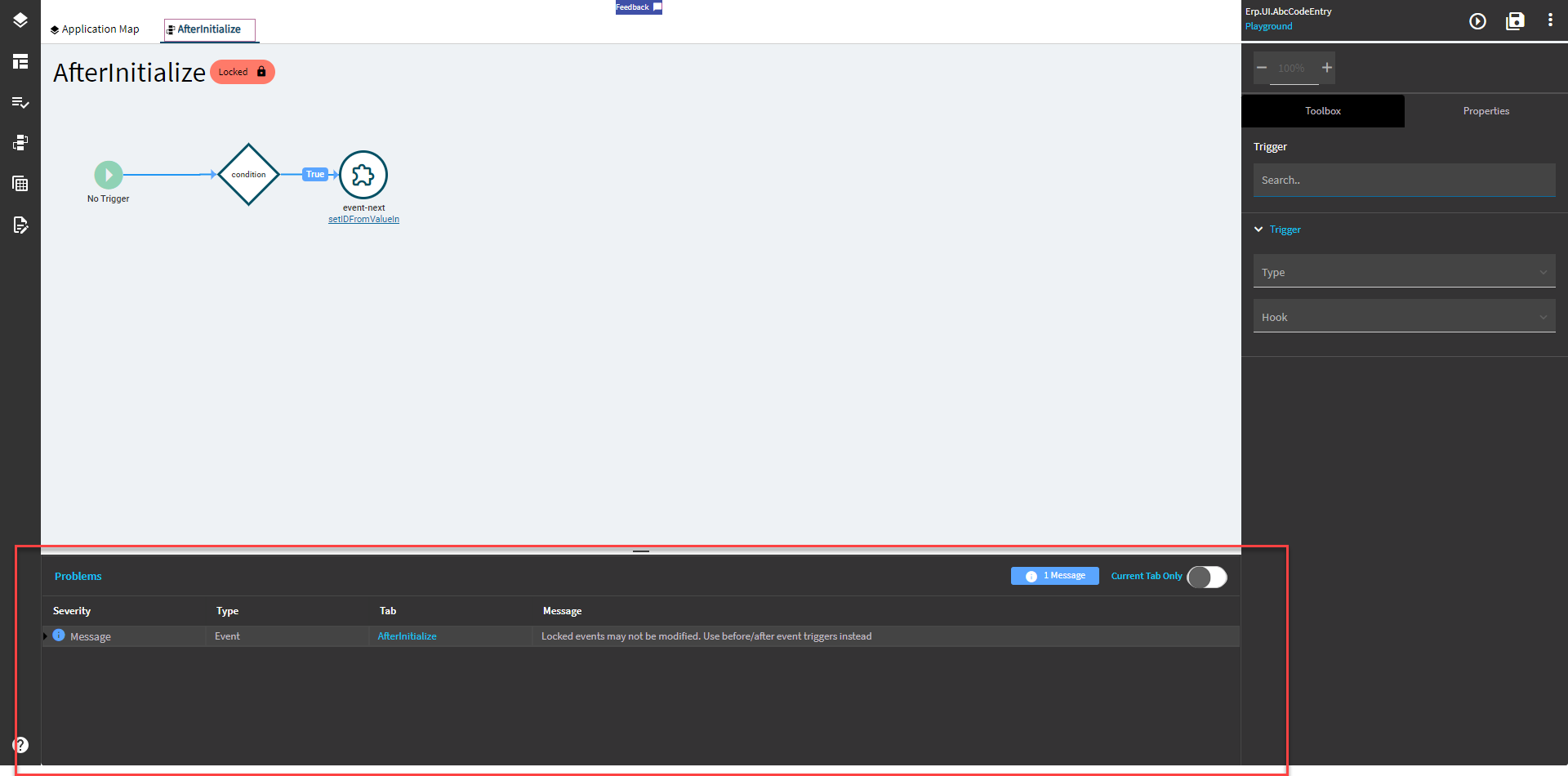
In 2023.1.6 I see the warning messages in the Problems section at the bottom which I hadn’t seen before.

I found the “Revert” option you were referring to. For anyone with this issue the option is here.

1 Like