Maintain column widths in BAQ Analysis between Tests

Every time you test a BAQ on the Analyze sheet, the columns revert back to a standard width


If I change the width of a column, I’d like it to remain that width for at least the duration of having the BAQ Designer window open.

And I won’t complain If I make the 2nd column 50 px wide, then insert a new column there and the new column becomes 50, and the shoved column becomes the default. I’ll just tweak those, as You don’t change column order that often.
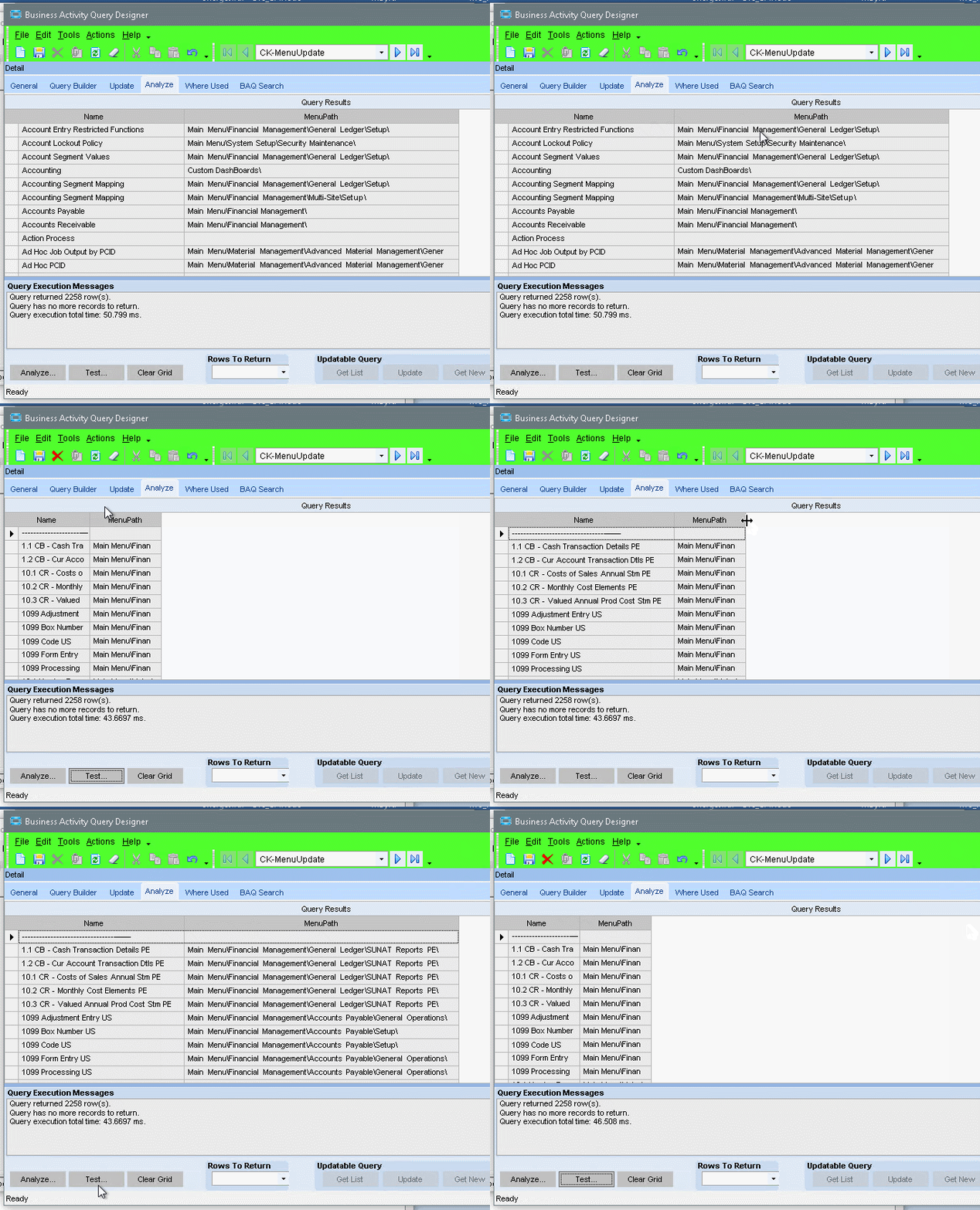
Yep.

To add to that, how about some kind of “auto-size ALL columns” buttons, like Excel?

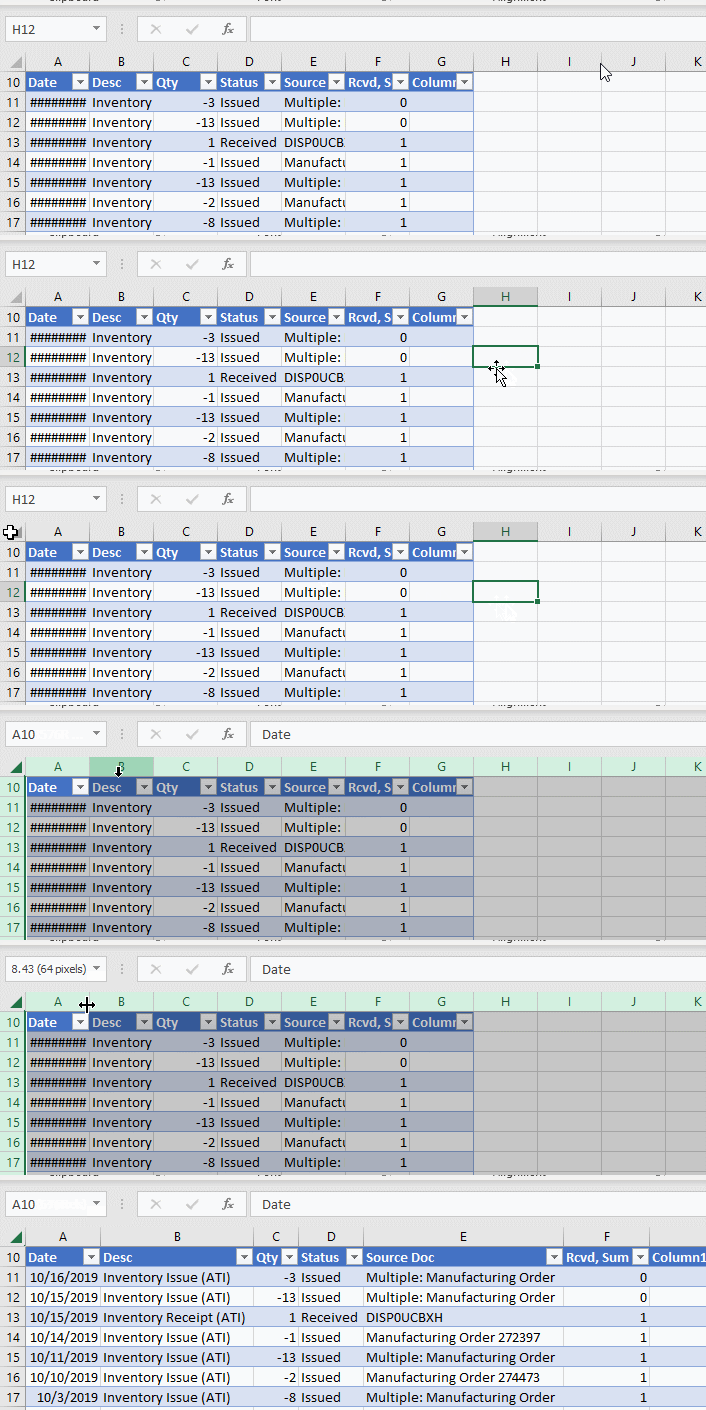
That exists in Excel? I’ve always just clicked the “select all cells” area, then double clicked the line between two columns:

Not a button, per se, but highlight A to G (or only C to E, etc.) and double-click a border. Same basic thing you have there.

Point is, you can’t highlight a column in Epicor

You can try. But you just make it the sort column by accident. :wink:

(and that happens alot when just trying to grab the column separator line when trying to change the column width) :frowning:

Yes it does.