Making Epicor REST calls with Postman

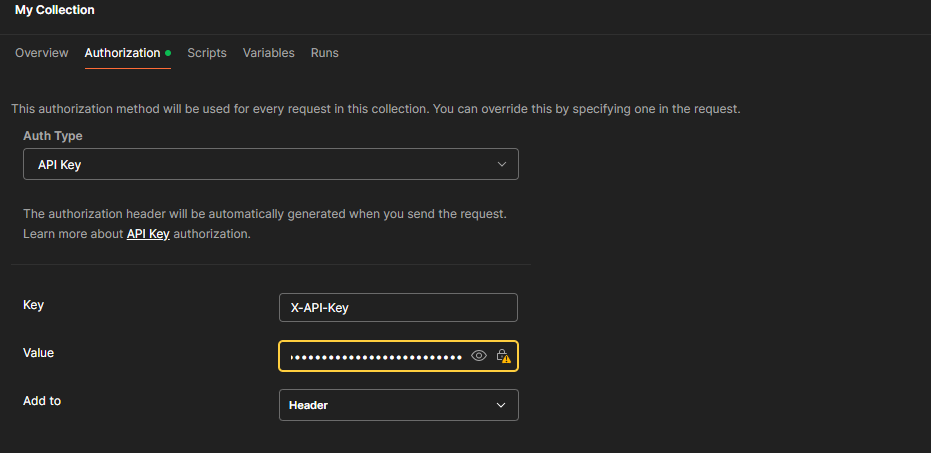
I’m able to use Epicor’s REST API Help to test different REST calls and view their responses but I’m having trouble doing the same in Postman. I’m using the same Request URL from REST API Help along with the same API Key for Authorization. I wasn’t able to get Basic Auth to work for the Auth Type so I attempted trying API Key (which added ‘X-API-Key’ to the request Header) still with no luck.
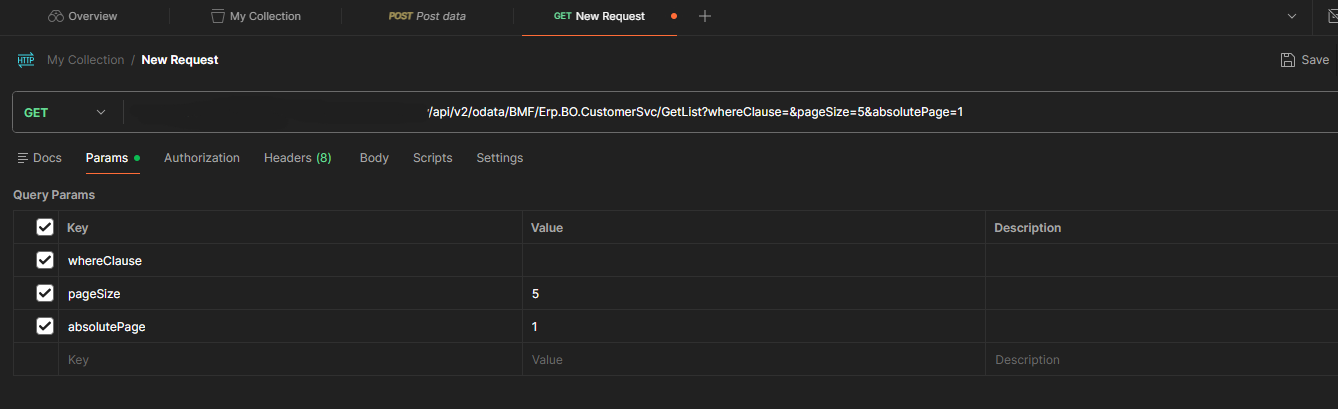
Any ideas as to what I’m missing with my setup?

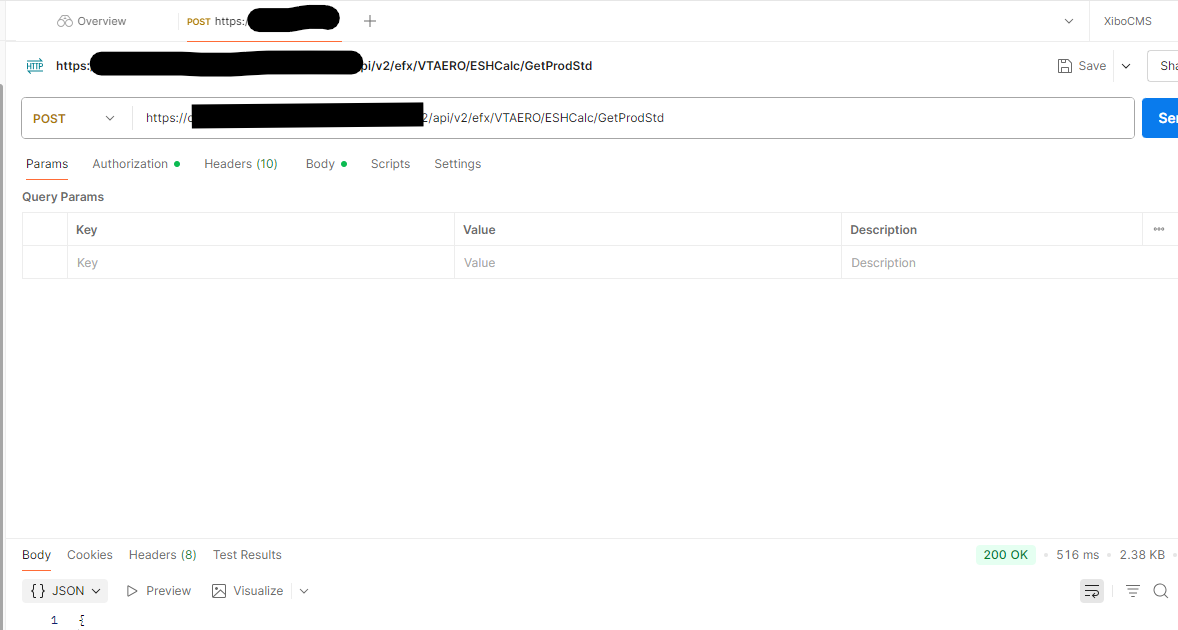
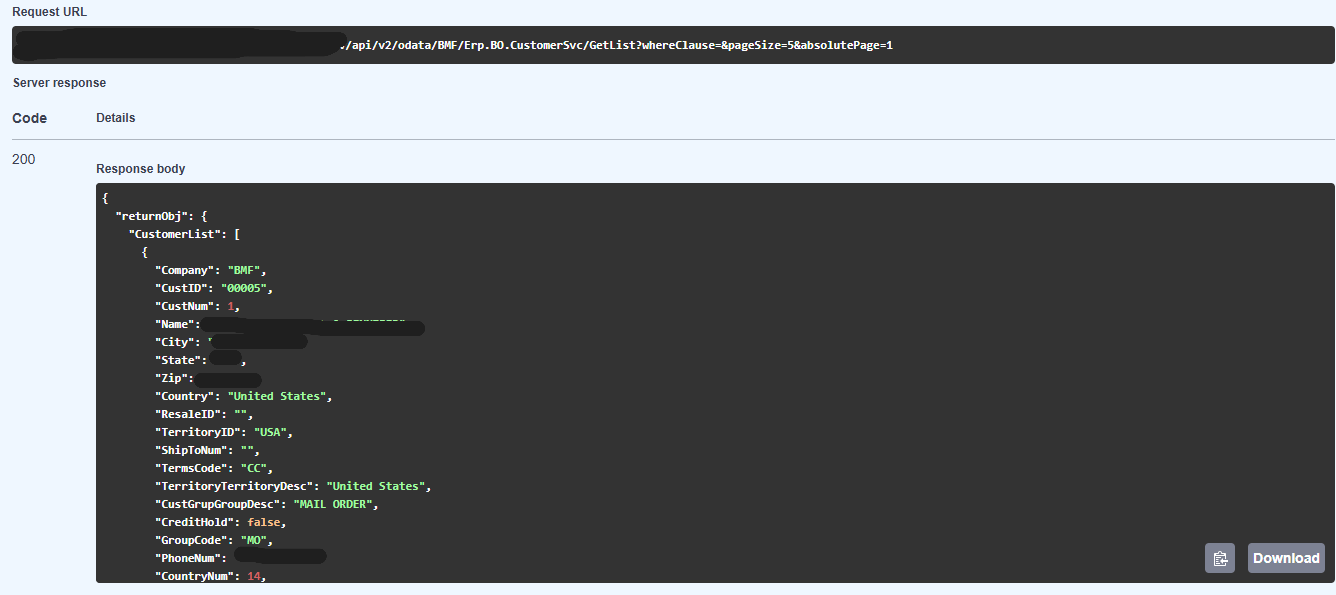
Successful response from REST API Help:

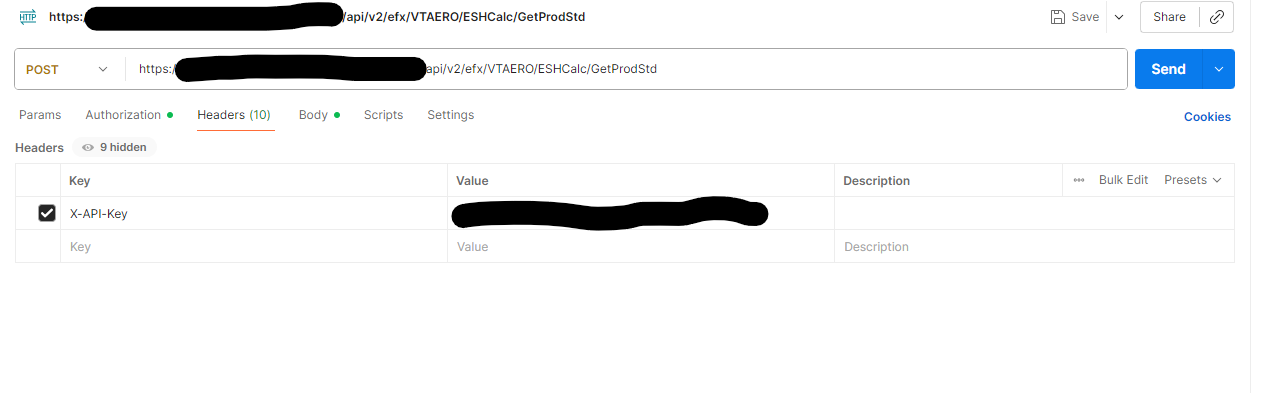
My request in Postman:

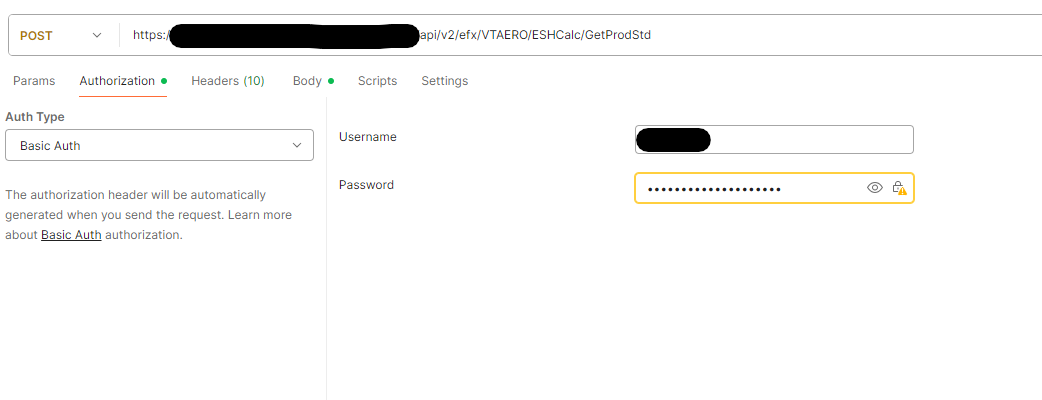
Authorization in Postman:

1 Like

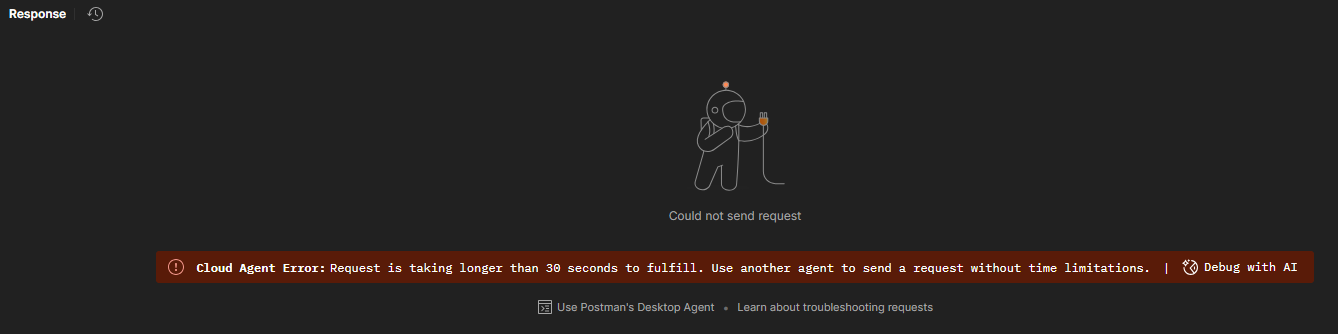
What is the response from PostMan?

Just a timeout–

How many customers do you have? Your page size is set to 5, which is really low. It might actually be timing out if you have thousands of customers.

You need both.

3 Likes

Here is a valid postman call from my history:


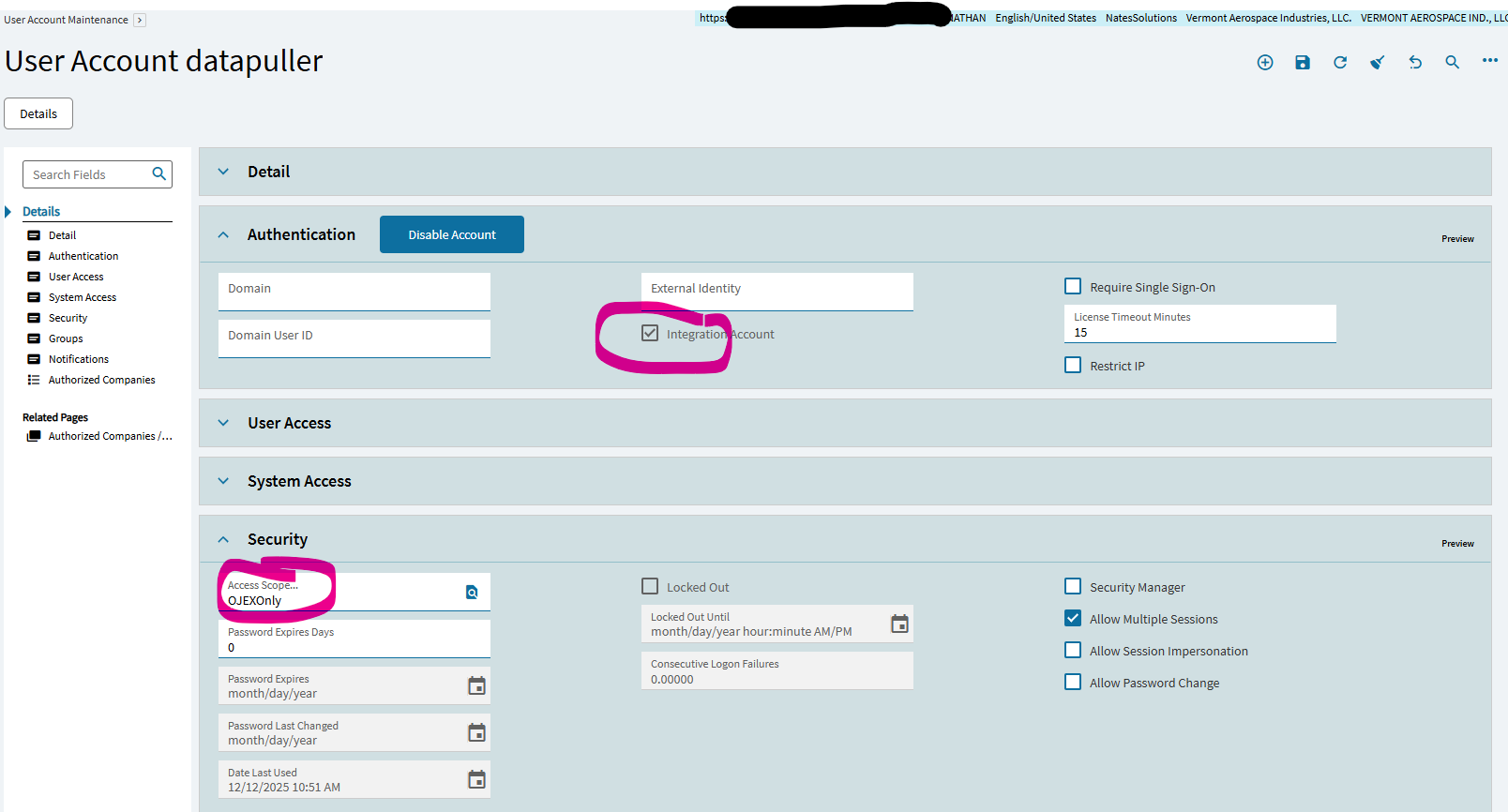
I used both basic auth and api key. make sure you are using api v2 in your address line. Setup the basic creds as a integration account in Epicor:

Make sure to setup the Access Scope and add your BAQ to the scope.

2 Likes

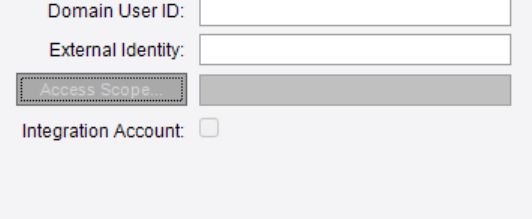
Any idea why I’m unable to modify those options in User Account Maintenance? I feel like this is the ticket.

1 Like

Disregard that, I needed to create a new user. Thought I could assign those options to a preexisting account afterwards.

1 Like