Morning all,
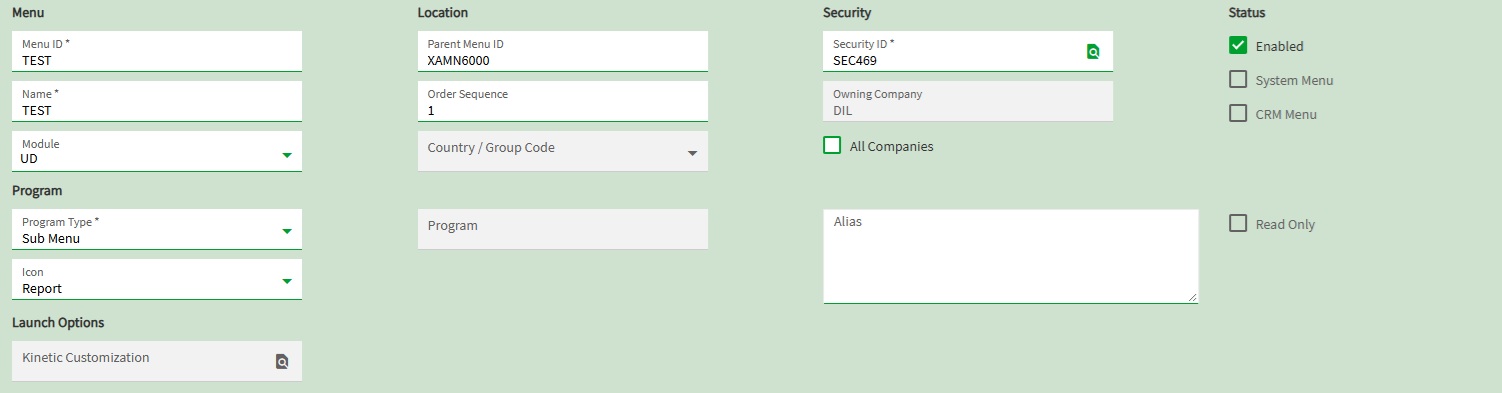
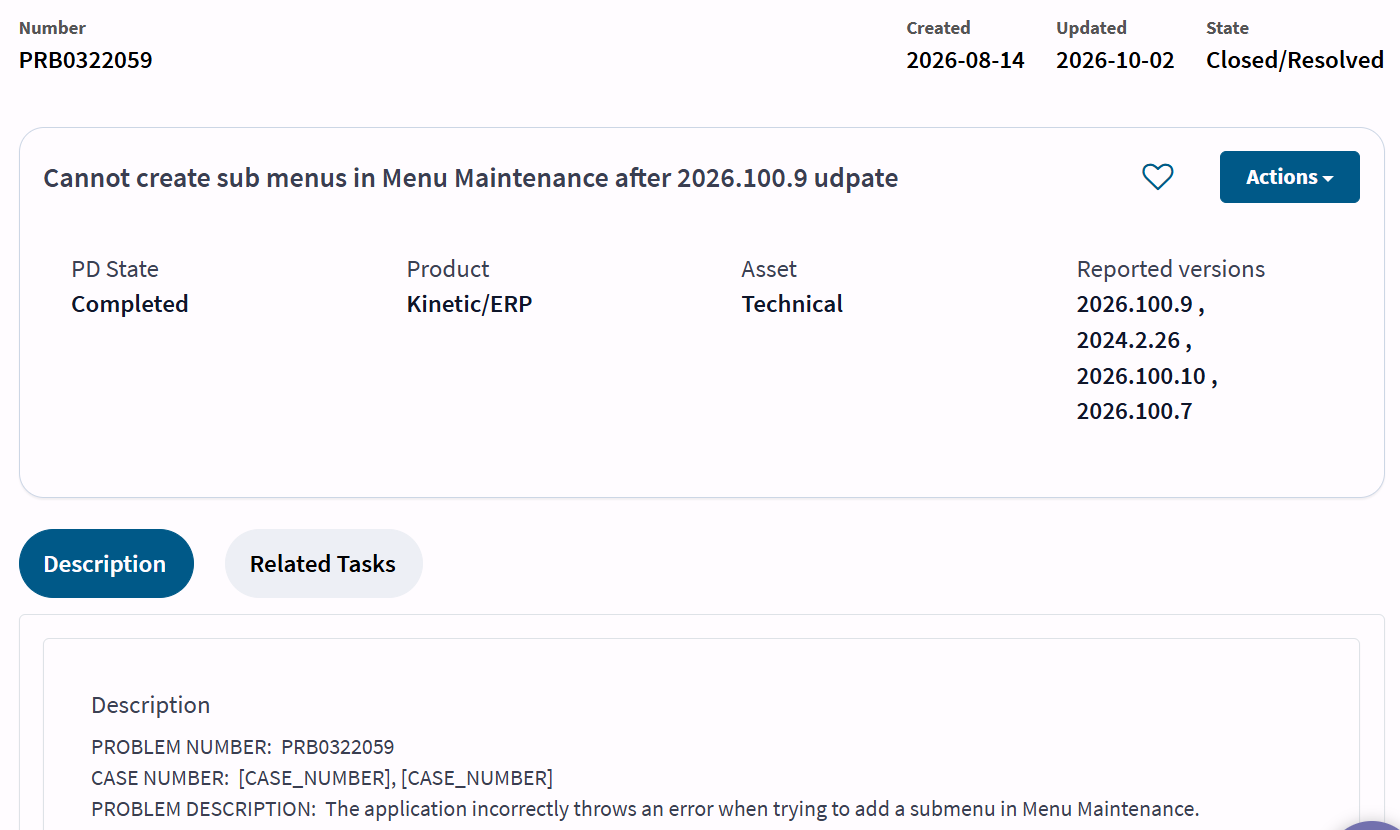
I am trying to creat a Submenu in Menu Maintenance done this many times before but now it will not save throws up a url required error, does this in live and test company.
Error message below:
Business Layer Exception
The form to use cannot be set to URL without specifying the Web Resource URL.
Error Detail
Correlation ID: 5509d020-5a5d-4a27-90c3-6b3c574ad156
Description: The form to use cannot be set to URL without specifying the Web Resource URL.
Program: Ice.Services.BO.Menu.dll
Method: ValidateDefaultFormType
Table: undefined
Field: undefined
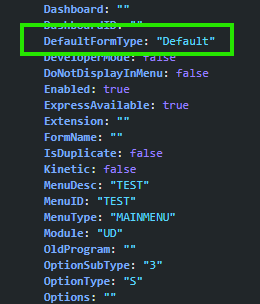
The DefaultFormType for ALL options is set to “url”… so when the system performs the save > MenuScv.Update call, it thinks there should be a web URL tied to that menu selection.
In the case of a Sub Menu, this should not be the case.
~*~
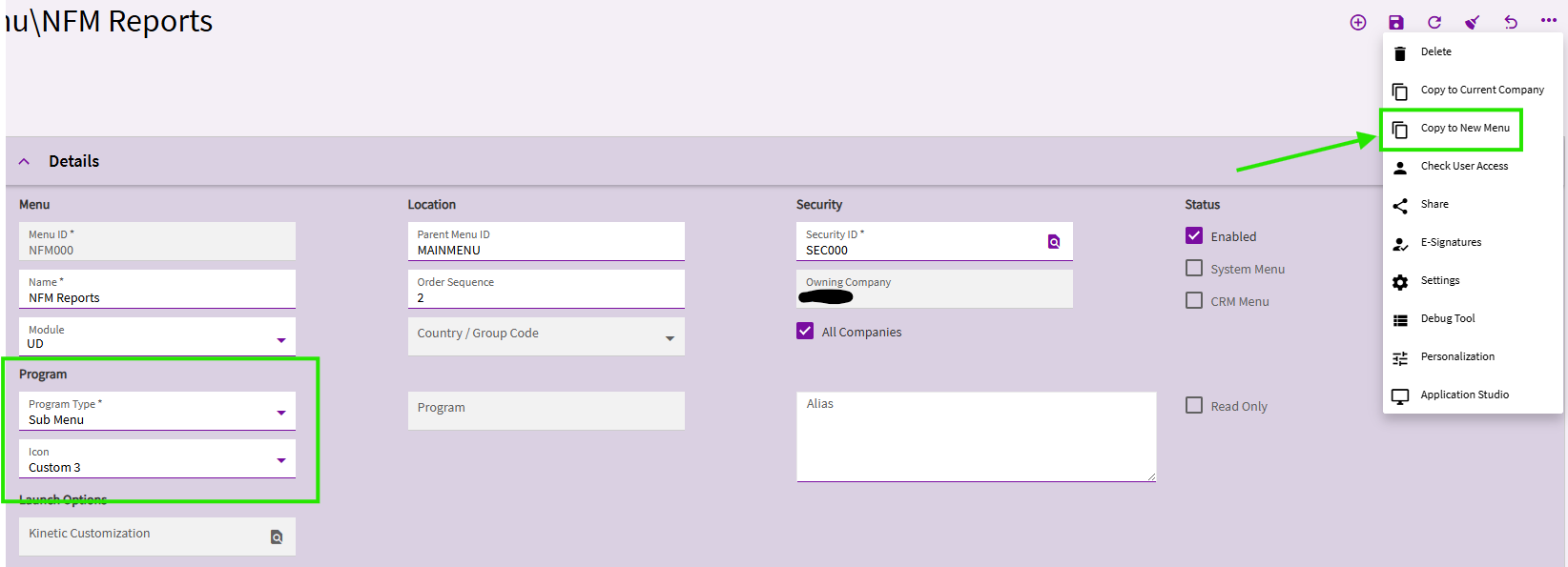
I was able to work around it by COPYING an existing sub menu.
Morning All
Sorry i have not replied I work Three days per week so only just seen
I tried the copy just throws up the same error for me tried copy to a different menu still the same error looking for the URL
Thank you all for your replies this is really casuing me an issue to move forward
I just made some progress I found a another sub-menu and managed to copy that so all good now thanks but very odd it allows one and not the other Sub-Menu’s are so simple
Once again cheers everyone for your help and guidance very much appreciated
Lez