Hello!
I’m working on creating a BPM that tracks Dashboard usage. I’ve searched for several threads, but I can’t find exactly what I’m looking for. I know Epicor has a Usage Tool, but I also wanting to get more knowledge on BPMs and C# code.
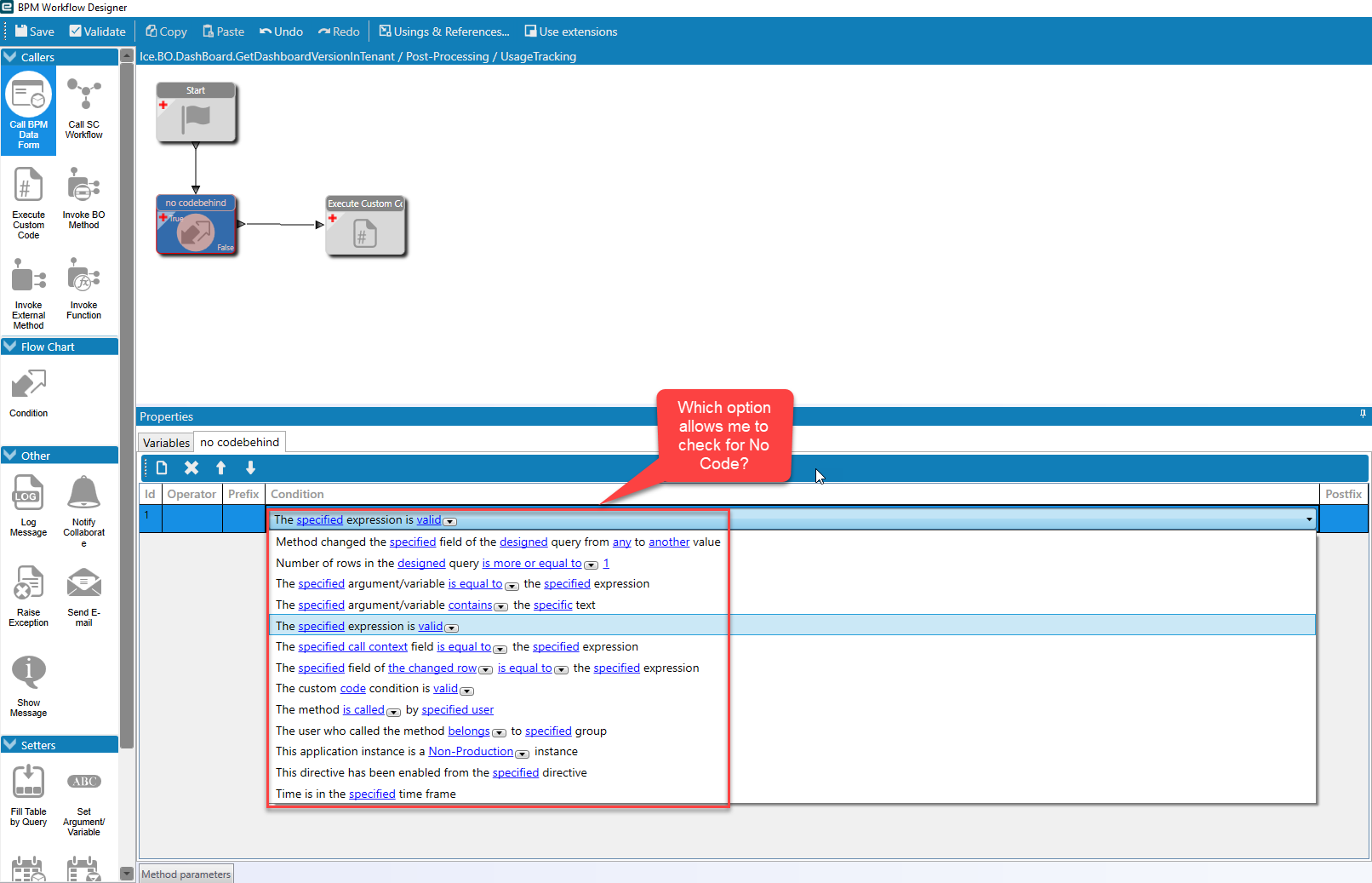
I’m trying to write a Post Method Directive on the Ice.BO.Dashboard.GetDashboardVersionInTenant BO. I added a UD table as a variable and I’m trying to write a condition that looks for “NoCode” or something similar (I could be on the wrong path). With the screen shot below, which condition would let me do that and how would I write it? I’ve used conditions in the past, but I can’t see to figure out how to pass the condition to the execute statement.
When the statement is false, I want the BPM to:
Execute some custom code to identify the Module Name
Get the UD table
Update the UD table with Dashboard name, User, and date accessed
Save the UD Row
Any input would be great! If there’s an easier way, I’m open to listen.
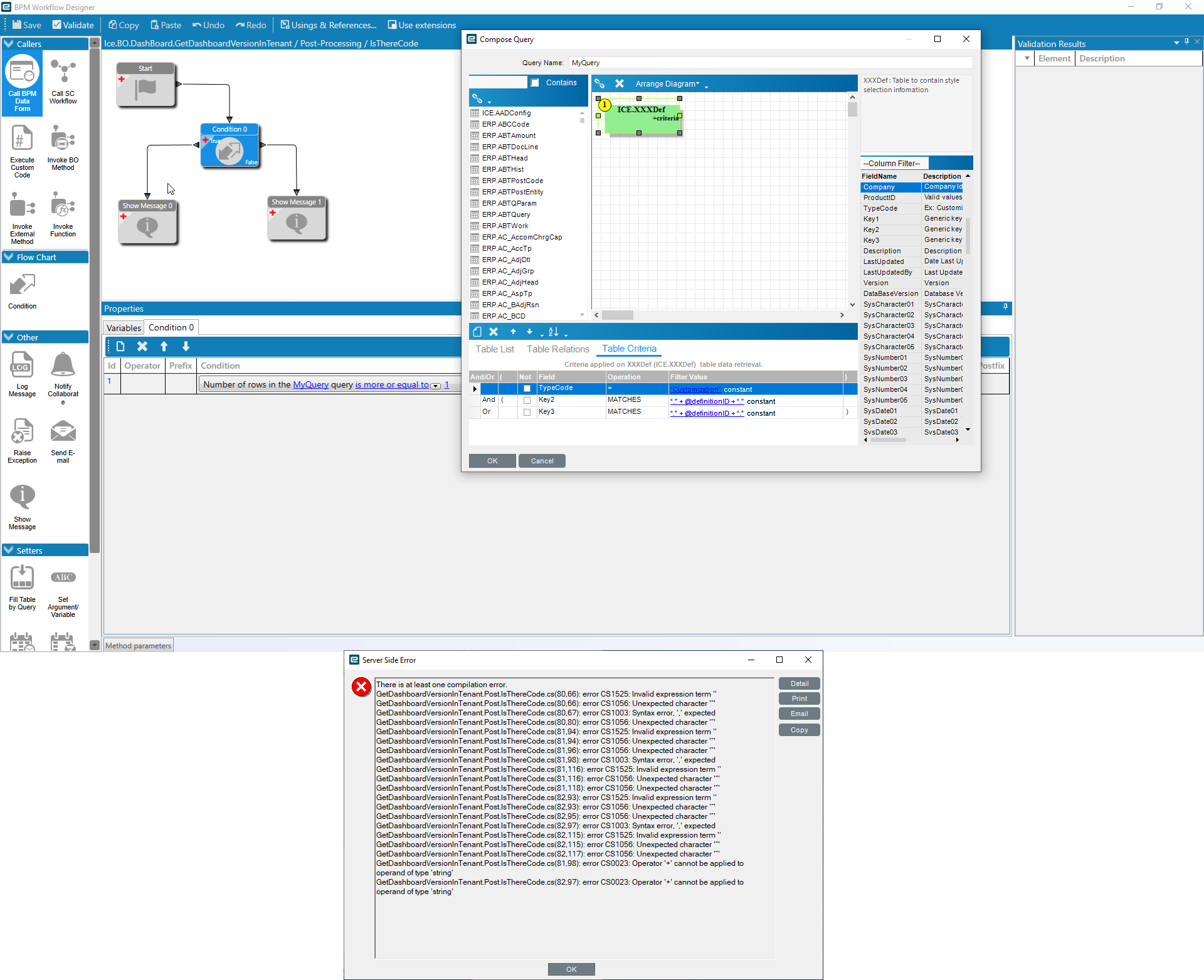
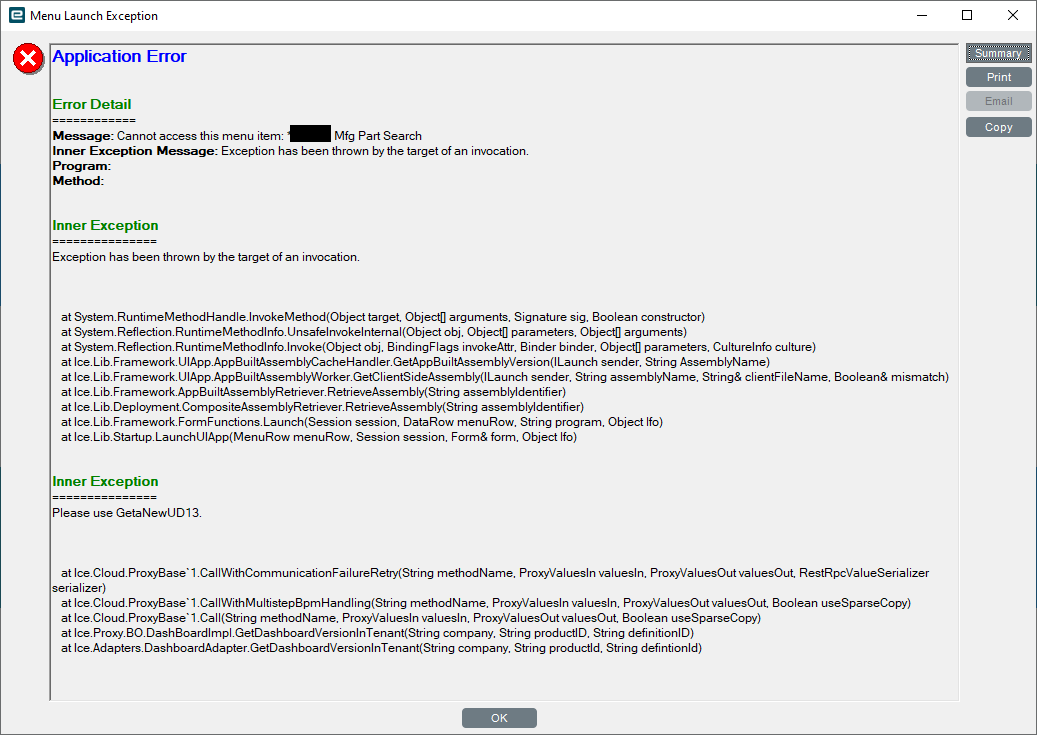
I also went back and though about why I needed the condition, so I removed it and went straight for the custom code and got greeted with another error when I tried to pull up a Dashboard.
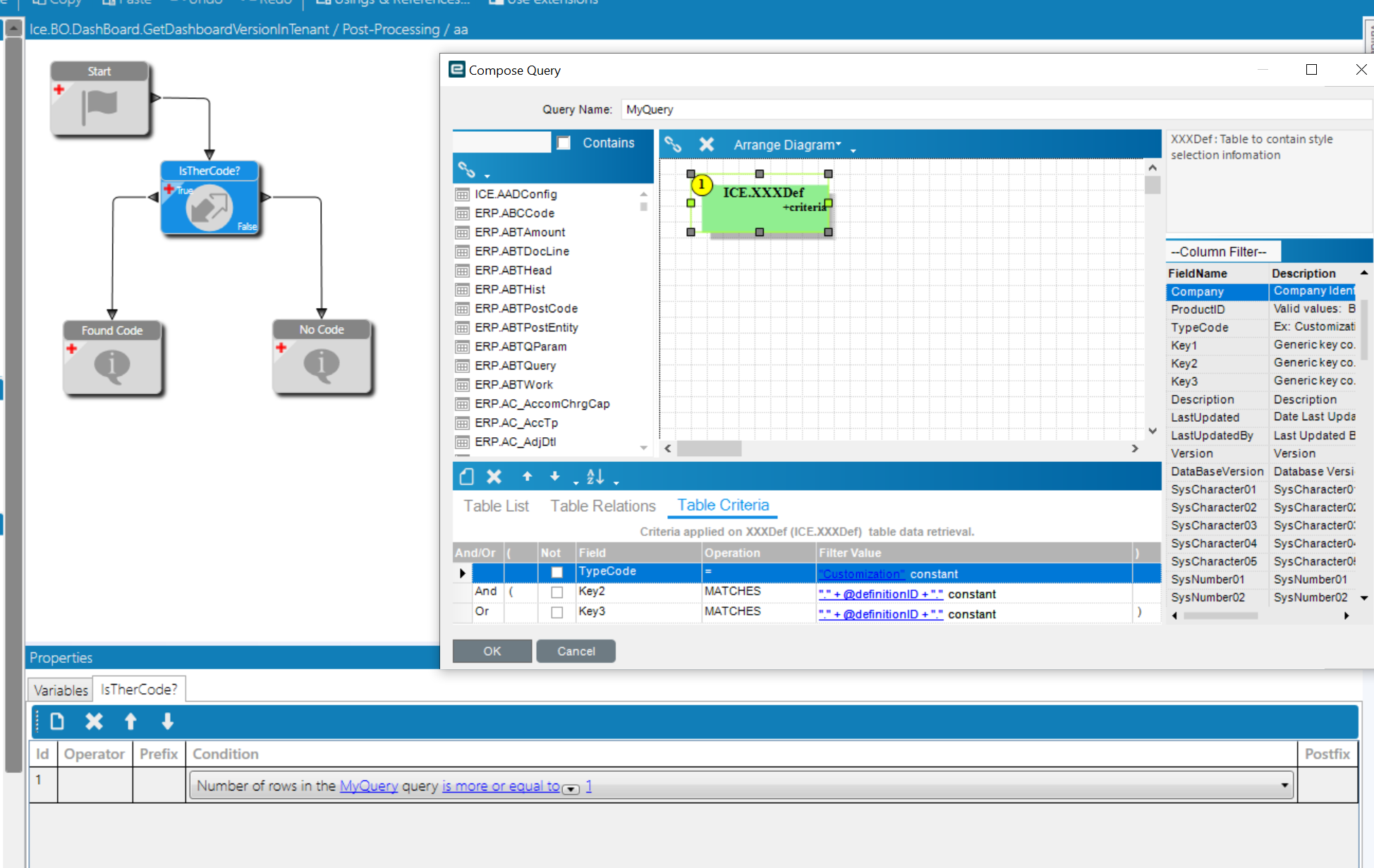
@klincecum. That did the trick. After I got that portion working the rest of the BPM did it’s Job. The BPM now stores the UserID, Module, DateTime in a UDTable.