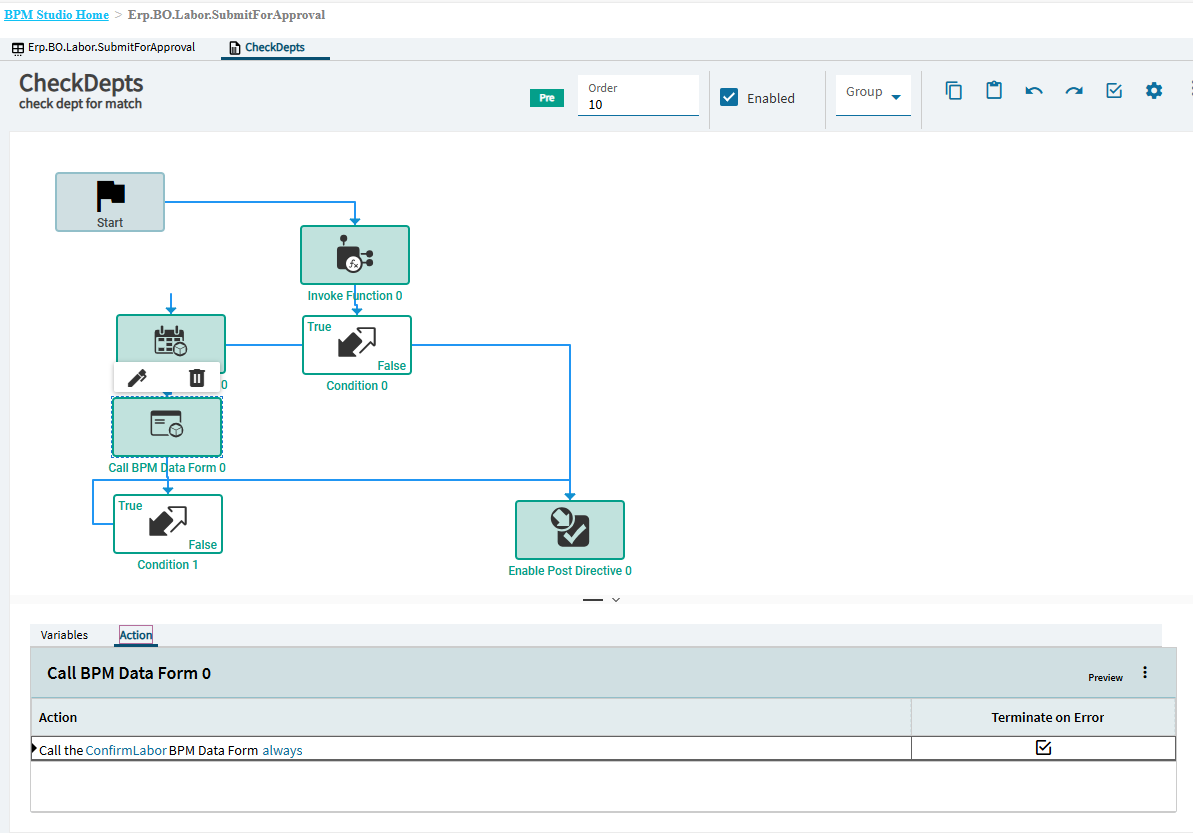
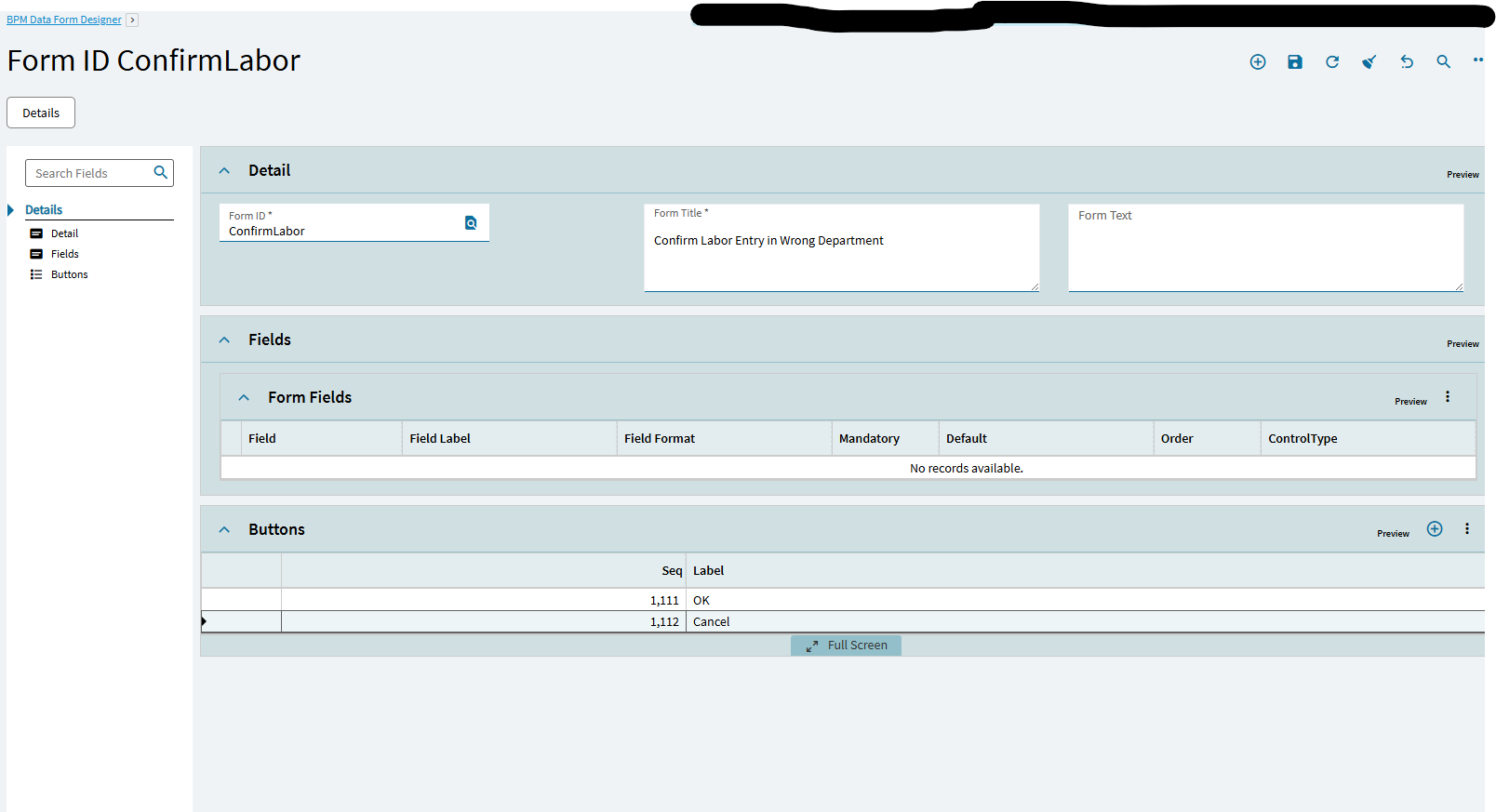
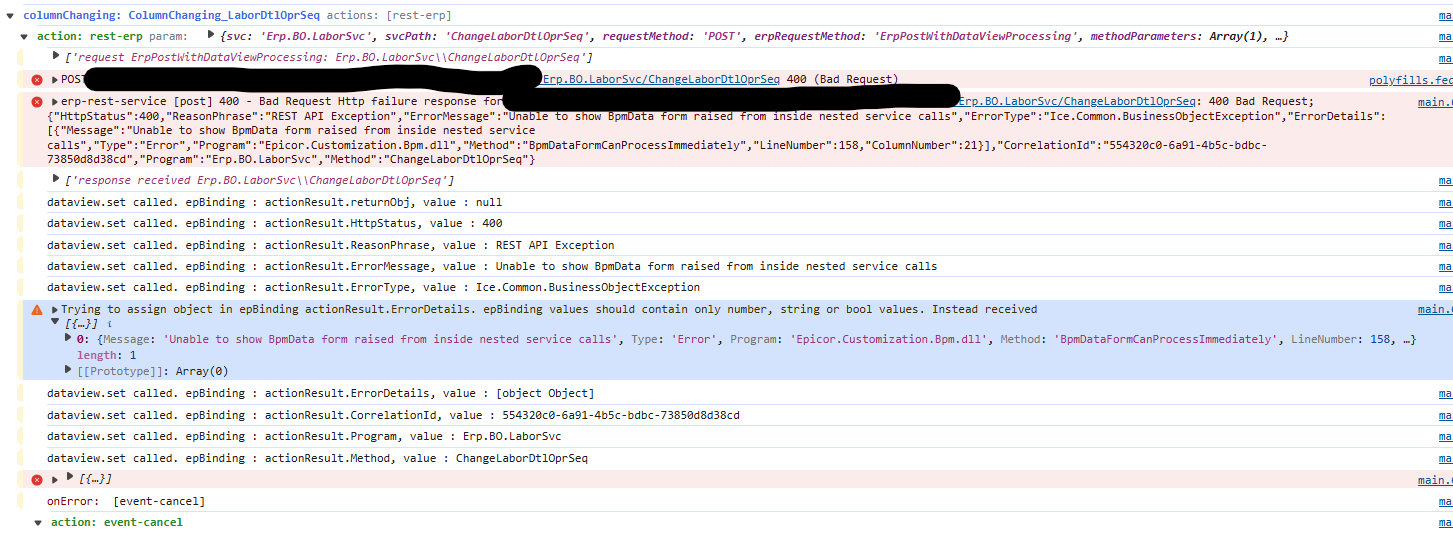
In classic we have a method directive to check the employees department when they submit a time entry. The method is pre Erp.BO.Labor.SubmitForApproval. Inside this BPM, we pop a BPM Form to ask yes/no question. This works great in classic, but in Kinetic I got this error:
Business Layer Exception
Unable to show BpmData form raised from inside nested service calls
Error Detail
============
Correlation ID: 6a3537e1-e722-45fa-8f08-ff445627955a
Description: Unable to show BpmData form raised from inside nested service calls
Program: Epicor.Customization.Bpm.dll
Method: BpmDataFormCanProcessImmediately
Table: undefined
Field: undefined
I went into the method and made sure the form was valid. I also went into BPM Data Form designer to make sure the forms are saved and valid. I don’t see any issues. Do I need to call BPM data forms differently from Kinetic?
Some Business Object calls have been changed from Classic to Kinetic. I’d use Jose’s Kinetic tracing tool to verify the BOs being called via Kinetic’s version of Time Entry (as it’s different from Classic’s Time & Expense Entry)
I do have the kinetic trace installed and I can see it in Dev Tools, but it never populates with anything even after I click enable trace logging. Do I have to do something else to trigger it?
I was mistaken before. The directive I am working on is actually post Erp.BO.Labor.DefaultOprSeq. Same idea though, we pop a BPM form ask if the user is sure, and either cancel the method or let it finish.
I removed the old methods, and just used a new pre method on ChangeLaborDtlOprSeq. The issue was related to how I had customized the BPM data form in classic. Kinetic doesn’t want to use customized forms, so I had to remove that part from my method directive. Seems to work now. Thanks for the guidance!