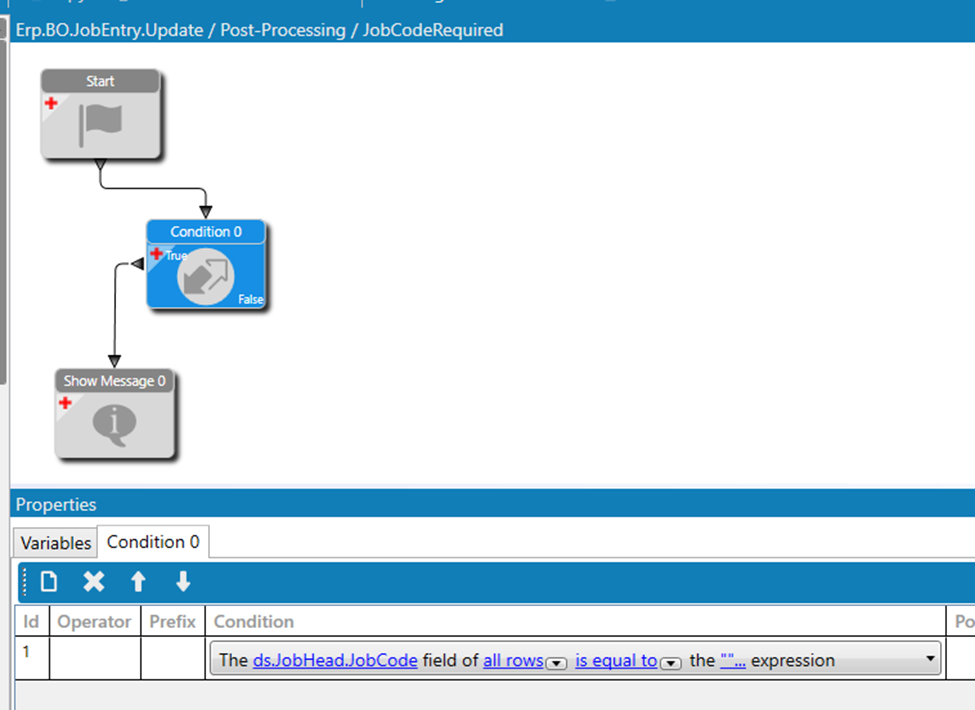
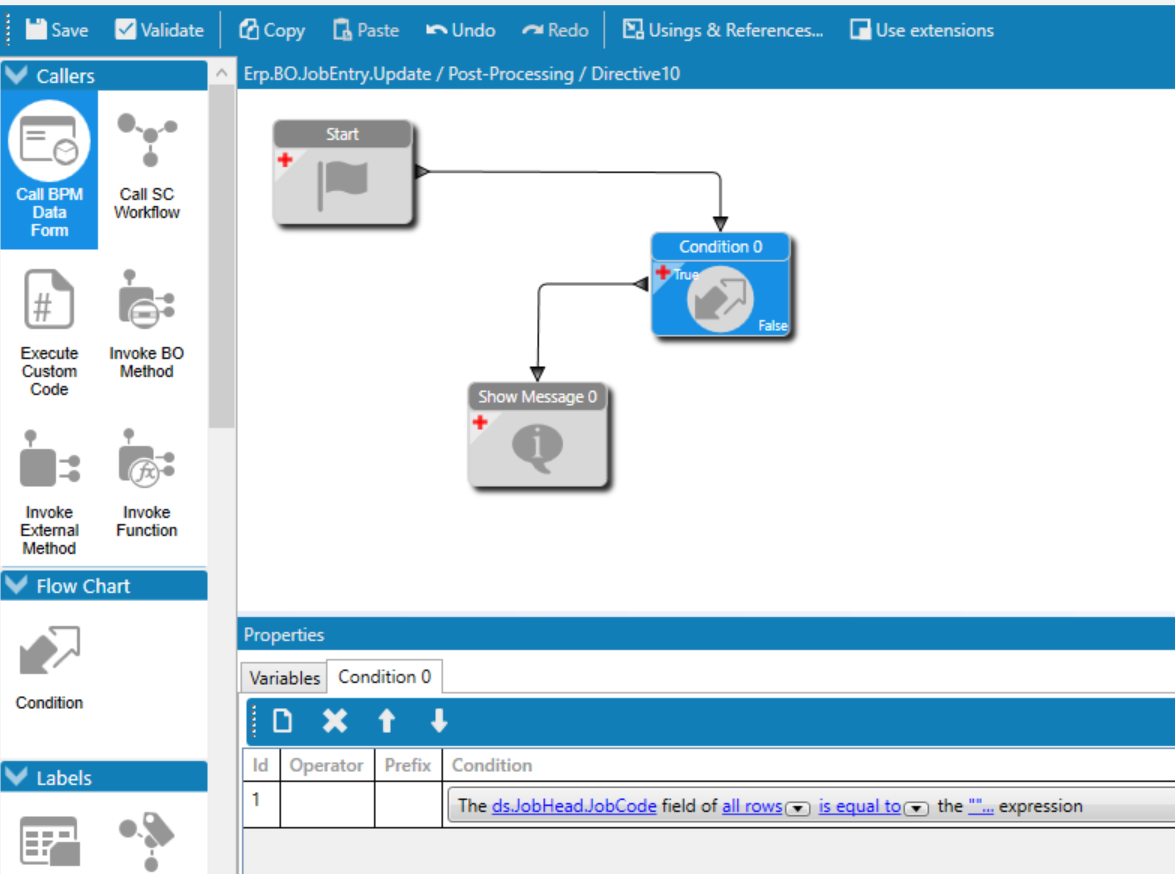
I have a simply Method Directive on JobEntry.Update that works as expected in Classic but errors in Kinetic with Row has been modified by another user and couldn’t be updated. User can click Ok on the error and proceed. We have Job Code set as a required field and then this method directive displays an message to the user. I have tried it as a data directive and also tried variations in the condition of all rows, changed rows, updated rows, etc.
I just built that same BPM and did not get any error, just the message I made it show. Is it possible that the error is on something else, not that BPM?
The error displays when I go to check Engineered and Released after I enter the comment required. Sorry forgot to include that part
I am leaving the Job Code blank so that the message displays and then checking Engineered & Released, entering the comment and then it usually displays my message and then the error.
A message on post processing, whether it works properly or not, is not causing this issue. There is no record being written. If you are getting an error, the problem is something else.
As for your conditions, where they should go, what they should be…
I am checking to see if the field Job Code is populated and if not populated displaying a message to the user that it is required. The message I am displaying seems to be conflicting with the Comment slide out when a user checks Engineered/Released. Hence the Row has been modified by another user.
I had another thought that I am testing. Using Erp.BO.JobEntry.ChangeJobHeadJobEngineered and checking that if the JobEngineered box is checked and JobCode is null - change JobEngineered to false and display a message. This prevents the Comment slide out from displaying and the user from Engineering the job until they populate JobCode.