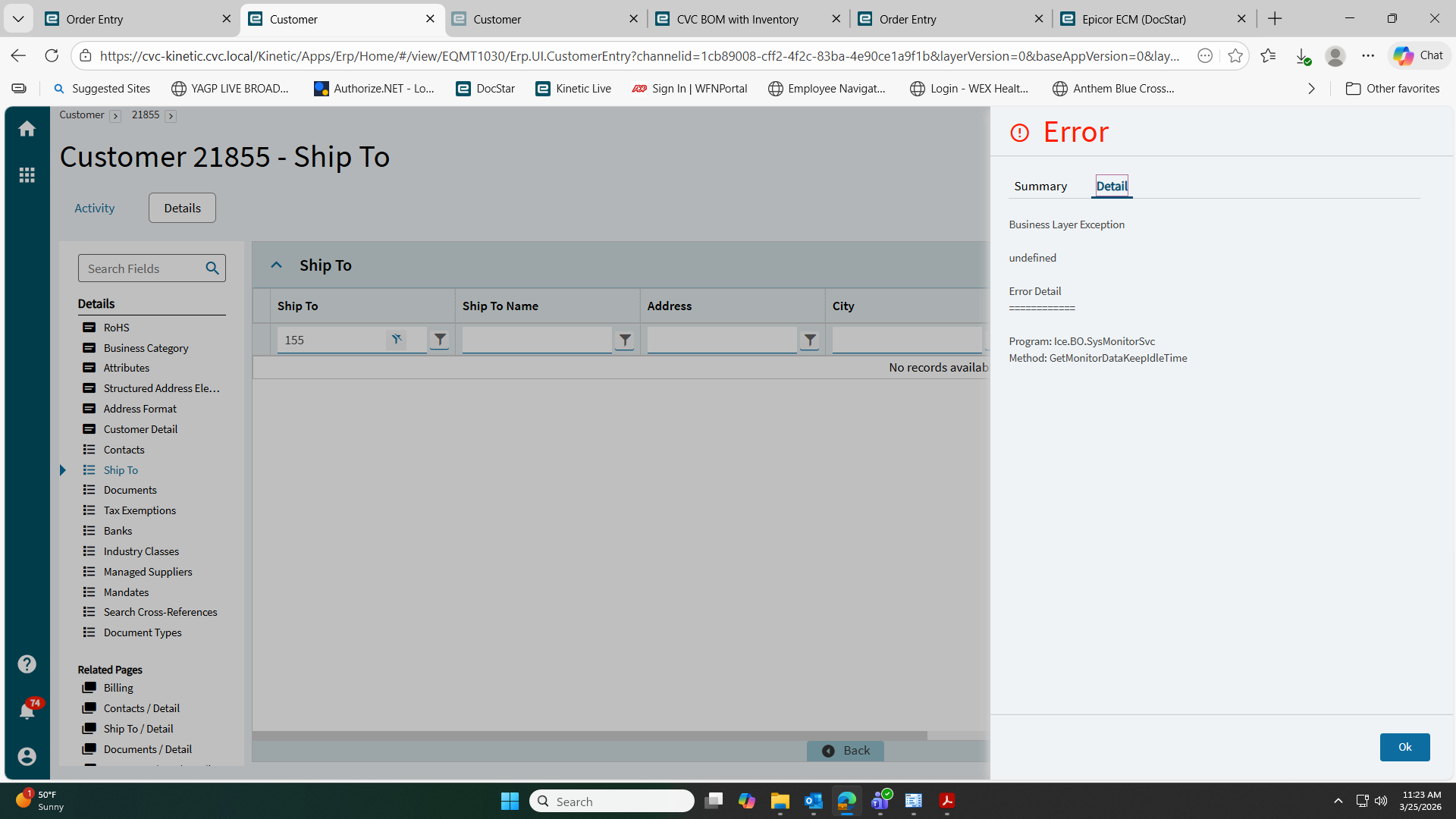
I have 1 user getting this error about once an hour in any screen. I can’t seem to figure out what is causing this. I ran a data fix from Epicor support that cleared personalizations but that didn’t fix this.
Anyone have any ideas on what I could try while I wait for Epicor to try to help me on this one?
I checked and they have nothing stuck in the system monitor and only happens in Live.
Check the app server log, there may be more detail to be found there, search for the GetMonitorDataKeepIdleTime - for that specific user name. You should hopefully find the rows with an Exception logged that has some more detail.
Thanks for the response. I see invalid username and password errors around the times they reported but they are logged in and haven’t gotten logged out. It just errors and they have to refresh everything.
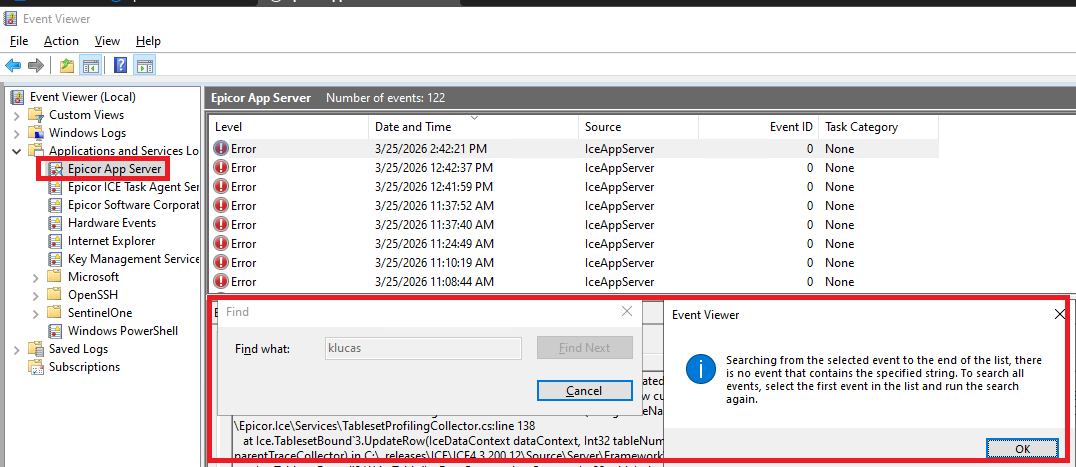
Are you sure that you were looking in the correct log?
Sort it by date modified and grab the most recent one - assuming that the error happened recently. Certainly, the user’s name should at least be present in the log if they are logged into Epicor.
Note that I do not mean the Windows Event Log - I mean the Epicor Application Server Log. I’m SaaS so I don’t know where it saves to on-prem, but it should be a bunch of ServerLog*.txt files.
This is the one you’re referring to correct? klucas is my user having issues. I refreshed clicked on the top record and did a find from the menu and this is what I get.
No, I don’t think so, but again I don’t have any on-prem experience. I am a SaaS only person.
On SaaS, within Epicor there is a Menu item “Server File Download” - in here there is a section “Admin” and in there, a folder “Logs” that has all the server logs in it as text files.
I know that on-prem, you should be able to find this in File Explorer on the server somewhere, but I don’t know where.
As mentioned you are looking for some text files ServerLog*****.txt
you can check the exact error in the Dev tools. Usually undefined error means 401 and once an hour means they cannot refresh the token and it is expired.