I recently installed a new installation of Epicor Kinetic, version 2024.1.15
The installation was successful, but the SSRS reports were not deployed. Only the SharedReportDataSource was deployed, but none of the report folders or RDL files.
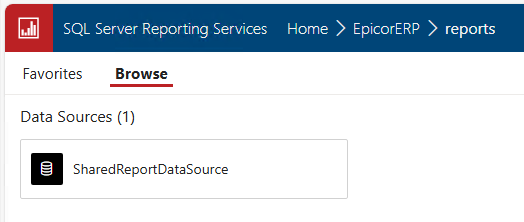
After running the Deploy command again from the Application Configuration dialog, it installed only a few reports. I assume these are the reports that were modified as part of the .15 patch.
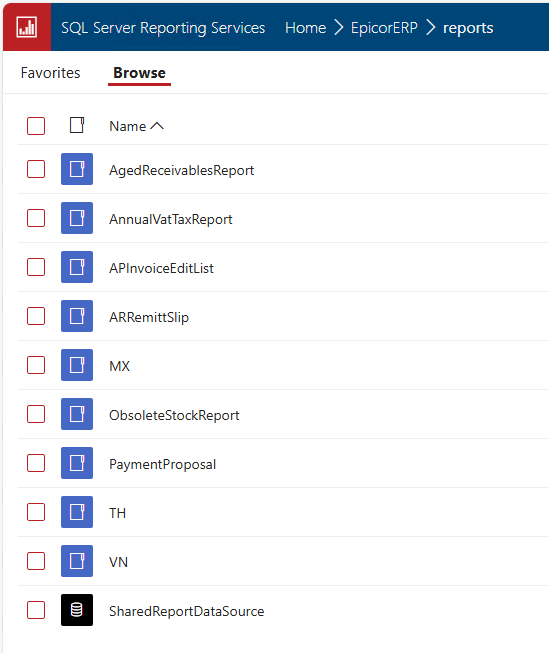
Does anyone know how I can force a complete reinstall of all SSRS reports?
I tried deleting my SSRS root folder (EpicorERP) and redeploying. I got an error that the SharedReportDataSource was missing.
Next I tried unchecking ‘Configure SSRS’ in the Application Configuration, deploying, then checking it again, and deploying again. I got the same result of an installation with no errors, but it only deployed the SharedReportDataSource, no report folders or RDLs..