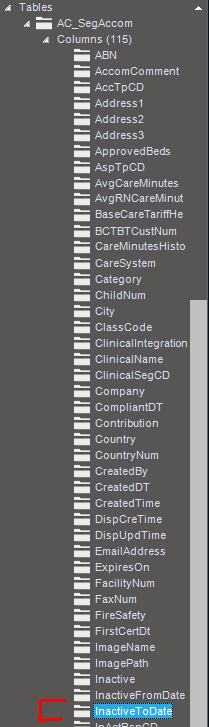
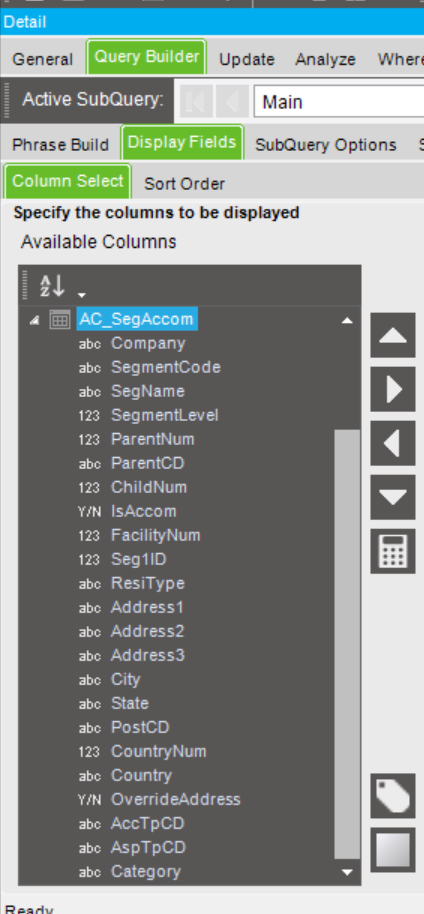
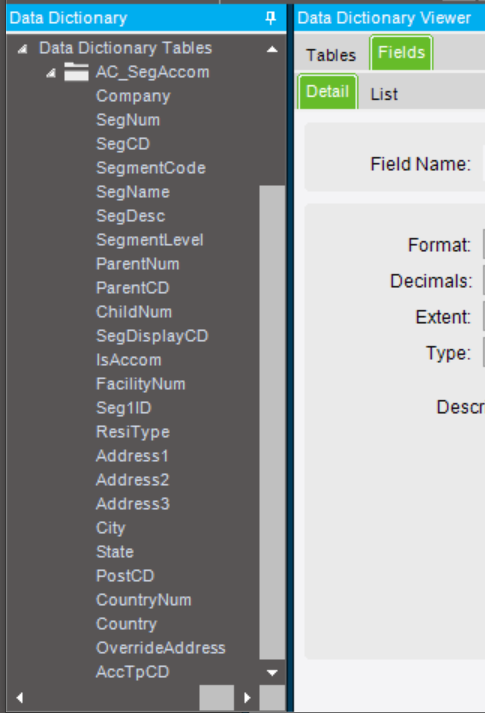
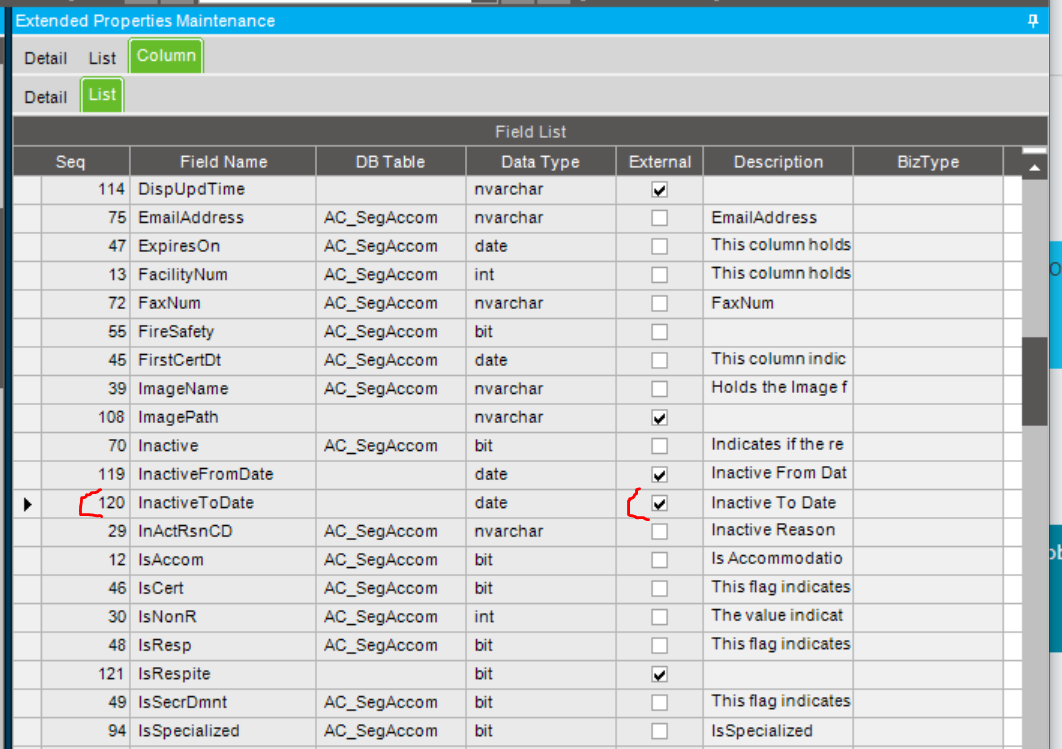
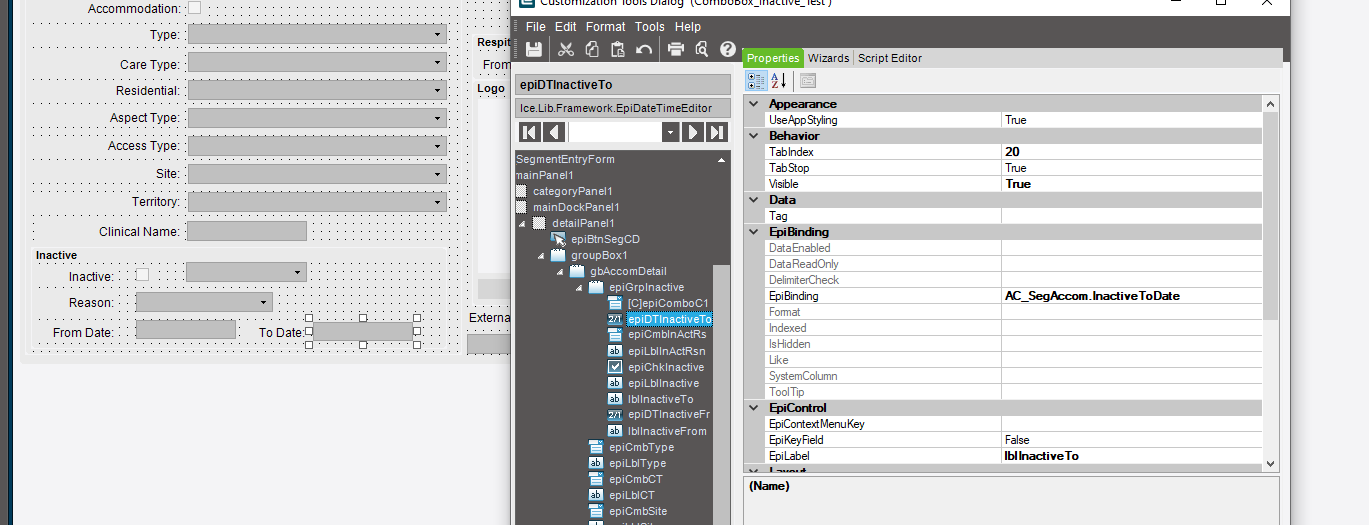
I am running a BAQ and need to pull the column “InactiveToDate” from the “AC_SegAccom” table to display on a dashboard however when I go to select this column it doesn’t appear. I’ve checked the extended properties and it exists inside the table
If you also sort the BAQ list by Column Name, are you then able to find it? The columns in BAQ appear by default in the order in which they were added to the table.
It would be very strange for it to not be there - especially as it’s not a UD field. If it was UD fields in query I’d say to regen the data model, recycle app pool and ensure you’ve closed and re-opened Epicor.
It is not a calculated field to my knowledge. In the BAQ I have multiple calculated fields and it is not one of them.
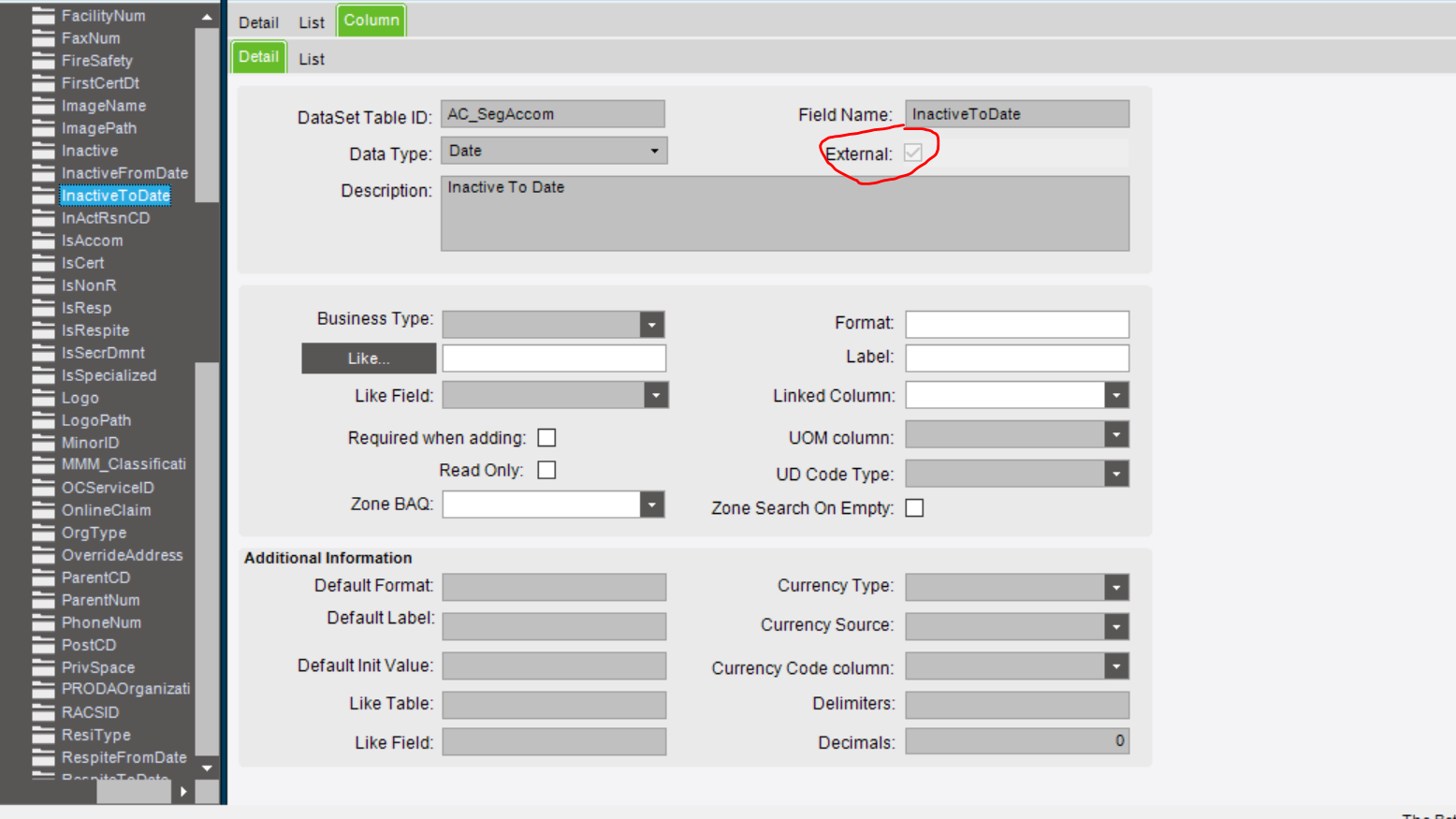
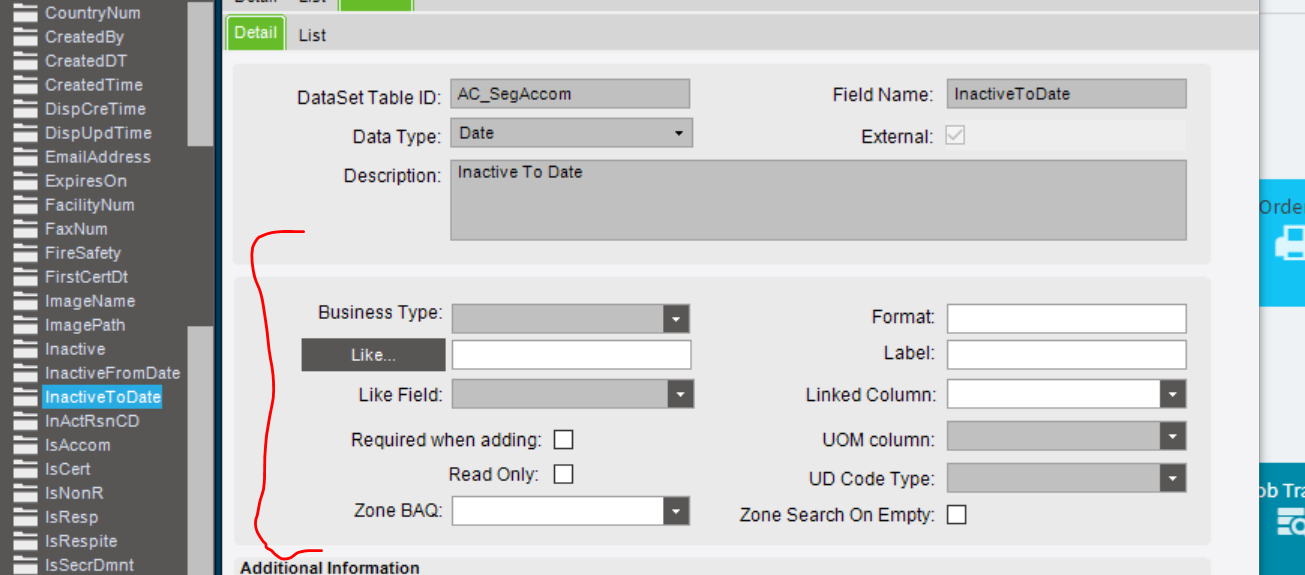
I did notice on the extended properties view the column’s external box is ticked. There are many columns that are externally ticked and don’t appear in the data dictionary.
I have requested a Data Regeneration however I have to populate the new columns under the AC_SegAccom table but they aren’t showing up so this process can’t go ahead until I’ve created the new columns. Is it something to do with these columns being external, if so how do I manage to put them under the AC_SegAccom.
I’m guessing you are using SLS - never seen it in person, but from the field names…
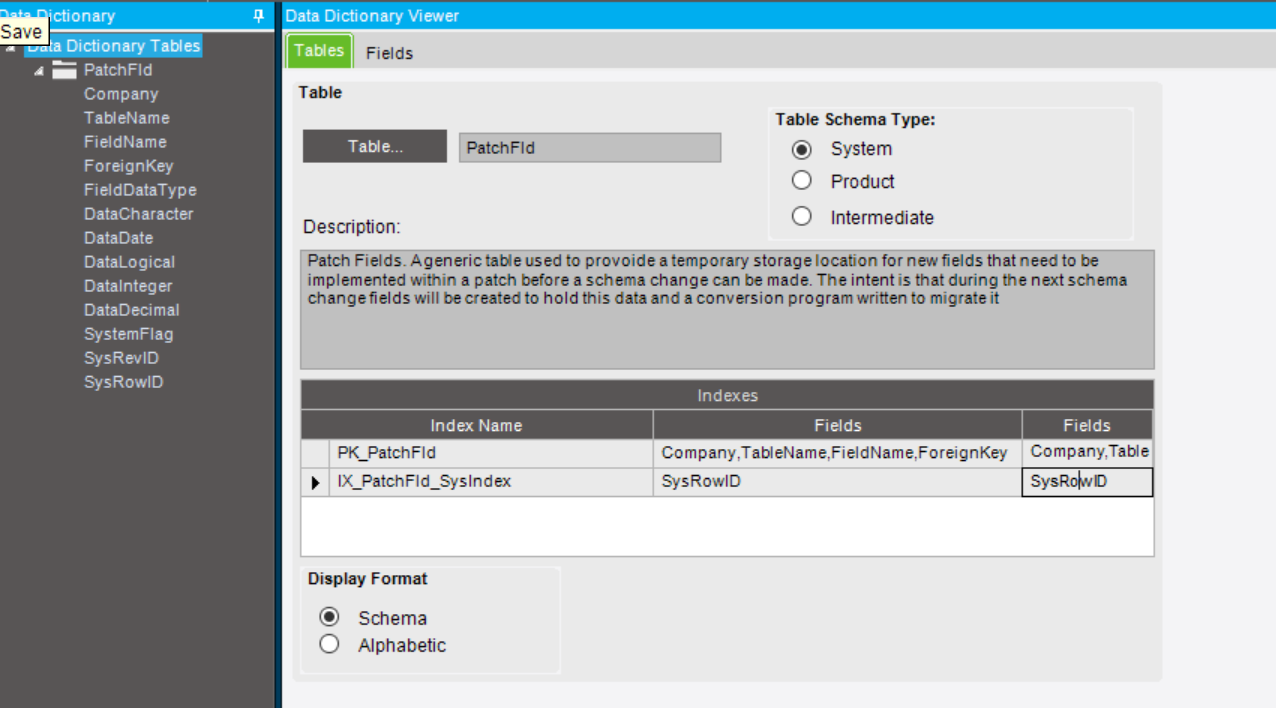
Sometimes a field is added to a temporary table by Epicor, before being introduced into the schema properly in the next upgrade. They’re trying to limit any breaking changes.
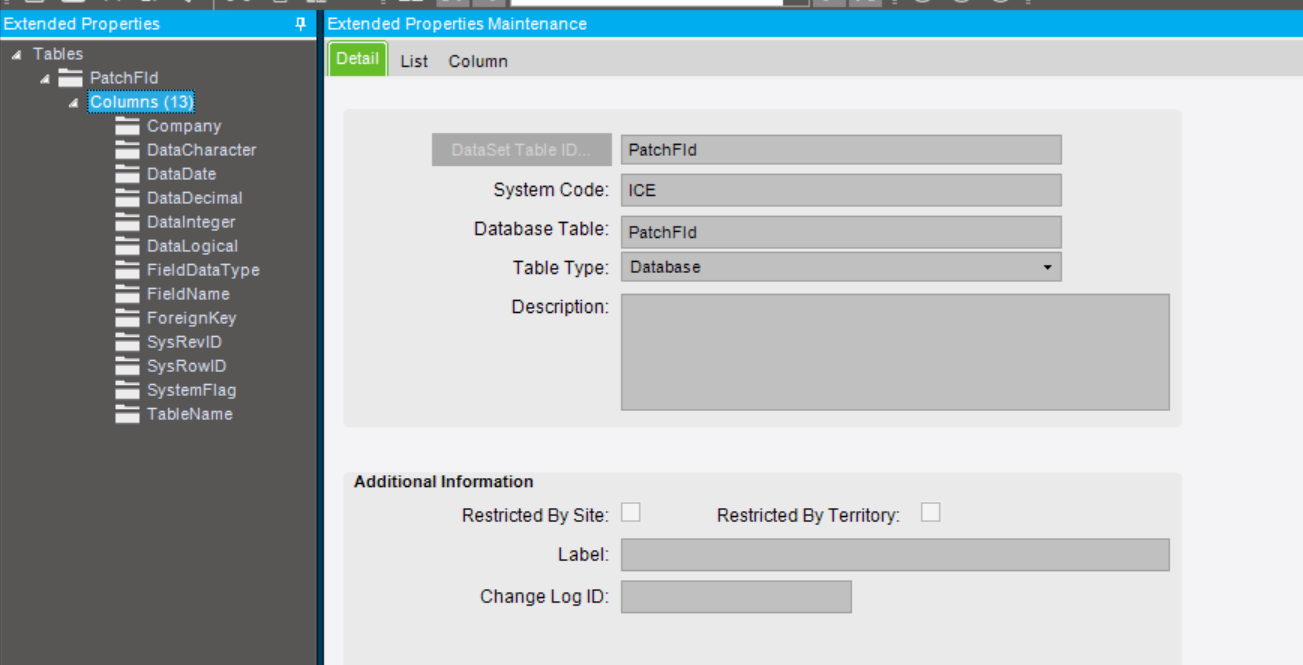
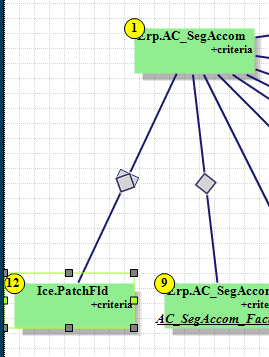
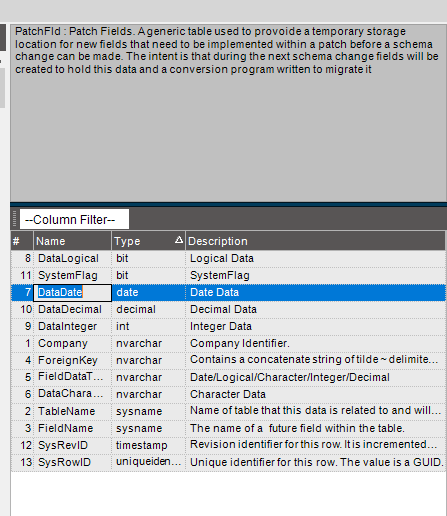
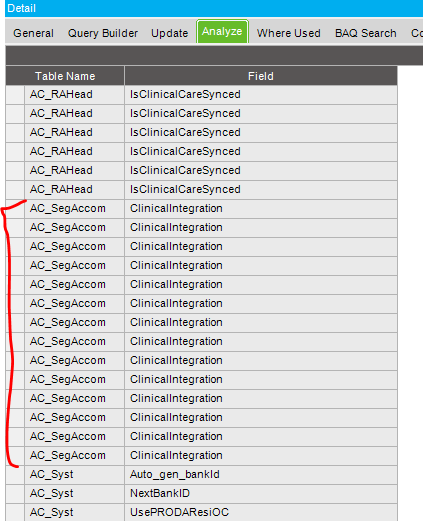
Check in the Ice.PatchFld table - could be that the columns live in there, tied back to the record in AC_SegAccom table via SysRowID.
I don’t mean to say it’s a calculated field in your BAQ.
It’s “calculated” in that it’s not actually a field on the table you’re looking at. Epicor is populating the value inside the BO logic. Sometimes these values are calculated from other values. (A common example is Order Totals. Epicor will have a column in the dataview that has a rolled up total, but they don’t write it back to the DB.) Sometimes the value is simply pulled from a different table.
I thought the AC_SegAccom.InactiveToDate would be housed as a table.column value.
What would be the best way to save/capture the date if this value is captured inside the BO logic and display it back on my dashboard?
Is there anything that needs to change inside this to make it available?
You may want to consider creating a subQuery for the patchfld records.
You can create Calculated fields with names and types you want.
Eventually, PatchFld entries will be migrated to the new table. Eventually. And this will break your BAQ. Putting it in a subQuery will give you one place to fix it when it does.
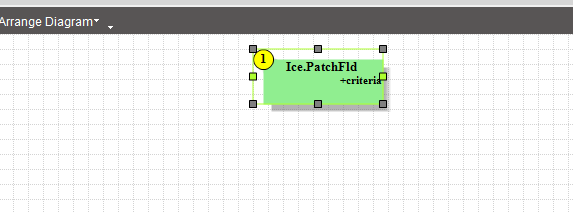
Create yourself a fresh BAQ, display all columns, and see what you find. You’ll either find that there are rows with the matching table and field name or you won’t. No point trying to join to that table in BAQ until we know whether it contains the data you’re interested in.
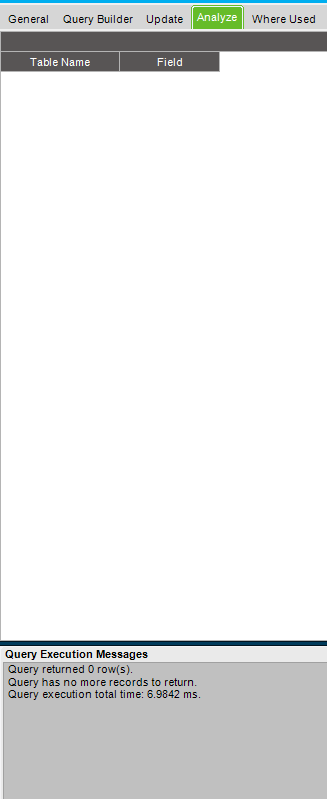
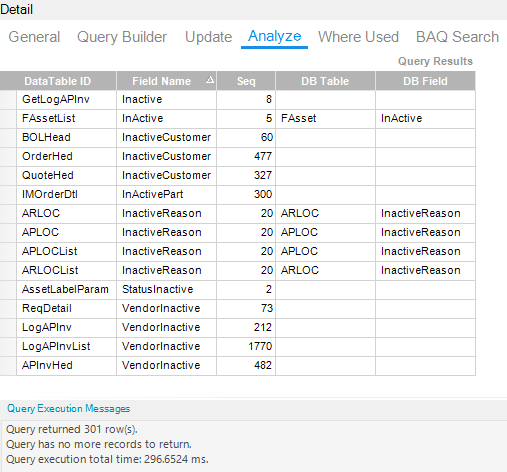
Can you run it again but without any criteria. That’s currently showing no records and supporting the idea that it’s not a DB field and instead it’s something calculated in the business object.
But let’s confirm that there are no rows in PatchFld that match.