I have setup a new company in Epicor and while trying to run AP Invoice, we get this error.
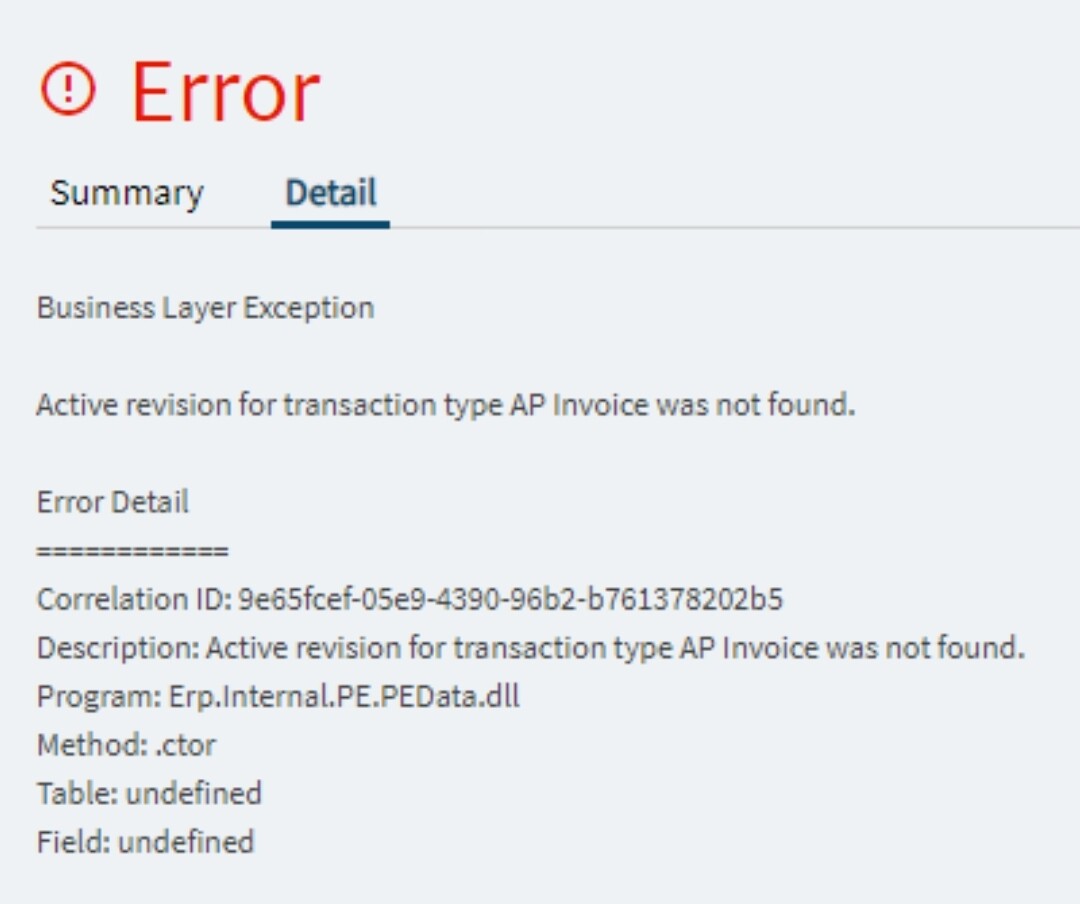
you need to import the posting rules form “GL Transaction Type”
Ok, not real good with this area. Documentation on how to do this?
Financial Management > General Ledger > Setup > GL Transactoin Type
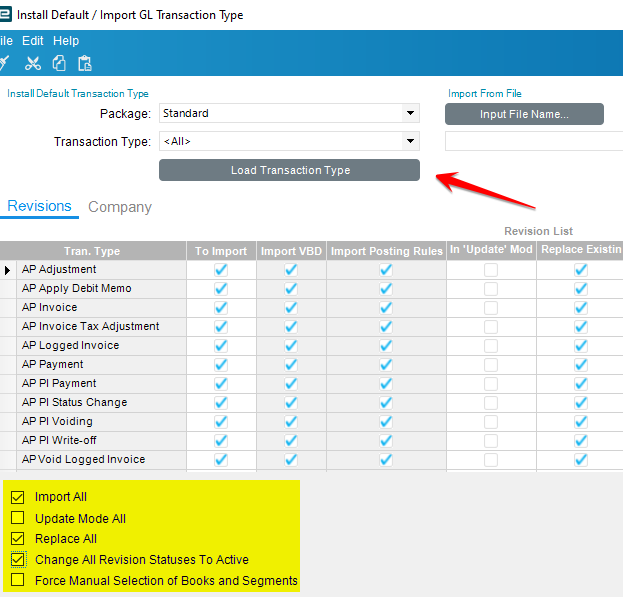
From the Actions menu select “Import GL Transaction Type” and a new screen will open
Make sure Transactoin Type is set to and select the Load Transactions button
- Check Import All, Replace All, Change All Revision Statuses to Active
- OK
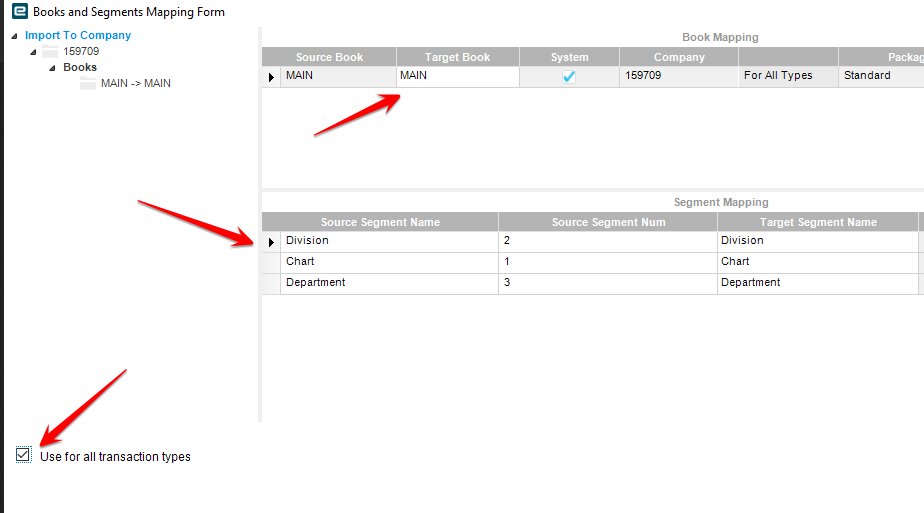
In the next screen select “Use for all transactoin types” in the lower left corner
- Verify that the Target Book and Source/Target segment values all make sense
- OK