Hello,
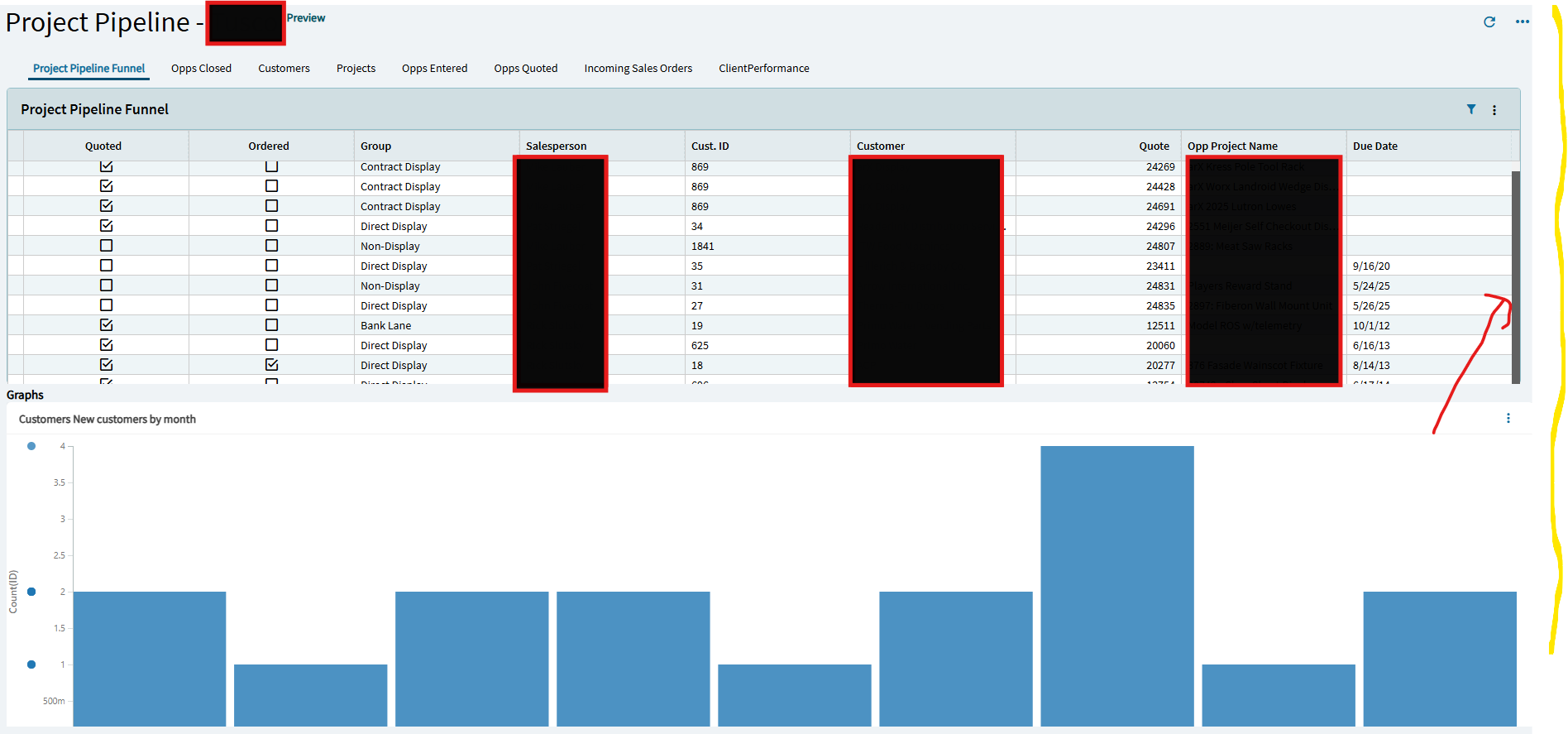
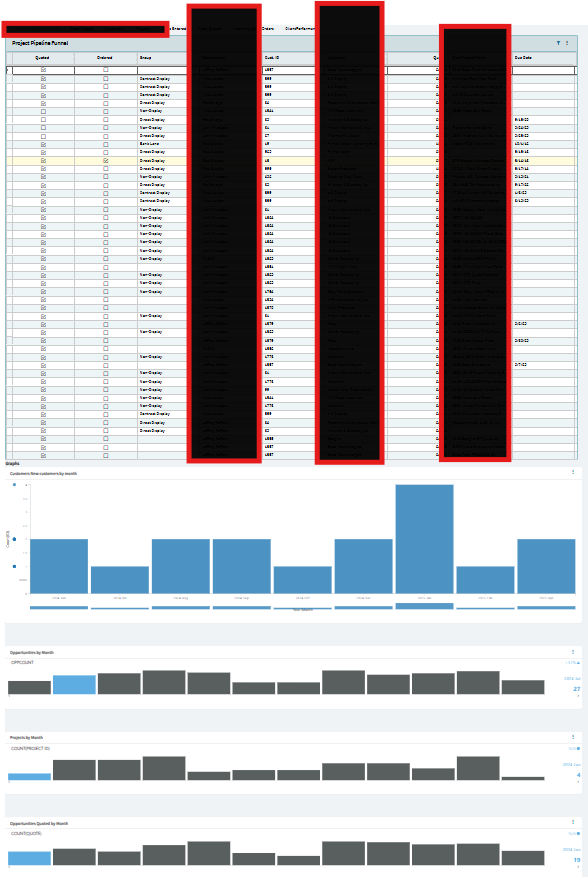
We are in Kinetic version 2024.2.12 and I have created a dashboard in Application Studio. The dashboard has a panel stack with many panel card grids and 4 graphs below the grid. The graphs are inside a group box and are a Data Discovery Chart.
My problem: There is no way to scroll down to see all 4 graphs.
Here is what the dashboard looks like when my screen is a normal size.
In classic, there was a customization that set auto scroll to true. I can’t find a similar setting in Application Studio. I have been checking the properties of the page detail and the group boxes but no success.
Hi Everyone,
Do you have any advice on getting a dashboard to scroll? Am I missing something or is this an Epicor issue?
Thank you for the advice,
Heide
Minimize and maximize your screen, collapse and re-expand the panel card. Usually if you fuss around with it a little bit the scroll bar will pop in there eventually.
Thank you for the response. I have fussed, resized, expanded, and collapsed, with no success. My next step will be to open a ticket. Thank you. I appreciated that you answered and gave the problem a shot.
Thank you to Aeron Fabian @afabian and EpiCare for helping solve this issue.
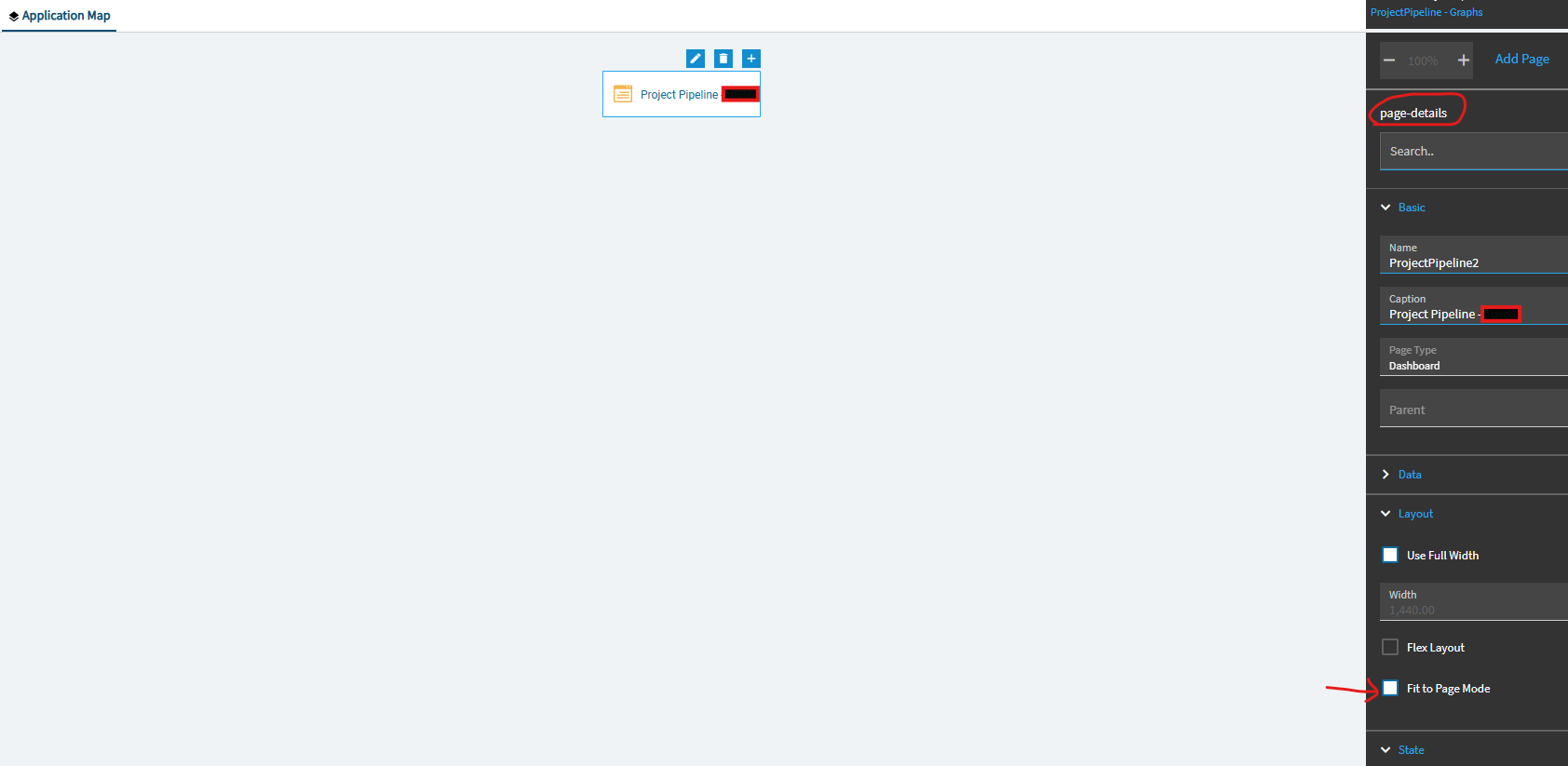
On the Page-Detail, there is an option called “Fit to Page Mode” under Layout. I had this checked and therefore it would not scroll. By unchecking “fit to page” that created the scroll bar feature.