Number of days between two dates

Hello all,

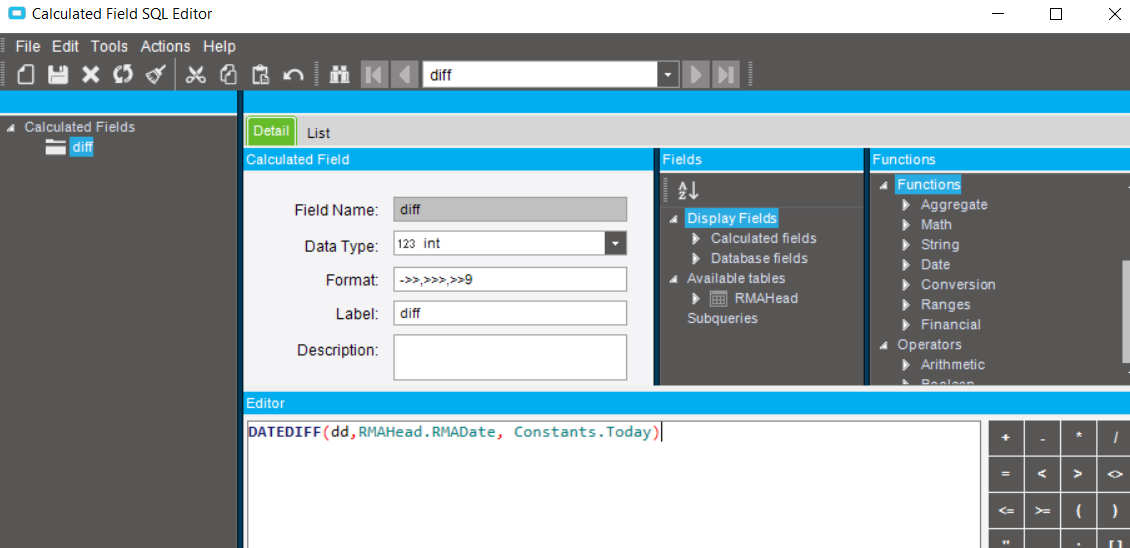
Trying to calculate the number of days since an RMA was created.

I know this is not a “New Topic” but I’ve read several posts where the solution is to use
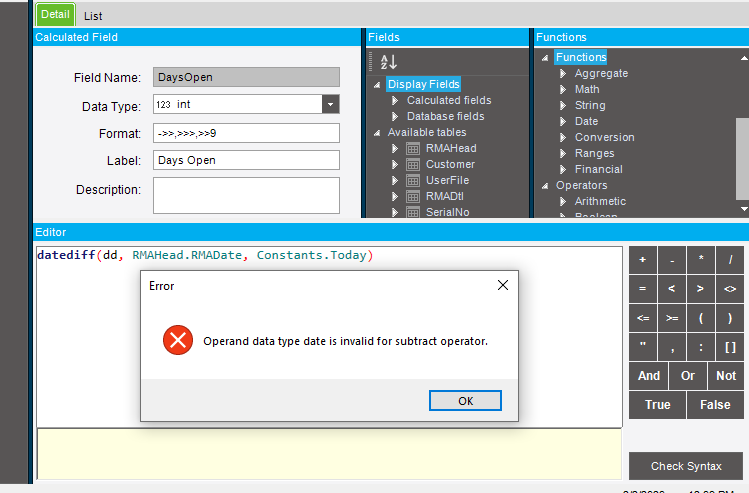
“datediff(dd, RMAHead.RMADate, Constants.Today).” When I do I get “Operand data type date is invalid for subtract operator.”

IF the “data type” the error is referring to is the “Data Type” in the “Calculated Fields” pane above the Editor then I have that set to integer so I’m stuck.

Thanks as always,

Todd

You need to convert it to an int by wrapping it.

Datediff already returns an int, check the type of your rma date field.

I read that also.

Tried these:

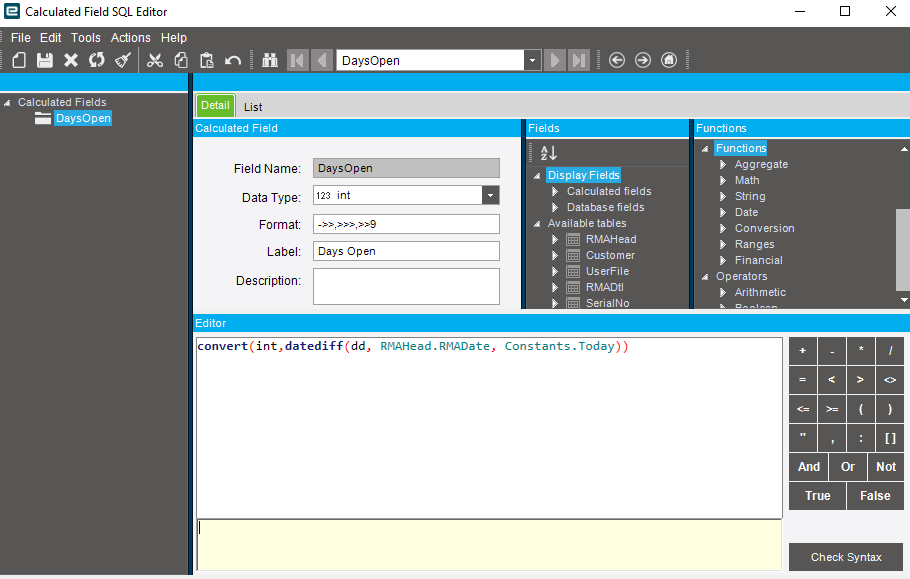
convert(int,datediff(dd, RMAHead.RMADate, Constants.Today))
convert(int,(datediff(dd, RMAHead.RMADate, Constants.Today)))

Still get same error.

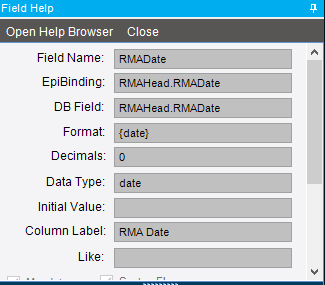
RMA Data Type set to “date.”

image


This seems to work perfectly fine on my end.

Well, that’s not good news.

You need to check for null.

2 Likes

Sorry, I don’t have enough SQL or BAQ experience to know how to do that.
Maybe I can reach out to someone here (at my office) to help.

Never heard of a null RMADate but if that’s where your null is coming from:

CASE
  WHEN (RMAHead.RMADate) is null THEN 0 
  ELSE datediff(dd, RMAHead.RMADate, getdate())
END

To check for null date just make a quick BAQ on RMAHead with just the RMADate field and run it in Analyze tab. Check the results for any blanks.

Sorry, I was on a phone when I was reading earlier. I didn’t see you couldn’t even get out of the designer.

That formula “datediff(dd, RMAHead.RMADate, Constants.Today)” is perfectly valid.

Your error is somewhere else in your BAQ. Check syntax will show you errors from anywhere in the BAQ.

OK guys, back from lunch with a clear head.

I removed the last changes to the RMA to go back to a “last known good” configuration and I was getting no data returned. I had a backup from that point so I deleted the current version and copied the backup to create a new version. I added the calculated field using “datediff(day, RMAHead.RMADate, Constants.Today)” and it works perfectly.

May never now what happened but I sure appreciate all of your help. I can’t imagine trying to learn all of this without this group. You’re all awesome!
Thanks again,

Todd

2 Likes