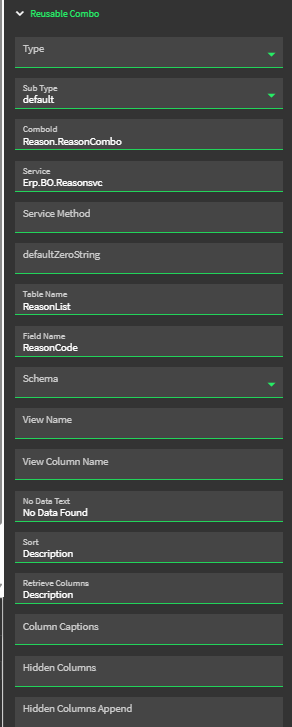
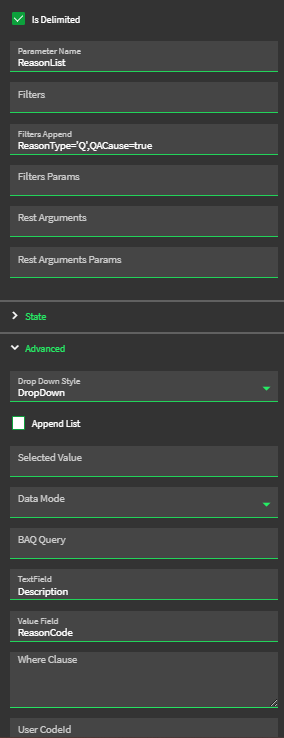
So I have a combo box I want to populate with the Reasons that are available in the Reasonsvc. I have other dropdowns that do this but for some reason if i type in the same info in a new one it doesn’t work (Never get the GetList call when i click the dropdown in debug). I did see that some folks were having issues with the the type and subtype no longer populate in recent versions which is an issue for me as well. Just want to be sure I’m not missing something/if this is an epicor issue.
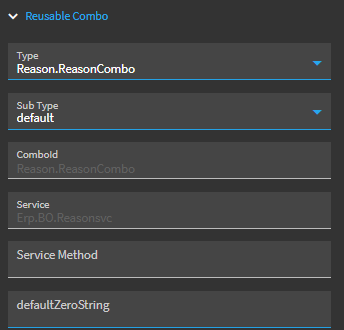
I had issues with a new drop down this morning, noting that the Type drop down isn’t working for me either. I went ahead and copied the proper Type in (Reason.ReasonCombo in your case) and it worked. I first tried going your route manually entering all fields, it wasn’t working…when I pasted the Type in and manually typed default in the SubType, everything populated and worked right away.
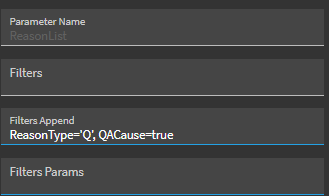
So…try copying the Comboid you have here into Type. It will likely wipe SubType, so manually type “default” in. At this point everything should auto-populate and be grayed out. Test this. If it works, add your filter back in.