Viable option for MC is also:
Haso don’t forget we also added a backup image for a default logo on the report. This was in case the one specified in the UD field in Epicor did not exist. A function was also added to the report’s code section to detect if the file part + file name existed. If this came back false then we would set the hidden properties on the backup image to FALSE.
1 Like
The systems “Calling” Data Sets can give you calling user specific data to make decisions against without joining to other tables and can be used readily in the header and footer sections with First.
I have a question, how do I add the Content field to the report builder? How calculated field or query field? If is a calculated field what would be the expression? I don’t quite understand this
Pd. English is not my native language
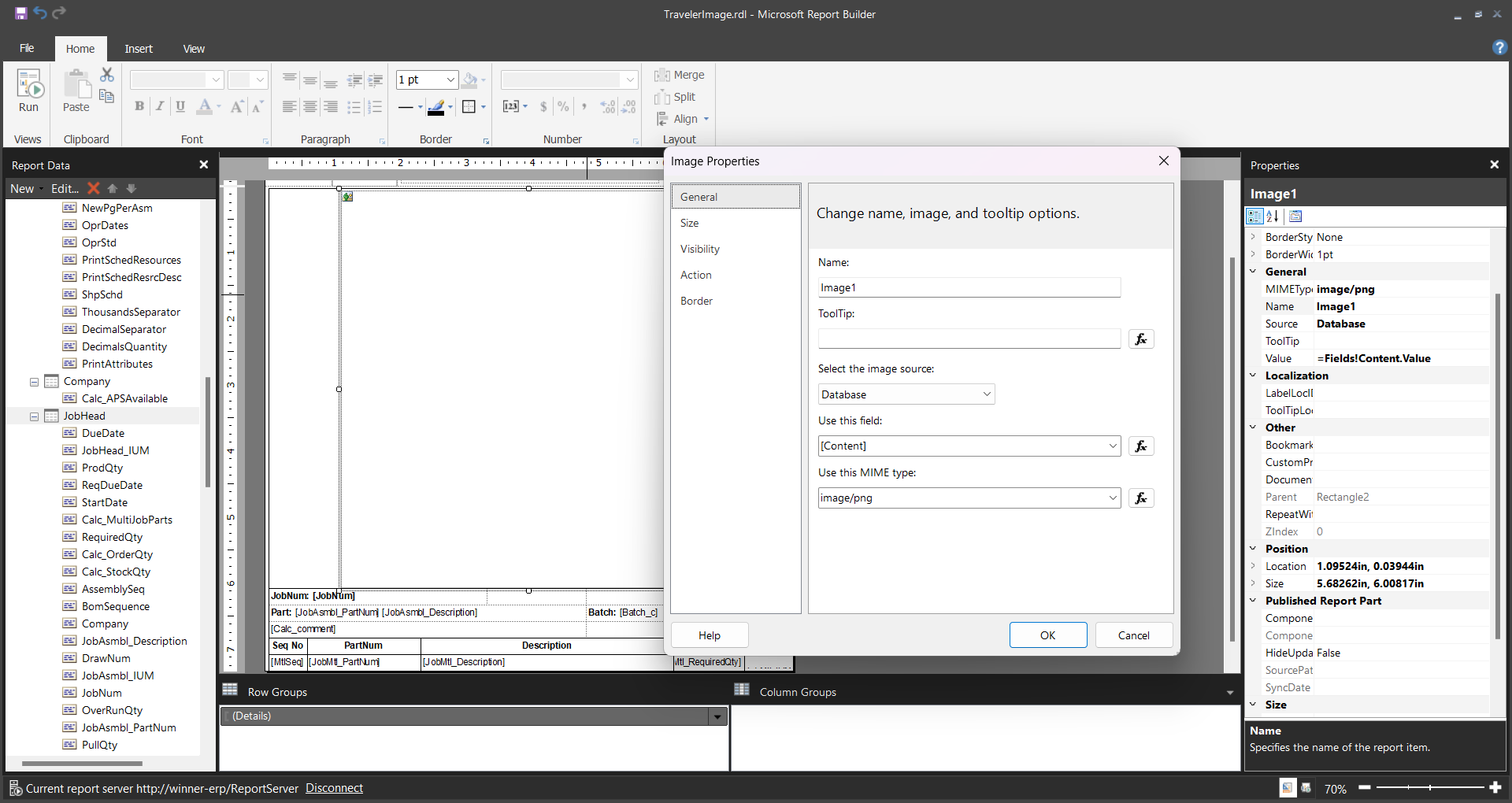
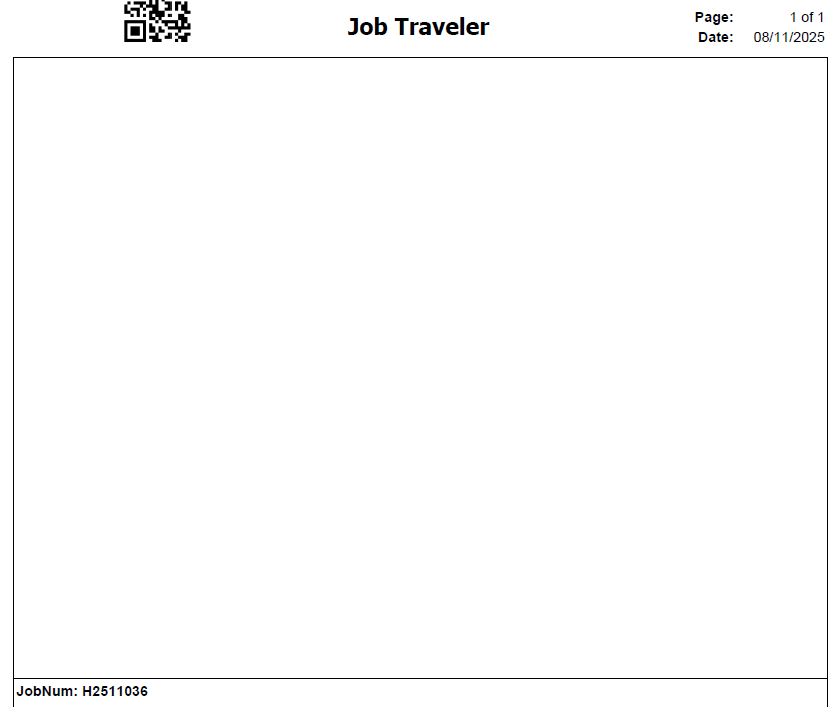
We could never get this to work, so we just added all the images in SSRS and then used conditional logic to display the appropriate company logo.
This is what I did and is working perfectly for us:
- Under Report Data Definition, we added 2 new datasets (tables) and included fields as follows:
- Image
- Company
- FileType
- ImageFieldName
- ImageID
- FileStore
- Company
- Content
- FileName
- FileType
- Image
- Created the next Relationships:
- JobHead to Image
- Company = Company
- PartNum = ImageID
- Image to FileStore
- Company = Company
- ImageID = FileName
- JobHead to Image
- Added the Part images to the Image Maintenance and named them the same as the main part for the Job Traveler.
- On the SSRS report I modified the JobHead dataset expression as follows (simplified the expression to show only related info):
="SELECT…
T10.ImageID, CASE WHEN T10.FileType = ‘.jpg’ THEN ‘image/jpeg’
WHEN T10.FileType = ‘.png’ THEN ‘image/png’
ELSE T10.FileType END as FileType , T11.Content
FROM JobHead_" + Parameters!TableGuid.Value + " T1
LEFT OUTer JOIN Image_" + Parameters!TableGuid.Value + " T10 ON T1.Company = T10.Company AND T1.PartNum = T10.ImageID
LEFT OUTER JOIN FileStore_" + Parameters!TableGuid.Value + " T11 ON T10.Company = T11.Company AND T10.ImageID = T11.FileName "
- Added the next fields to the dataset:
- ImageID
- FileType
- Content
- Added Image to the report as follows:
- Image source: Database
- Use this field: [Content] – “=Fields!Content.Value”
- Use This MIME Type: [FileType] – “=Fields!FileType.Value”
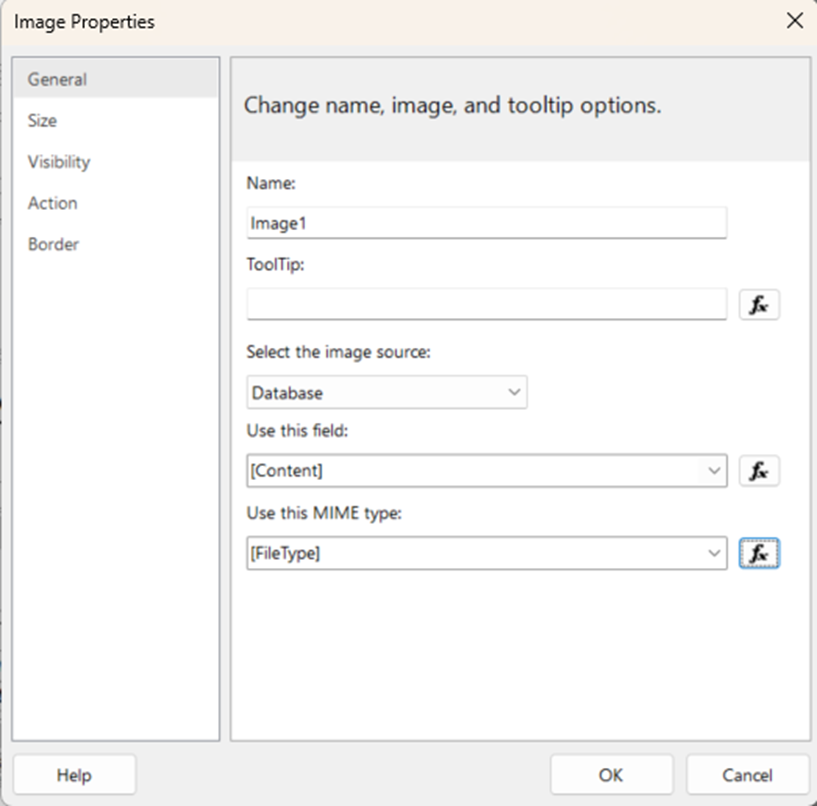
Is working perfectly for us. Try this and let me know if worked for you.
3 Likes