After the 2023.2.6 update, we have had an issue with the Terms Codes Disappearing on our Purchase orders. This happens when a user creates a new PO or when a new line is added to the PO.
There are no customizations on the PO entry screen, no personalizations for the module on the user, no BPM’s / Functions for the PO tables. The only thing of note is that we have had a field security active for this since March of this year. If we disable that field security then the terms code works as it should.
Has anyone else run into this issue since the latest update, or had this problem in the past?
I was pointed to the following KB by support, but the issue persists with these changes as well:
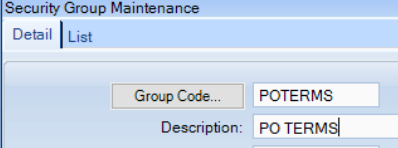
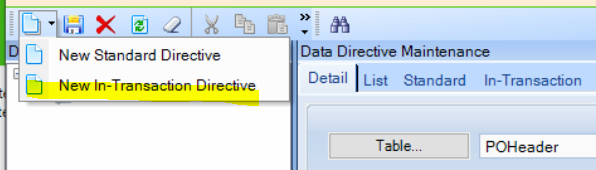
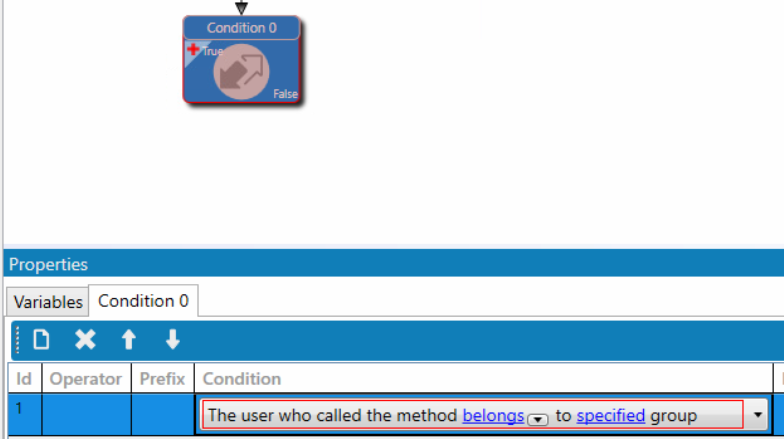
I don’t use field security and instead have a security group and in a DD check to see if the user is a member of the group that is allowed to make the change and a message telling them what group membership is needed to make the change.
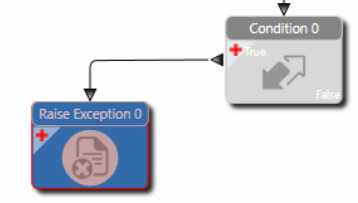
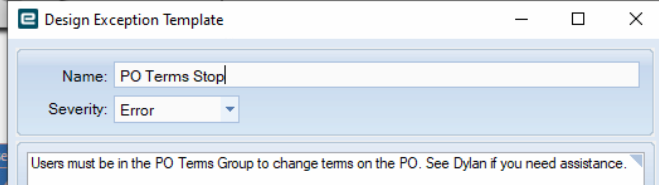
Add a raise exception
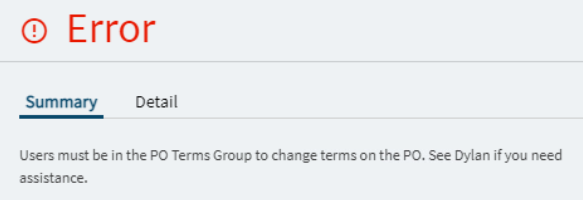
Set the message
Validate and save it
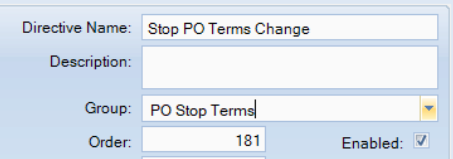
Enable the directive and save it in group.
Test it
You can add the security group to your user and then it should not fire.
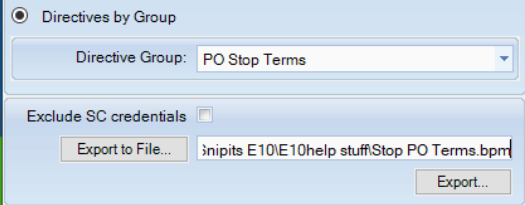
Export from Dev and import into test for review and approval for live. ( I use Directive Export for these, but some use solutions.
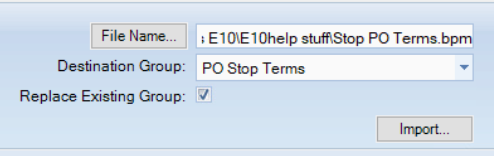
Import into test. Remember to select the group and check the replace existing group if this an update or you will have multiples)
Add any users who are allowed to change to the security group in User Maintenance.