I am assuming you are using the smart client and not the browser?
If you right click on an order number anywhere else in the system and select “Sales Order Entry” (what used to be Open With>Sales Order Entry) does it open the Kinetic or Classic version? If this opens Classic as well you likely need to update the Menu that the Context Menu is pointing to to launch in Kinetic and not Classic or User Choice.
Another thing to verify… I would also review the Order Entry menus in Menu Maintenance. I believe there are two. One in CRM > General Operations and one in Order Management > General Operations. Make sure both of those are set to open the Kinetic App instead of the classic Menu Item.
I’m not going to explain this well but, there are the ‘Order Entry’ screens as a menu item those you’ve probably already changed to Kinetic. Then there are other ways to get to these screens and they do not open from that menu item.
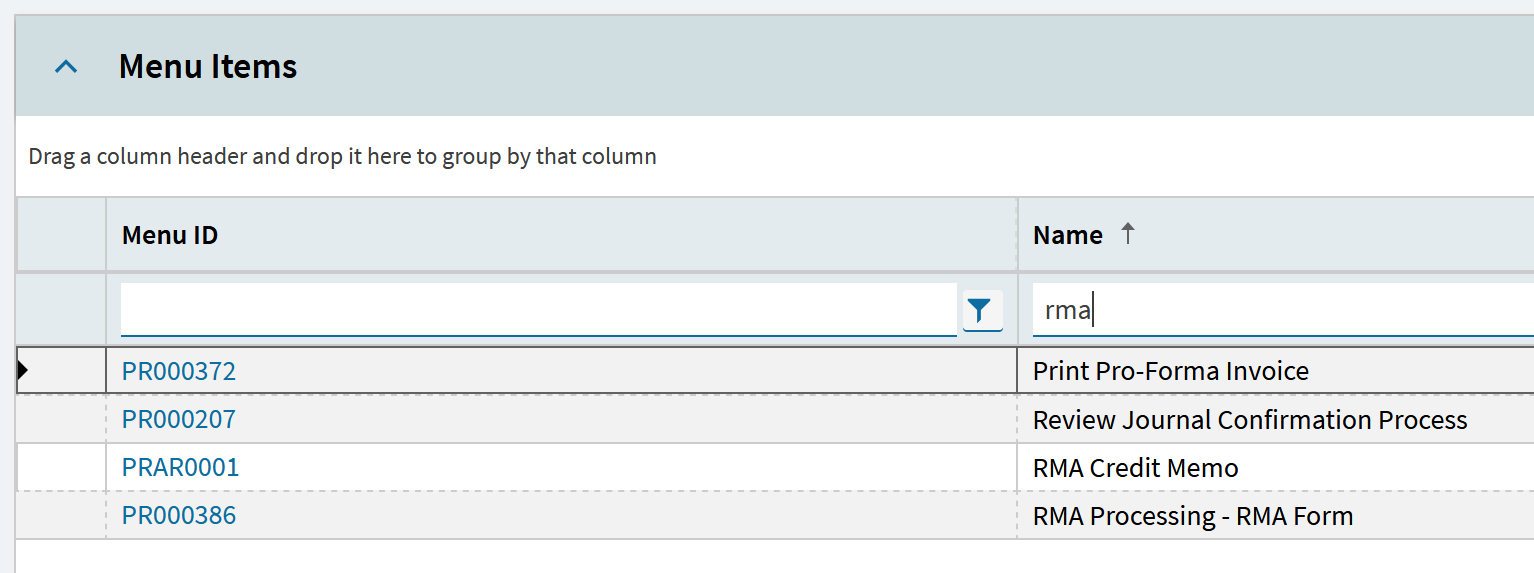
We ran into this in RMA’s, AR Invoice Entry was in Kinetic but when you tried to create a Credit Memo from the RMA it opened AR Invoice Entry in Classic.
Found my example anyway, not sure how to find the one you need but in menu maint under processes there’s RMA Credit Memo and this needed to be set to Kinetic. My assumption is the same thing needs to be done for your Quote Entry/Order Entry issue.
Thanks for your response, I really appreciate your help on this.
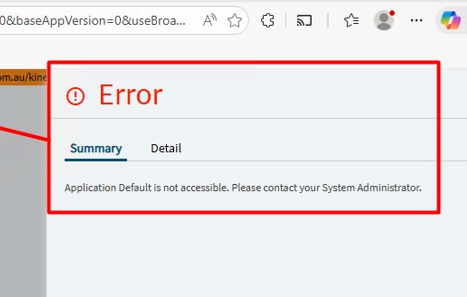
I checked the Menu ID from the URL and updated our custom menu (which was originally pointing to the Classic screen) to use the Kinetic version instead. After making that change, the “Create Sales Order” action does create the order successfully, but it doesn’t open anything afterward.
I then reverted the menu changes, but now the screen behavior seems inconsistent. What’s confusing is that the same process is working fine in our QA environment.
Thanks a lot for the detailed explanation, that actually makes a lot of sense.
I think I might be running into something very similar. I had already updated the main “Order Entry” menu to Kinetic, but I didn’t consider that this process might be triggered through a different menu/process behind the scenes.
I did try updating the custom menu linked to the Menu ID from the URL, and while that allowed the order to be created, it stopped opening the screen afterward which makes me think I’m still not targeting the correct process/menu.
Your RMA example is really helpful. I’ll take a closer look under Menu Maintenance → Processes and see if there’s a specific Quote to Order / Order Entry process that needs to be switched to Kinetic.
Appreciate you pointing me in this direction definitely helps narrow things down.