jbrekke
October 24, 2019, 7:29pm
1
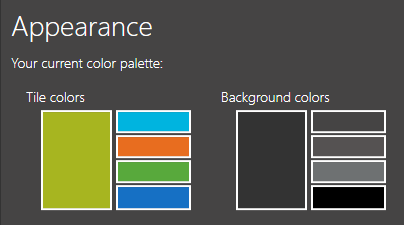
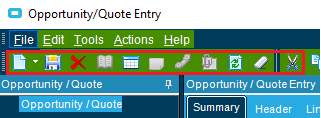
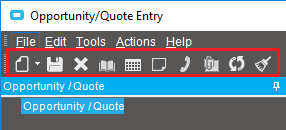
We two environments (Versions 10.2.2 and 10.2.4) with the same appearance settings. However, the background color of the toolbar is green in one and charcoal in another. Is there any way I can adjust the background color of the toolbars?
Environment 1:
Environment 2:
Thanks,
Josh
ckrusen
October 24, 2019, 7:58pm
2
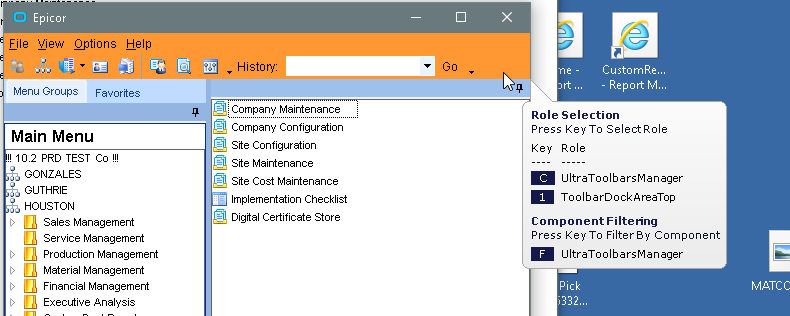
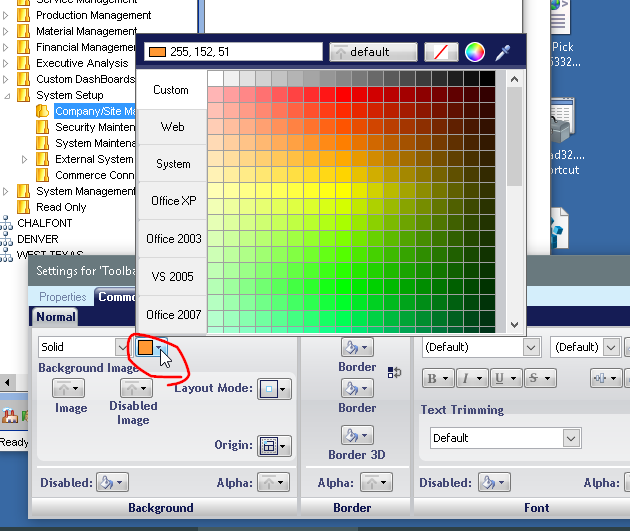
I’ve done this on purpose (with a lime green as the Test environment, and orange for our Upgraded environment that is in the testing phase)
Are you trying to make it the same as the Live environment? Or a different distinct color?
Here’s what I do (from a classic shell Main window):
Options -> Styling -> Runtime styler
Hover over the menu bar area, and hit the 1 key
In the settings for ‘ToolbarDockArea’ window at the bottom of the screen, change the background
In the Runtime Stylist, click Save As and svae the ISL file.
You’ll then need to use Theme Maintenance to set create a theme using that saved ISL, and then make that distributable, and the default.
1 Like
jbrekke
October 25, 2019, 12:00pm
3
Thanks Calvin! I’ll check it out.