Reading values passed in URL to application

Ended up not working unfortunately -

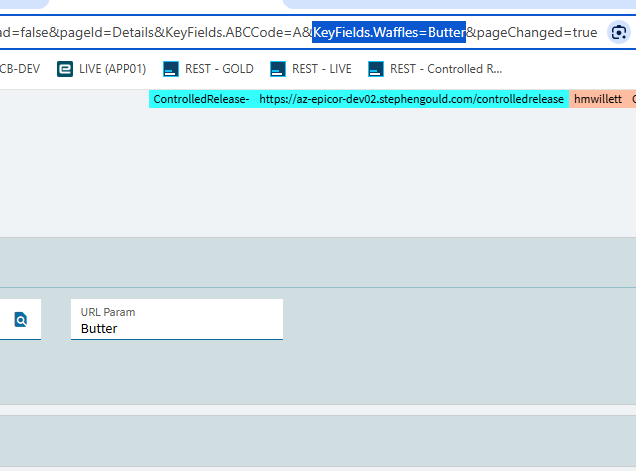
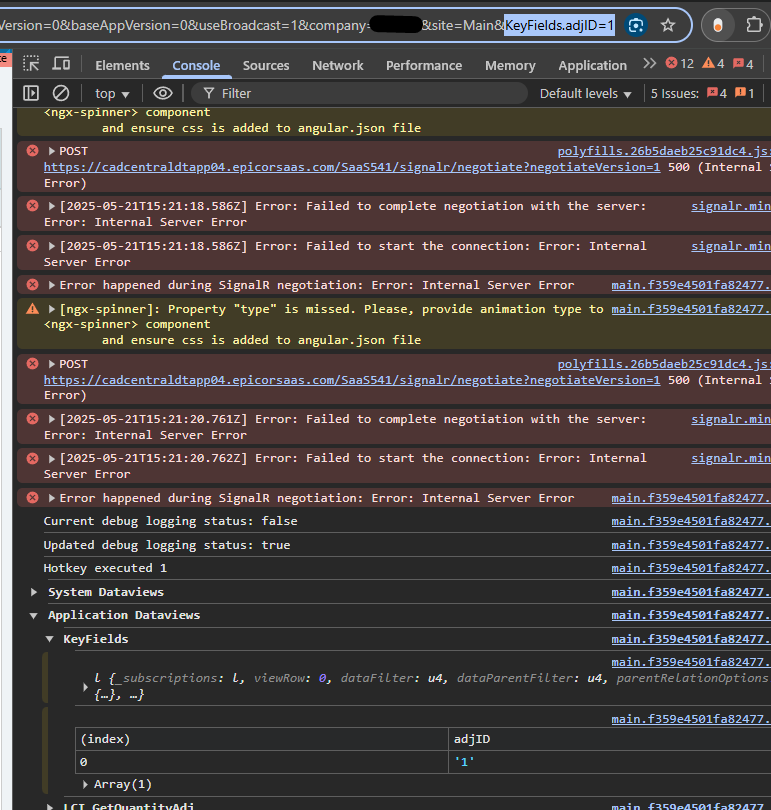
url
image

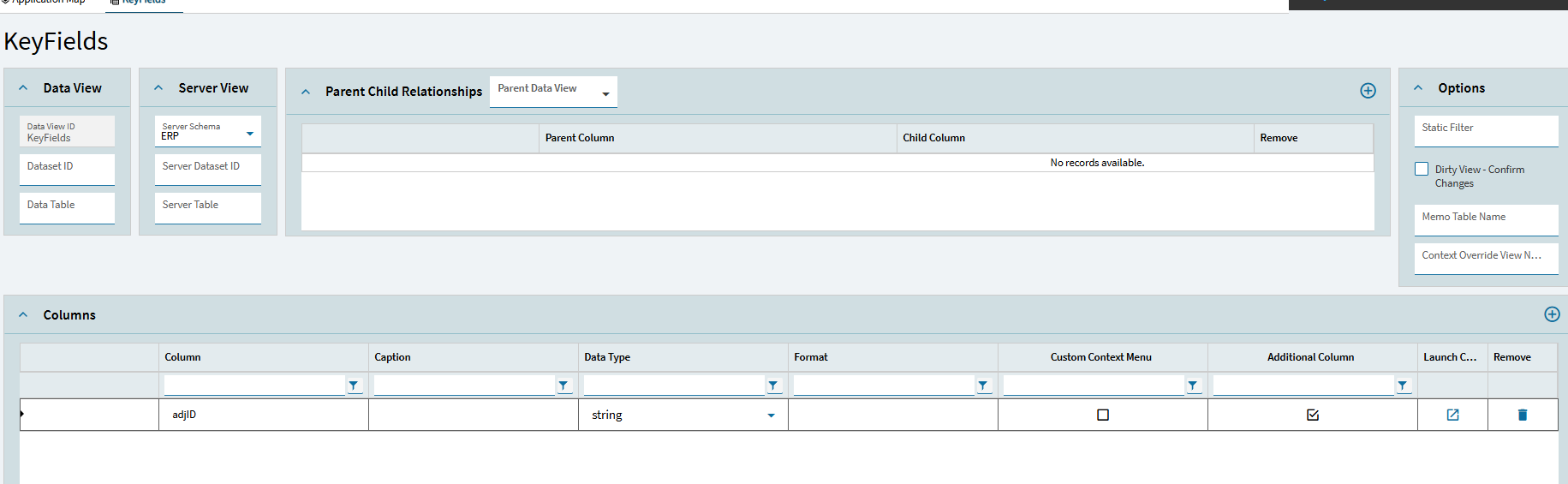
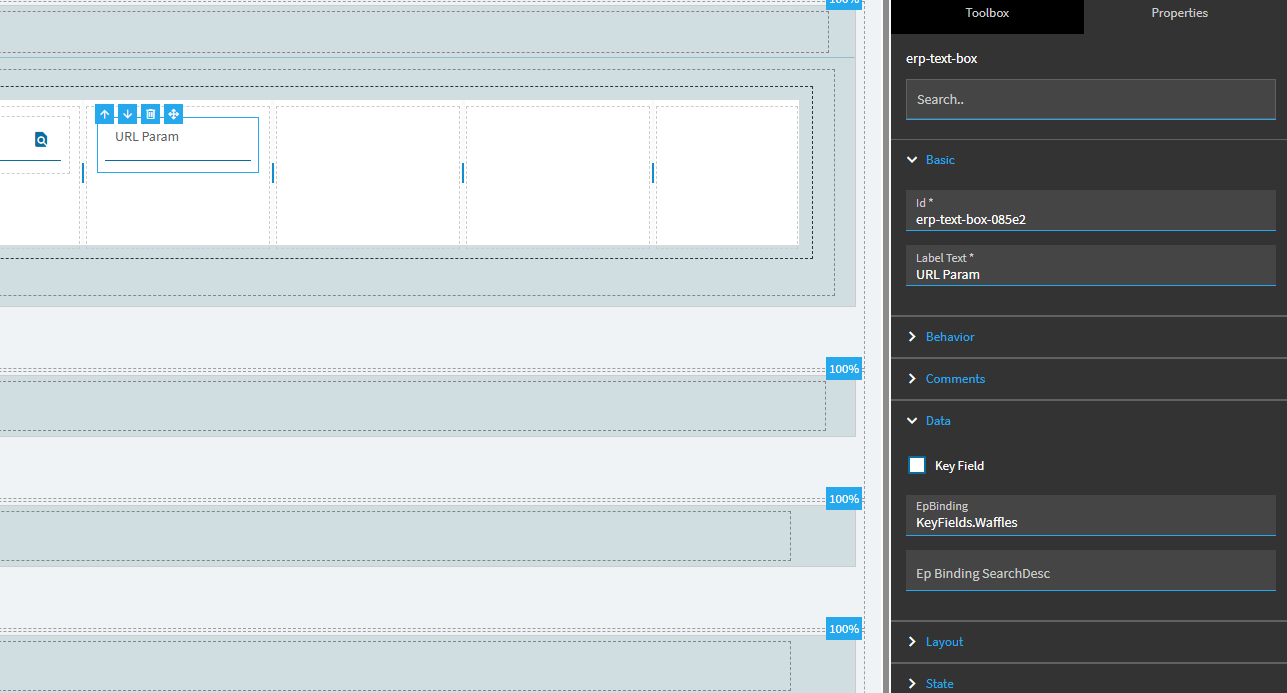
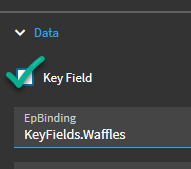
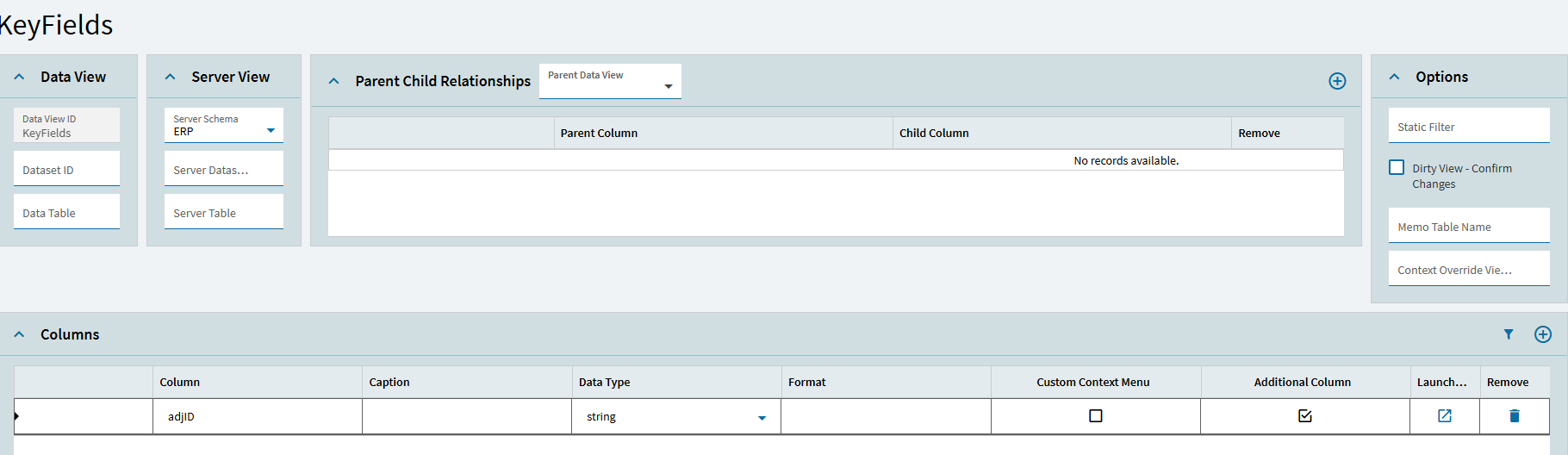
keyfields

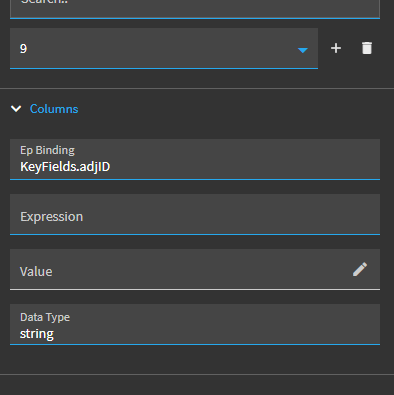
keyfields setup

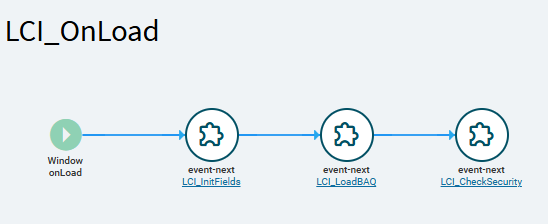
on window load:

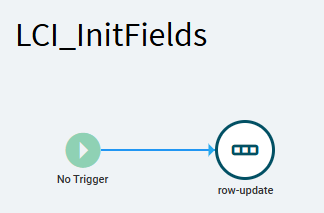
LCI_InitFields - onload event

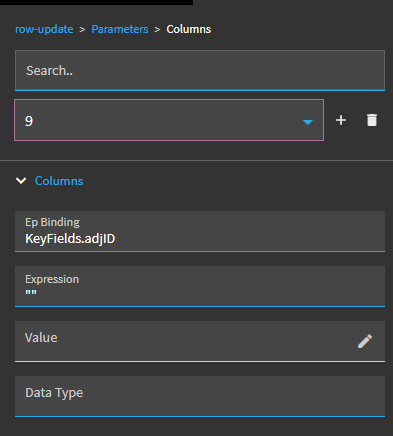
Initialization inside row-update

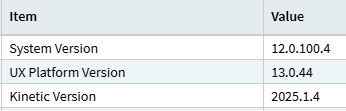
Epicor version:


Hosting = PublicCloud

I am also testing this in our pilot environment - not sure if this could be a cause?

Are you pasting the URL into a new window? Just typing the params in at the top and hitting enter doesn’t always trigger it. The surest way is to open a new tab and paste the whole thing there.

Just did a quick test in my 2025.1 and it worked fine.

Yes - pasting into a new window. I noticed that my page does not even re-load if I changed the URL and hit enter so I have been testing with a new window throughout the process.

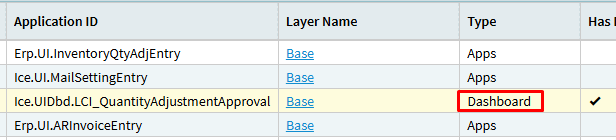
Could this be because I am using a ‘dashboard’ application? Will test in a new ‘Apps’ type application

I wonder if your Init event is just overwriting it.

Remove that–you shouldn’t need it for a KeyField, but be sure to check the Key Field checkbox on your control.

Possibly.
It’s not working in my dashboard either. Stand by.

Not sure what was different… but tried it again from the start and it worked

The only thing I changed was the initialization:

OLD not working:

WOOP WOOP
thank you for all the help!! :smiling_face_with_three_hearts:

KeyFields is the same:

And now -

Gremlins. :woman_shrugging:

gremlins GIF

Those gremlins are EVERYWHERE when working in IT :sleepy_face:

Gremlins 1984. BAR scene complete in HD on Make a GIF

Actually discovered our Live isn’t in 2025.1.4
Live is currently 2024.1.12, pilot is 2025.1.4 - behaviour seemed different between the two. might do some testing later and update this forum
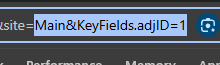
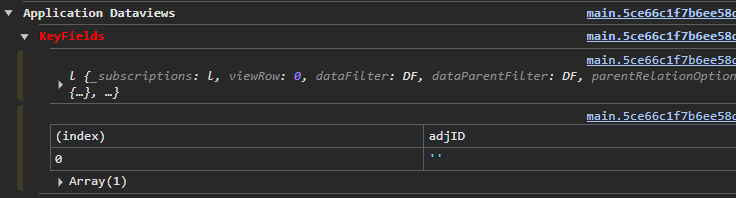
Sad to say that our live environment updated to epi 2025 and this has broken :sob:

I’ve set up a event on a control onInit then used the following javascript to query the URL, then consume that field:

“#((() => { const q = window.location.hash.split(‘?’)[1]; return q ? new URLSearchParams(q).get(‘KeyFields.MyField’) || ‘’ : ‘’; })())#”

Just wanted to add onto this post that the working expressions we used is:

new URLSearchParams(window.location.hash.split(‘?’)[1]).get(‘KeyFields.Column’)