Hey Guys,
Is there anyway to access a kinetic ui object property and set it to a field in Transview to pass to a function?
I’m trying to fire a function off on a dataset but I want to know which row in that dataset I need to use.
In console via epdebug I can see the ‘viewRow’ property but I am not sure how the kinetic pre-built widgets work when trying to access properties rather than UI data.
At the moment I’m try to set a new field in TransView with {DoneView.viewRow} but that is not working. (Done View is the view in Job Receipt To Inventory).
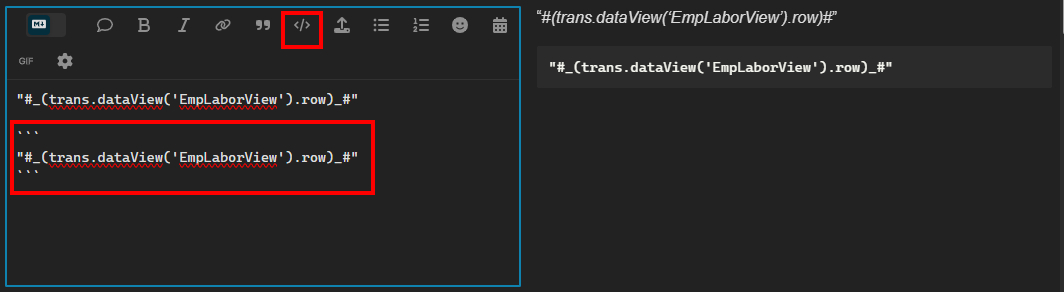
I fought with this for a bit and discovered an omission in the syntax. I needed to capture the row number for later use so I am storing the value for the row number in a TransView field. Using a row-update workflow item, I specify the EpBinding and in the Value property (JSON Editor) I had to use this syntax. be warned, this syntax -
#(trans.dataView(‘EmpLaborView’).row)#
Should actually look like this -